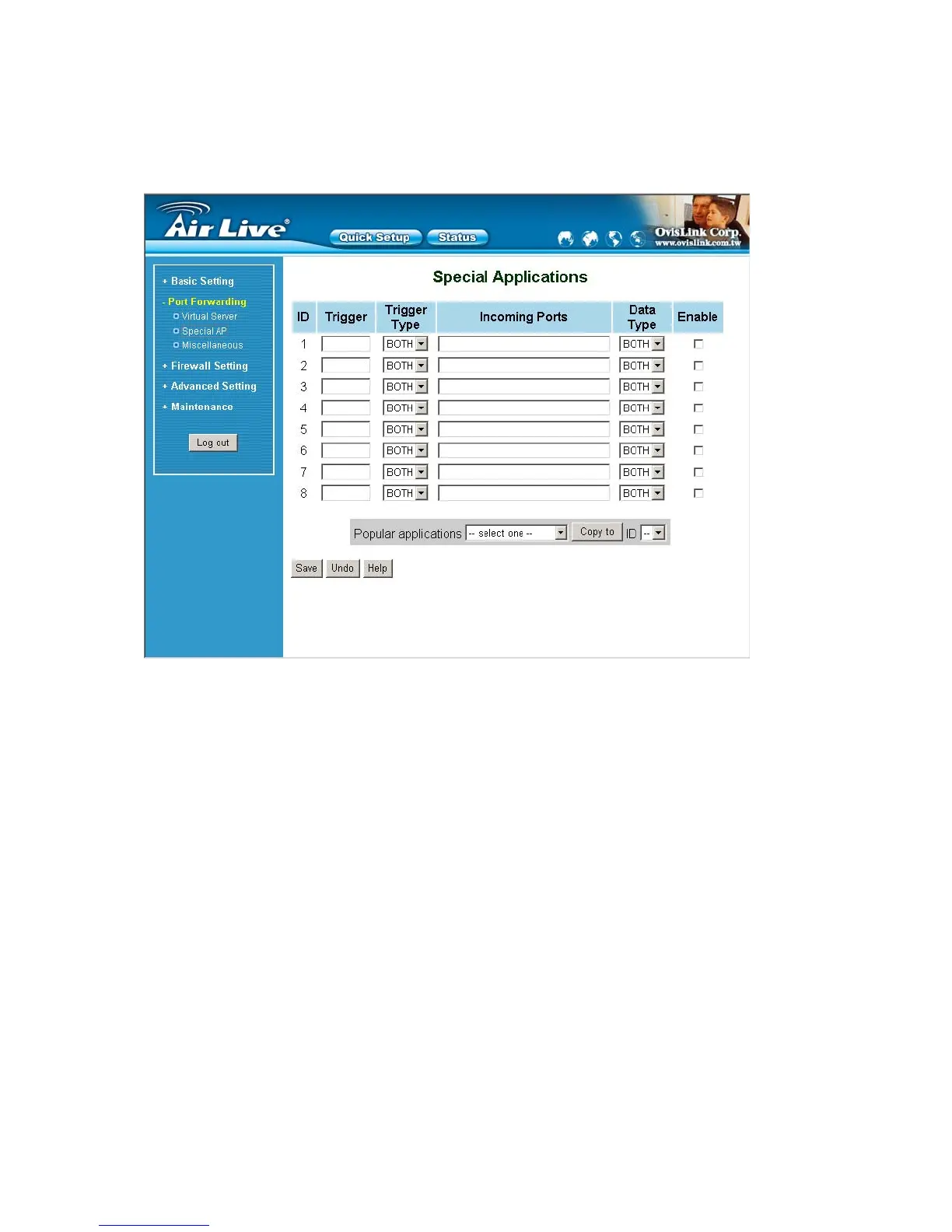
4.5.2 Special AP
Some applications require multiple connections, like Internet games, Video conferencing, Internet telephony, etc.
Because of the firewall function, these applications cannot work with a pure NAT router. The Special
Applications feature allows some of these applications to work with this product. If the mechanism of Special
Applications fails to make an application work, try setting your computer as the DMZ host instead.
1. Trigger: the outbound port number issued by the application..
2. Incoming Ports: when the trigger packet is detected, the inbound packets sent to the specified port
numbers are allowed to pass through the firewall.
This product provides some predefined settings Select your application and click Copy to to add the predefined
setting to your list.
Note! At any given time, only one PC can use each Special Application tunnel.
AirLive WT-200R User’s Manual
32



 To Next Page