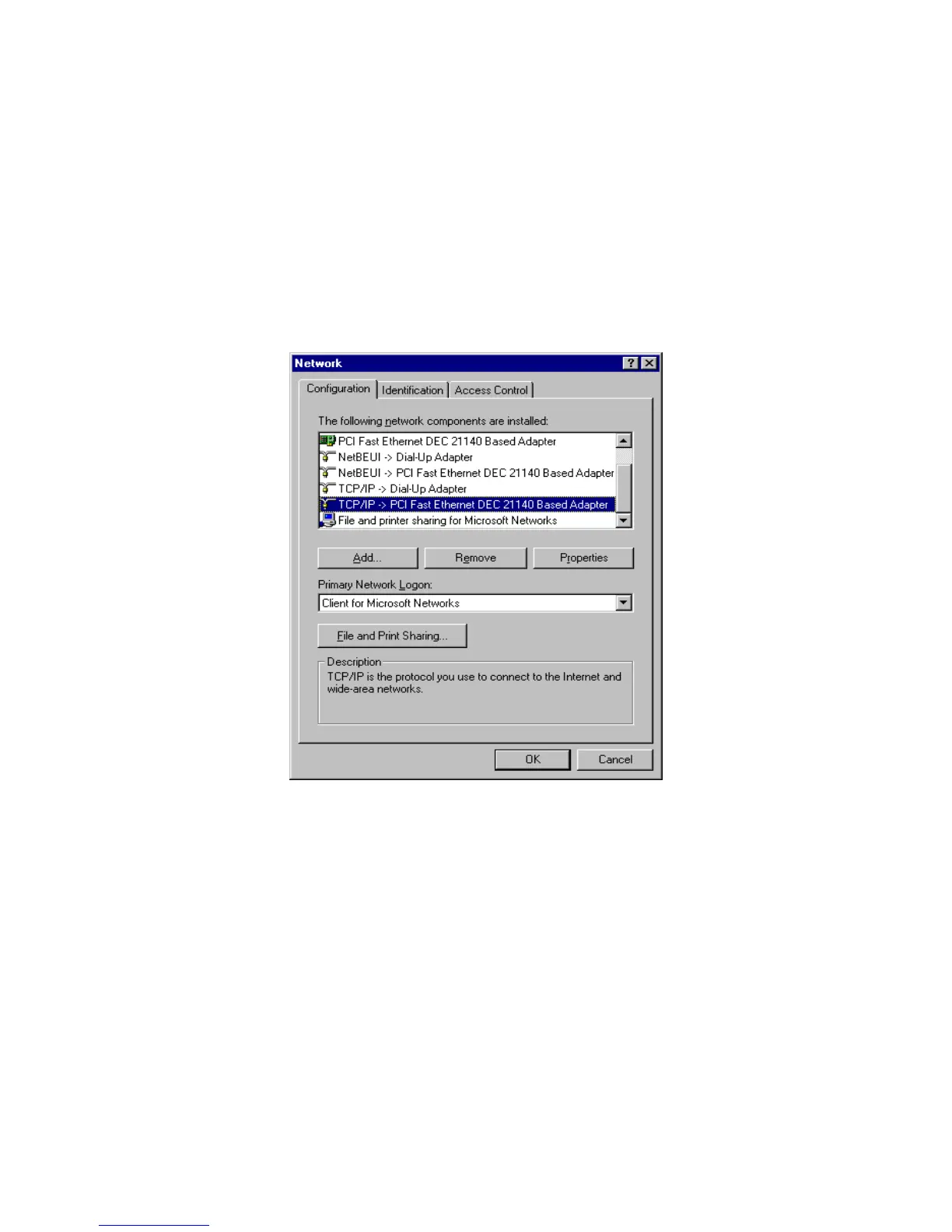
6. The TCP/IP protocol shall be listed in the Network window. Click OK to complete the install procedure and
restart your PC to enable the TCP/IP protocol.
A.2 Set TCP/IP Protocol for Working with NAT Router
1. Click Start button and choose Settings, then click Control Panel.
2. Double click Network icon. Select the TCP/IP line that has been associated to your network card in the
Configuration tab of the Network window.
3. Click Properties button to set the TCP/IP protocol for this NAT Router.
4. Now, you have two setting methods:
AirLive WT-200R User’s Manual
67



 To Next Page