Figure 4: Certificate information on PC1
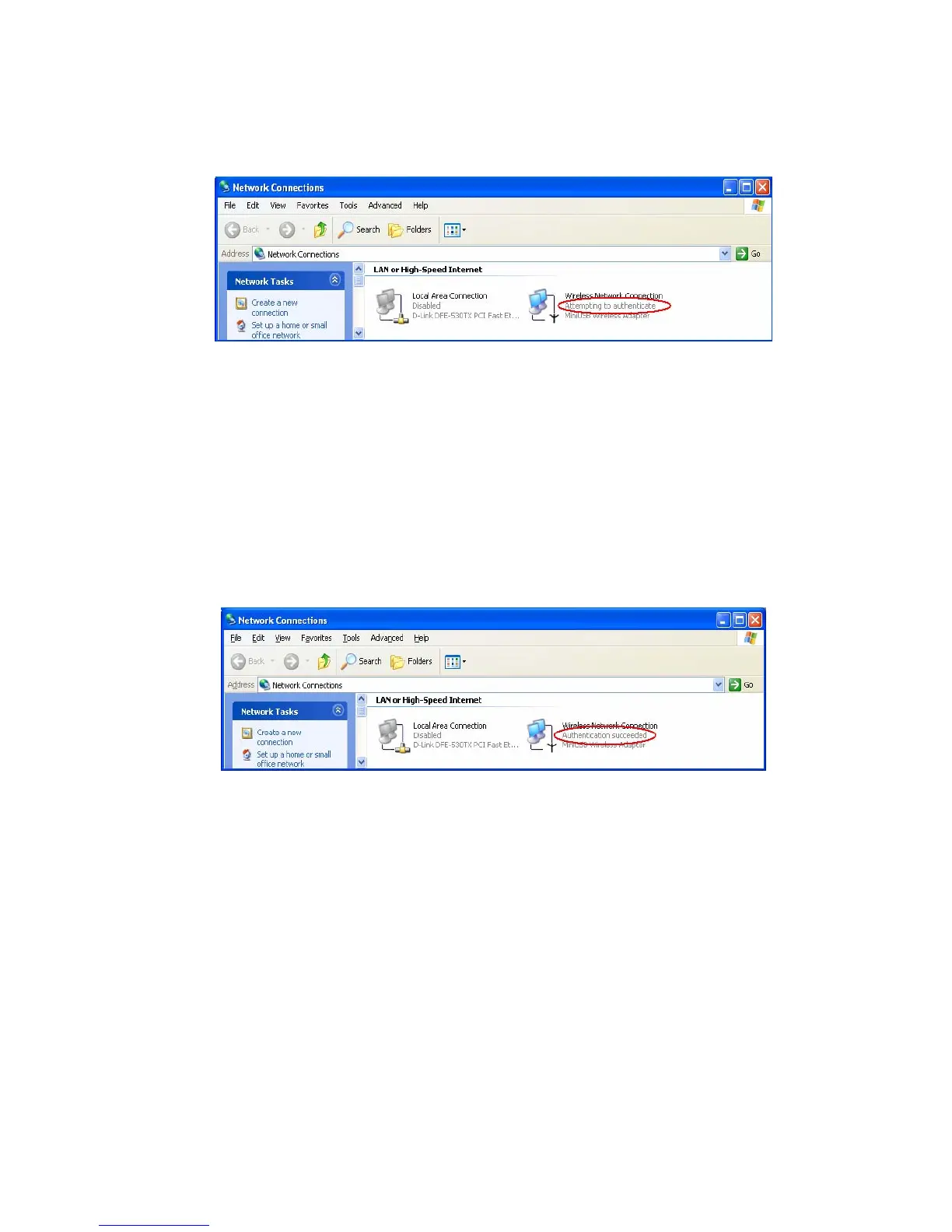
Figure 5: Authenticating
Figure 6: Authentication success
4.2DUT authenticate PC2 using PEAP-TLS.
1. PC2 choose the SSID of DUT as the Access Point.
2. Set authentication type of wireless client and RADIUS server both to
PEAP_TLS.
3. Disable the wireless connection and enable again.
4.The DUT will send the user's certificate to the RADIUS server, and then
send the message of authentication result to PC2.
5. Windows XP will prompt that the authentication process is success or fail
AirLive WT-200R User’s Manual
75



 To Next Page