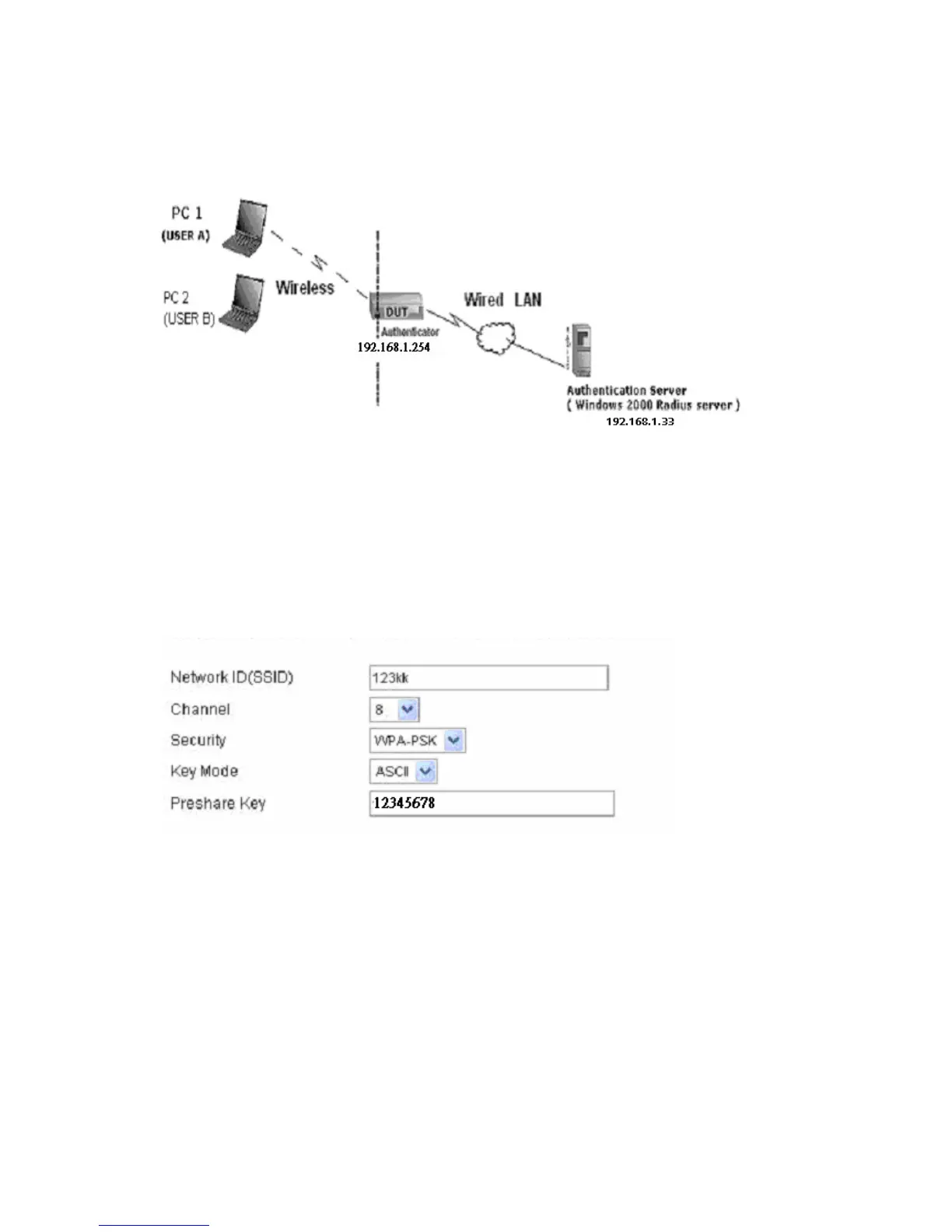
Or Another Configuration:
WPA-PSK
In fact, it is not necessary for this function to authenticate by Radius Server, the client and wireless Router
authenticate by themselves.
Method1:
1. Go to the Web manager of Wireless Router to configure, like below:
2. Go to Odyssey Client Manager, first choose “Network”
Before doing that, you should verify if the software can show the wireless card.
Open “Adapters”
AirLive WT-200R User’s Manual
77



 To Next Page