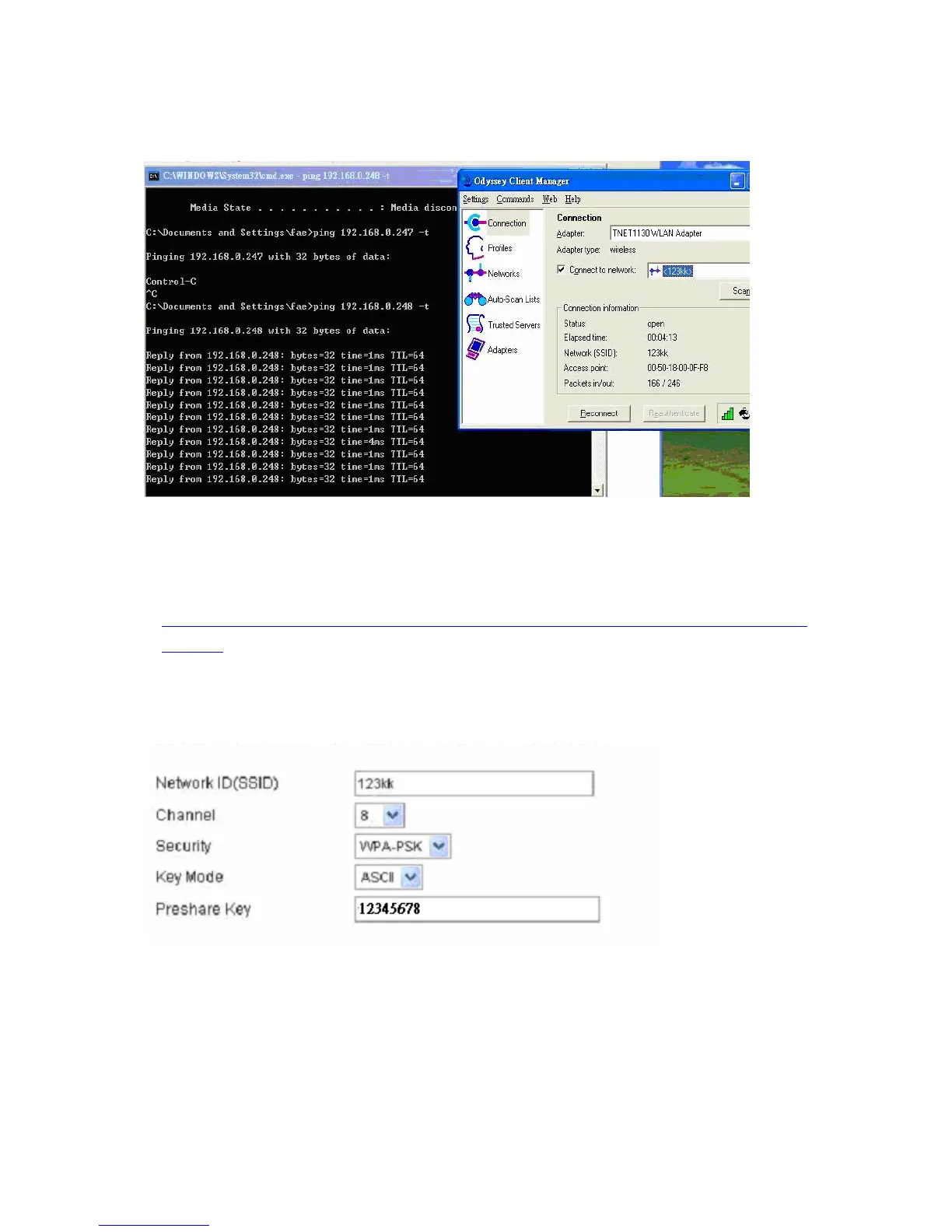
4. Back to Connection:
Then Select “Connect to network” You will see:
Method2:
1. First, patch windows XP and have to install “Service package 1”
Patch:
http://www.microsoft.com/downloads/details.aspx?displaylang=en&FamilyID=5039ef4a-61e0-4c44-94f0-c25
c9de0ace9
2. Then reboot.
3. Setting on the router and client:
Router:
Client:
Go to “Network Connection” and select wireless adapter.
AirLive WT-200R User’s Manual
79



 To Next Page