2. Then Install this certificate and finish.
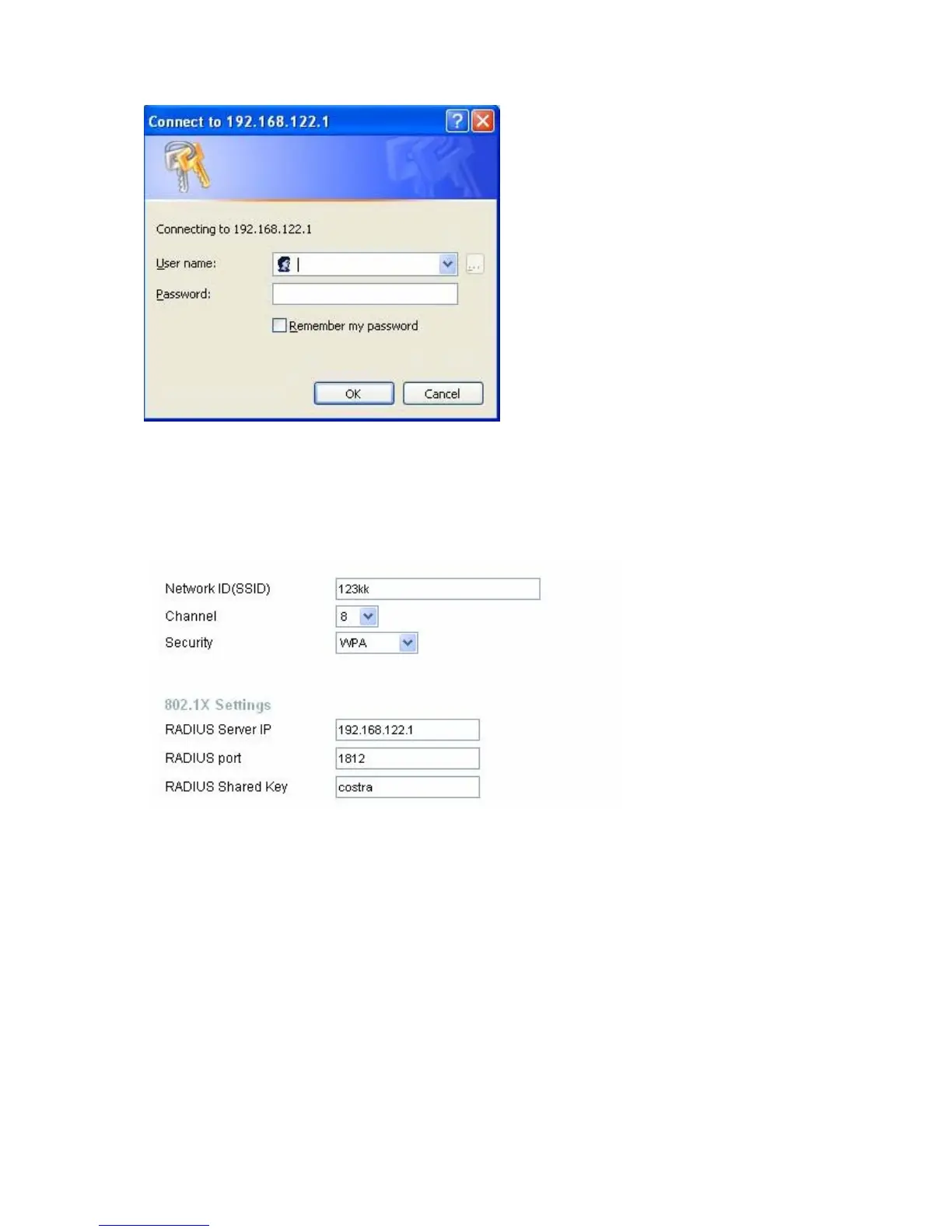
3. Setting on the router and client:
Router:
Client:
Go to “Network Connection” and select wireless adapter.
Choose “View available Wireless Networks” like below:
AdvancedÆ choose “123kk”
Select “WirelessCA and Enable” in Trusted root certificate authority:
AirLive WT-200R User’s Manual
86



 To Next Page