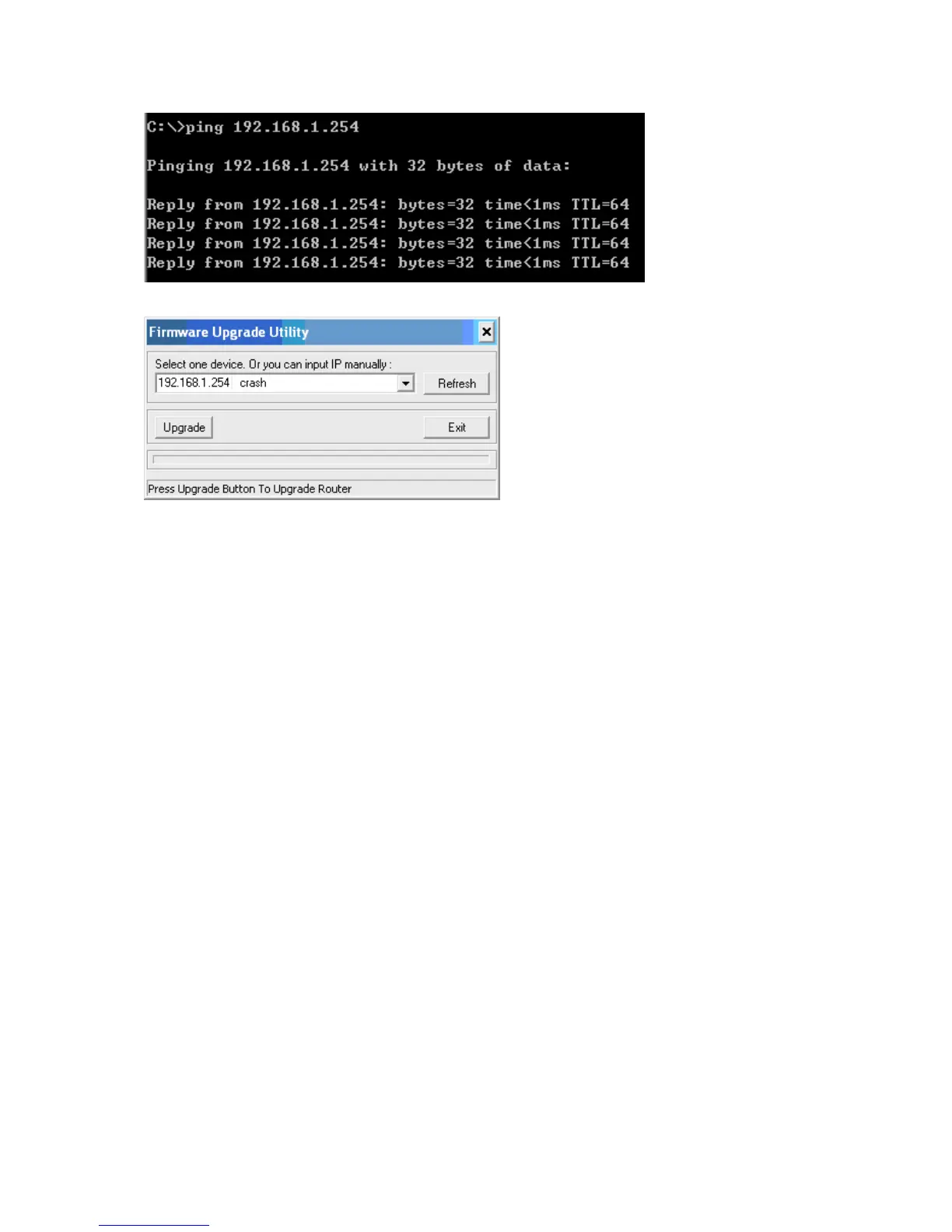
Step3:Please use the exe-file of fw and click as below:
Then click” Upgrade” if necessary, please input password ”admin” .Then reset to default and refer to Q1 How
to connect Router.
However, if those methods can not make the router normal, please send the unit to the seller to check, thanks.
5.Why can I not connect Internet even though the cables are plugged in Wan port and
Lan port and the leds are blink. In addition, Status led is also normal and I can
configure web management?
A: Make sure that the network cable from DSL or Cable modem is plugged in Wan port of Router and
that the network cable from Lan port of router is plugged in Ethernet adapter. Then, please check which wan type
you use. If you are not sure, please call the isp. Then please go to this page to input the
information isp is assigned.
AirLive WT-200R User’s Manual
95



 To Next Page