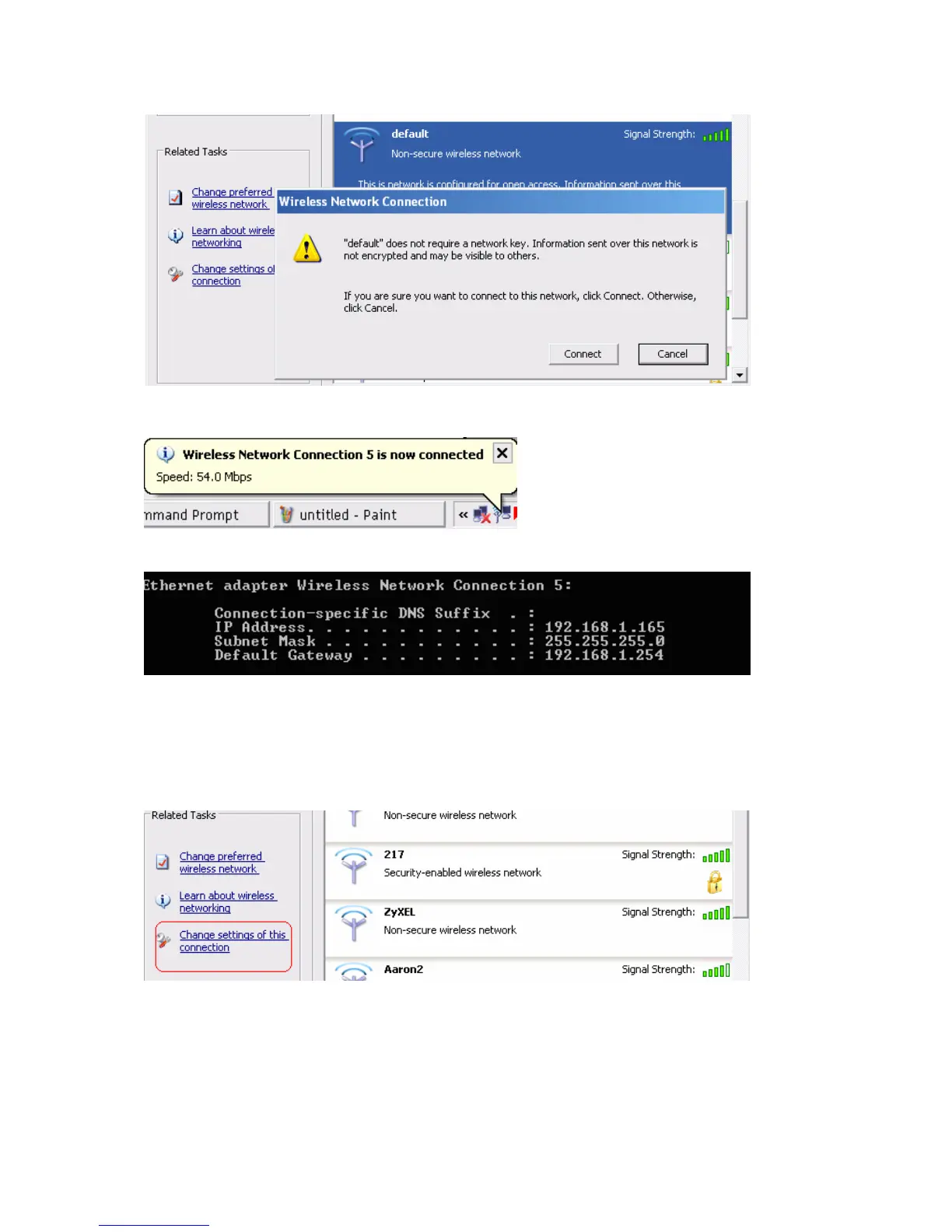
If successfully, the computer will show
and get ip from router:
2.When I use AES encryption of WPA-PSK to connect even if I input the correct
pre-share key?
A: First, you must check if the driver of wireless client supports AES encryption. Please refer to the below:
If SSID is default and click “Properties” to check if the driver of wireless client supports AES encryption.
AirLive WT-200R User’s Manual
98



 To Next Page