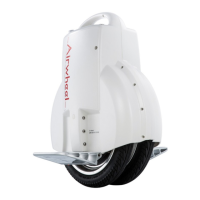
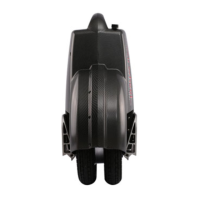
Use a soft cloth or foam chunks to protect the unit against scratches when it's laid flat.
Make sure the battery case is well connected and screws are fastened. Erect the unit
vertically and try to power it on and off to check if the indication panel is working properly.
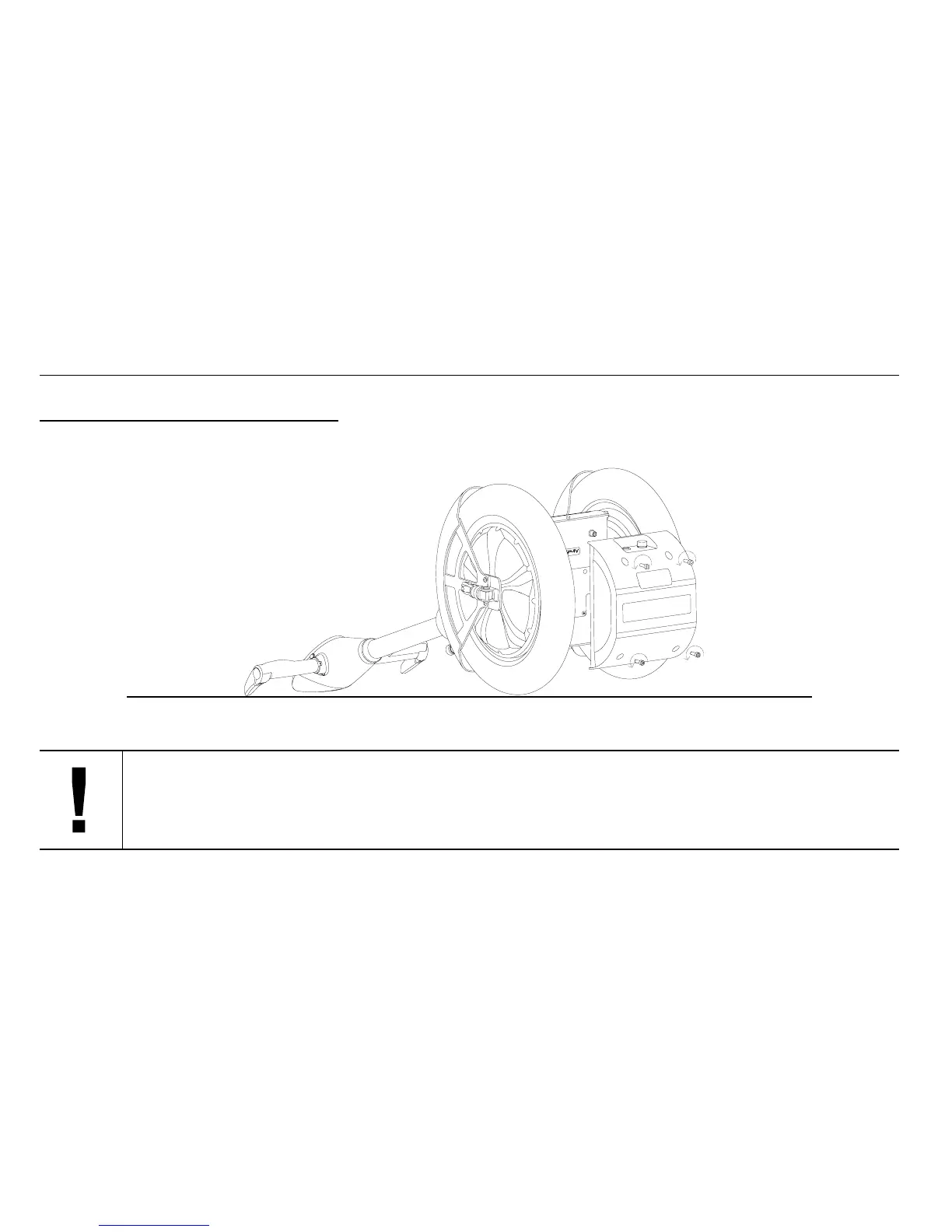
6.5 Remove Battery Pack
Fold up the kick stand and lay flat the unit. Unfasten the four M6*20 hexagon screws with an M5 hexagon wrench. Remove the
battery case and take out the battery pack.
Mail us only the battery case if the battery case needs to repair.


 To Next Page
 Loading...