2
1
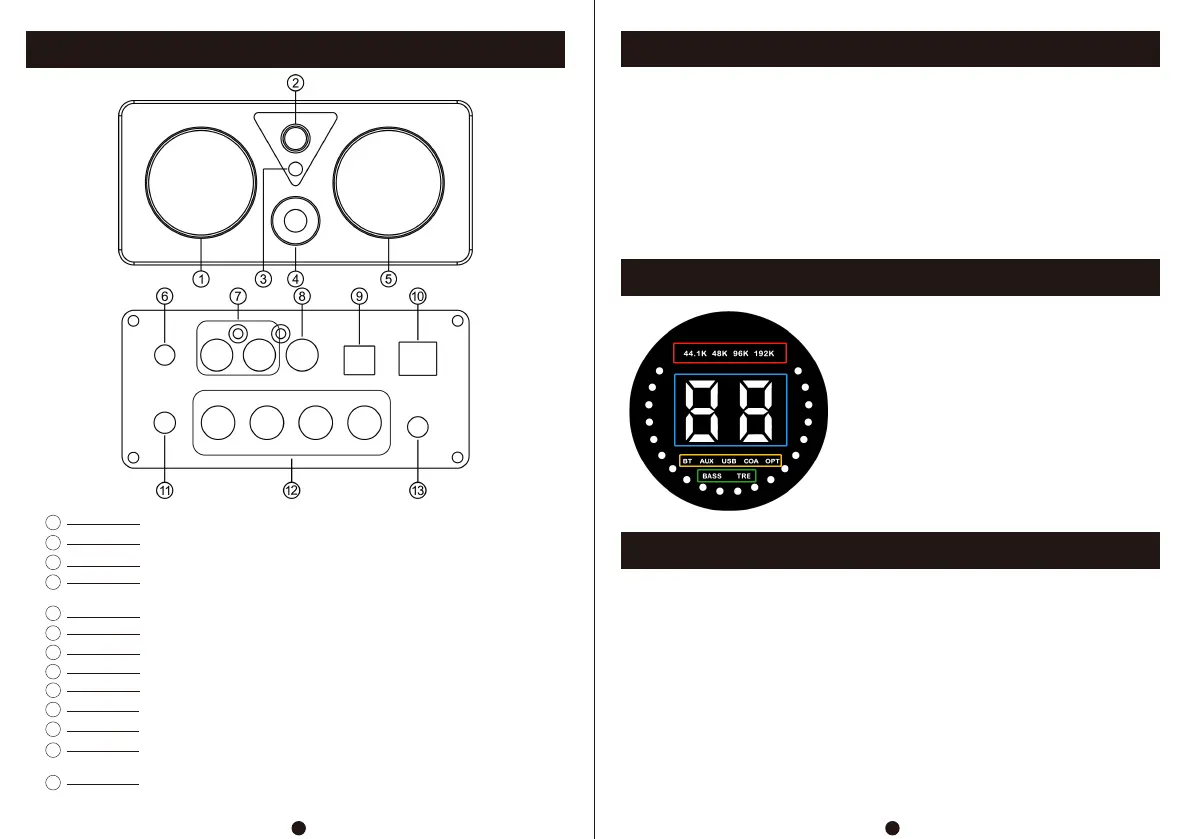
Front And Rear Panel Description
Operation Steps
Display Description Of Segment Code Screen
PC-USB Operation Instructions
2
1
5
6
7
8
3
4
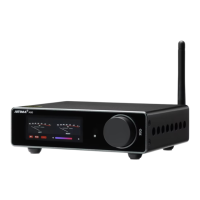
Segment code display screen
On/off/switch channel (short press: on/switch channel; long press: off)
Infrared receiving window
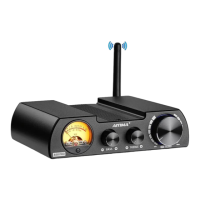
VU level meter
Bluetooth antenna base
RCA input
Coaxial input
9
10
Optical input
PC-USB input
11
AUX Output
12
Speaker interface (red/positive, black/negative; R connected to
right speaker, L connected to left speaker)
13
Power interface (DC voltage range 18-30V)
Encoder knob (turn left and right adjust the volume, short press
mute, double click adjust the volume of treble and bass)
1.Install the matching electronic tube into the electronic tube base according to the direction
(the electronic tube is not divided into left and right, and pay attention to check whether
the pin is deformed).
2.Connect the passive speaker to the speaker interface.
3.Connect the audio source to be used to the corresponding input interface.
4.Connect the power supply (DC voltage range: 18-30V).
5.Start and switch to the corresponding input channel.
6.Turn the encoder knob to the right to adjust the volume to a proper level.
7.Double click the encoder knob to adjust the treble and bass decibels (±9dB).
1.Connect the PC-USB interface to the computer using the USB cable configured by the
Original factory (USB supports hot plugging).
2. Short press the input selection key to switch to PC-USB input, and install the driver on
the PC. (Please contact our company for installation files).
1.Red box: sampling rate
2.Blue box: volume value
3.Yellow box: input channel
4.Green box: left bass, right treble
5.White circle lamp(Beating with the frequency of music)


 To Next Page