1
5
AJA GEN10 HD/SD Sync Generator User Manual — User Controls
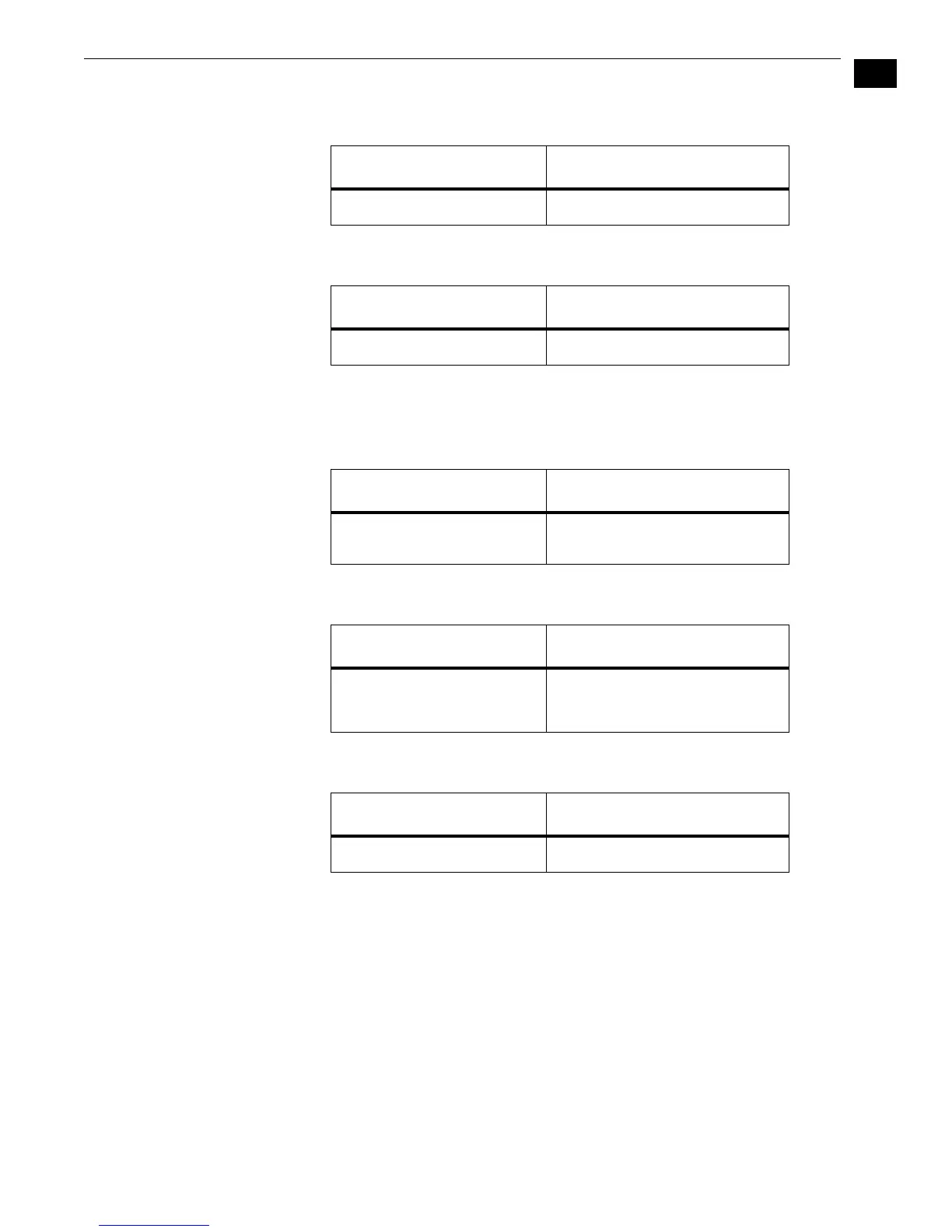
Switch 1 (OUT 1-4)—Switches outputs 1-4 between SD and HD sync
:
Switch 2 (OUT 5-6)—Switches outputs 5-6 between SD and HD sync
:
Switch 3 (SD OUT)—Switches SD output between Color Black and
Color Bars. Also switches AES output between BLK/Silence and
BARS/TONE
:
Switch 4 (FORMAT)—Switches outputs between 59.94/60Hz and 50Hz
:
Switch 5 (HD FMT)—Switches HD between 720 and 1080 formats
:
Switches 6 (S1), 7 (S2), and 8 (S3)—Used for selecting “less popular”
HD Formats
For the most popular HD formats switches 6, 7, and 8 should be set to the default position
(all three switches set to LEFT or “000”, as listed in the chart that follows). Switches 6, 7, and
8 should only be changed to select other HD formats that are more rarely used. The following
chart in Table 1 shows how to select those formats using switches 4 through 8 in
combination.
LEFT (SD) RIGHT (HD)
Selects SD Sync Selects HD Sync
LEFT (SD) RIGHT (HD)
Selects SD Sync Selects HD Sync
LEFT (BLACK) RIGHT (BARS)
SD Output is Color Black
AES-11 output is silent
SD Output is 75% Color Bars
AES-11 output with tone
LEFT (59.94) RIGHT (50)
Select NTSC related frame
rates (for true 60/24Hz see
chart that follows)
Select PAL related frame rates
LEFT (1080) RIGHT (720)
Select 1080 line formats Select 720 line formats



 To Next Page