EasyManua.ls Logo

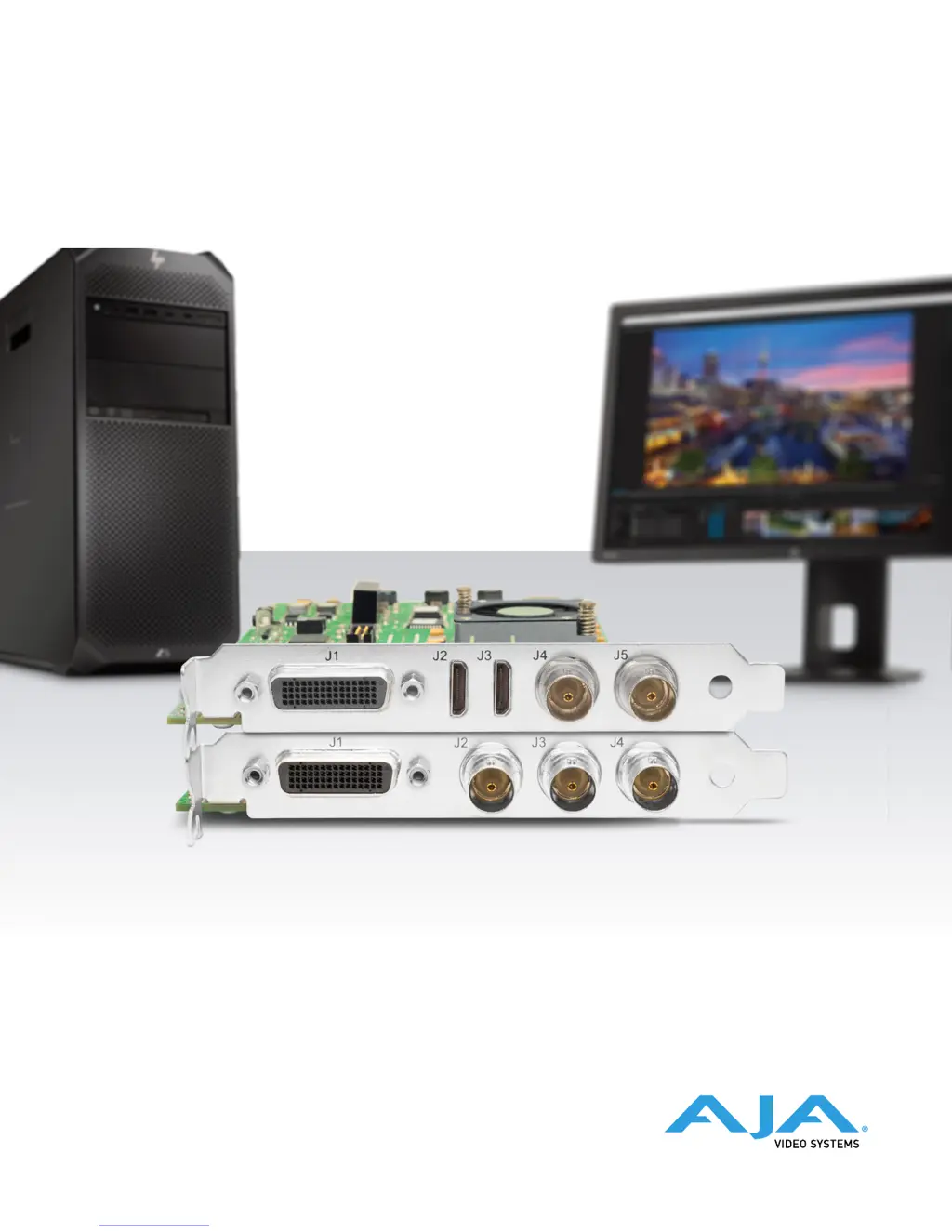
AJA KONA LH - User Manual

AJA KONA LH
66 pages
Print Icon
To Next Page IconTo Next Page
Loading...
KONA LH
Capture, Display, Convert
Version 15.0
Published November 9, 2018
Installation and Operation Guide

Table of Contents

Questions and Answers

  • M
    Maurice WardSep 23, 2025
    Why does AJA PCI Card video stutter during playback?
    • B
      Brandi CochranSep 23, 2025
      If you are experiencing video stutter during playback with your AJA PCI Card, it could be due to the RAID's inability to sustain the data rate.
  • M
    Melissa SchmidtAug 25, 2025
    How to fix AJA Video Card dropped frames due to Disk RAID?
    • M
      Michael LarsenAug 25, 2025
      If your AJA Video Card is experiencing dropped frames because the Disk RAID cannot keep up, ensure the disk system is providing at least 50 MB/ second sustained transfer rate.
  • S
    Sylvia MccallAug 25, 2025
    What to do if AJA KONA LH drops frames during record?
    • D
      Dennis MccoyAug 26, 2025
      If you're getting dropped frames during recording with your AJA Video Card, it might be due to the RAID not sustaining the data rate or virus checking software running in the background. Try disabling any virus checking software. Also, ensure that the scratch drive is correctly set to the RAID.
  • D
    dana04Aug 27, 2025
    Why is video frozen during playback on my AJA KONA LH?
    • N
      Nicole SanchezAug 27, 2025
      If the video in the canvas stays frozen during playback on your AJA Video Card, it could be because the sequence setting does not match the 'playback output setting'. Alternatively, the Canvas/Viewer zoom setting may exceed the fit-to-window setting. Change to 'Fit-to-Window'.
  • R
    Rebecca RogersAug 27, 2025
    Why is the video output black on my AJA KONA LH Video Card?
    • C
      Carlos KellyAug 27, 2025
      A black video output on your AJA Video Card can occur if the external video is set to 'No Frames' (View -> External Video) or if the 'Playback output setting' found at FCP Audio Video Settings -> AV Output is set to 'none' or to a non-KONA 3 device.
  • S
    Stephanie BarnettSep 14, 2025
    What to do if AJA PCI Card has dropped frames during record?
    • T
      Tracey BrightSep 14, 2025
      If you are experiencing dropped frames during record with your AJA PCI Card, one potential cause is virus checking software running in the background. Try disabling it to resolve the issue. Another potential cause is that the scratch drive is not set to the RAID.
  • N
    Nicole MartinezSep 12, 2025
    What does the red render bar mean on AJA Computer Hardware?
    • T
      townsenddawnSep 12, 2025
      If a red render bar appears when placing a clip on a sequence in your AJA Computer Hardware, it indicates that the sequence setting does not match the clip setting.
  • B
    bmorrisonSep 13, 2025
    How to reset Final Cut Pro configuration on AJA Computer Hardware?
    • A
      Amber ClaytonSep 13, 2025
      To reset Final Cut Pro to its factory default state on your AJA Computer Hardware, locate the 'Final Cut Pro Preferences' file (Macintosh HD/users/username/library/preferences/final cut user data), drag it to the Trash Can, and restart Final Cut Pro. This will allow you to re-enter your desired KONA 3 input format and system scratch disk.
  • C
    Christine HendricksSep 5, 2025
    Why AJA PCI Card disk RAID cannot keep up?
    • T
      Thomas CoffeySep 5, 2025
      If your AJA PCI Card disk RAID cannot keep up (e.g., dropped frames), ensure the disk system is providing at least 50 MB/ second sustained transfer rate.
  • B
    Billy WyattSep 2, 2025
    What to do if AJA PCI Card is dropping frames during playback?
    • S
      Sheryl WalkerSep 2, 2025
      If your AJA PCI Card is dropping frames during playback, it could be due to several reasons. One reason could be that virus checking software is running in the background; if so, disable it. Other potential causes include: * The Canvas/Viewer zoom setting exceeds the fit-to-window setting: Change to 'Fit-to-Window.' * RAID cannot sustain the data rate of the clip/ sequence. * The sequence setting does not match the 'playback output setting' found at FCP Audio/ Video Settings -> AV Output. * Scratch drive not set to the RAID.

AJA KONA LH Specifications

General IconGeneral
BrandAJA
ModelKONA LH
CategoryVideo Card
LanguageEnglish

Related product manuals