Part 2: Navigang the MPC
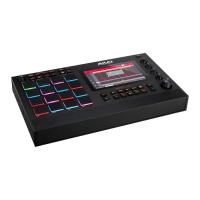
Navigate the MPC live by using the touch screen or scrolling through selecons with the large dial on the
boom right and clicking to select opons on the screen.
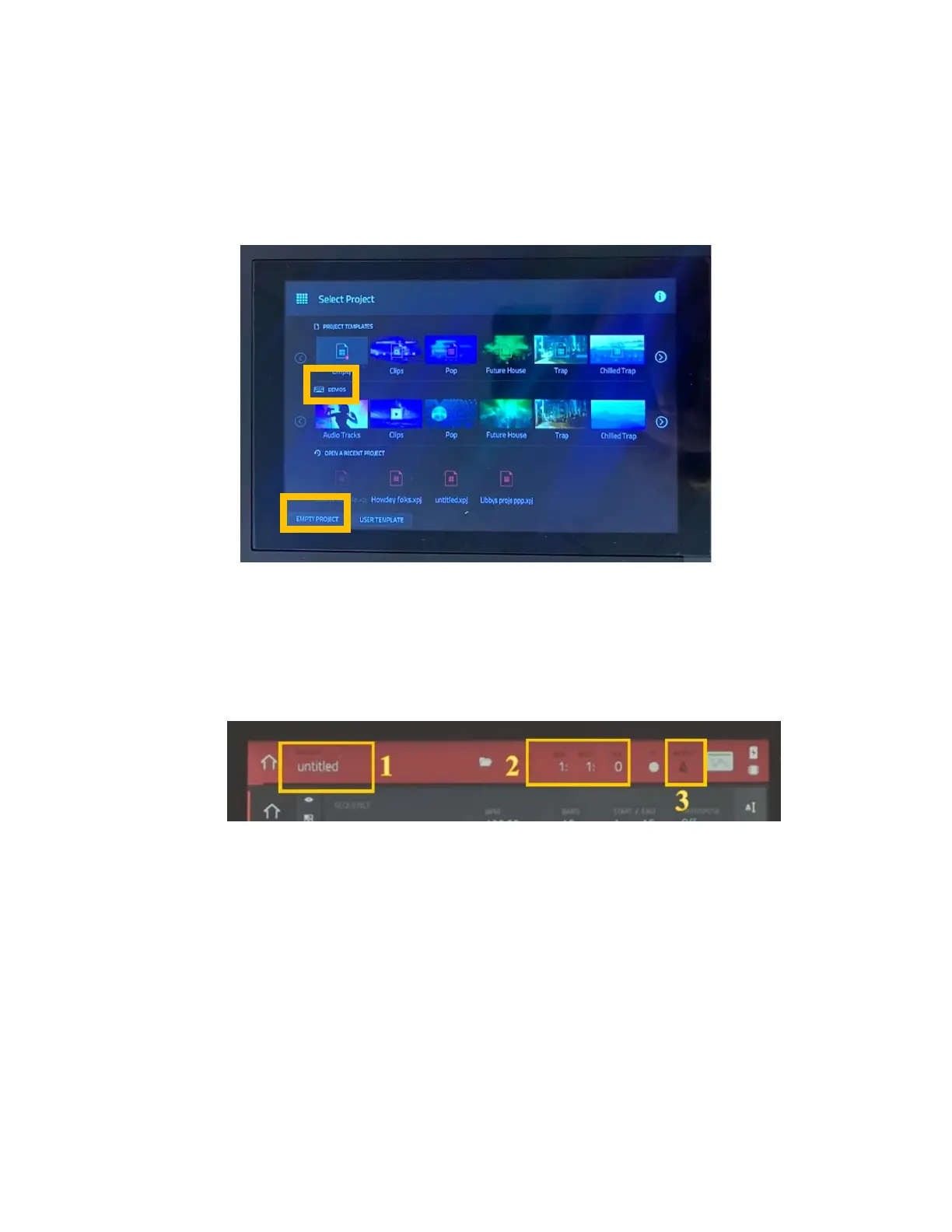
Project Selecon Page:
1. The project page has the opon to play around with premade demos or create your own project. Demos will
already have drum kits, sounds, and samples loaded and are a great place to start.
2. Click on empty project to start from scratch.
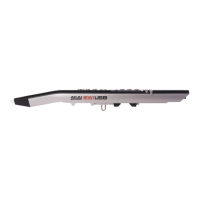
Project Home Page, Top Bar:
1. Project tle: to change the tle, locate the row of buons below the screen. Select menu > save > project as. Only
save projects on your SD card. Any projects saved internally will be deleted.
2. Playback ming: This shows what measure and beat is being played during playback or eding.
3. Metronome: click on this to pull up the metronome menu. From there you can turn the metronome on or off,
change the sound, rate, and recording sengs.


 To Next Page