Project Home Page, Sequences, and Tracks:
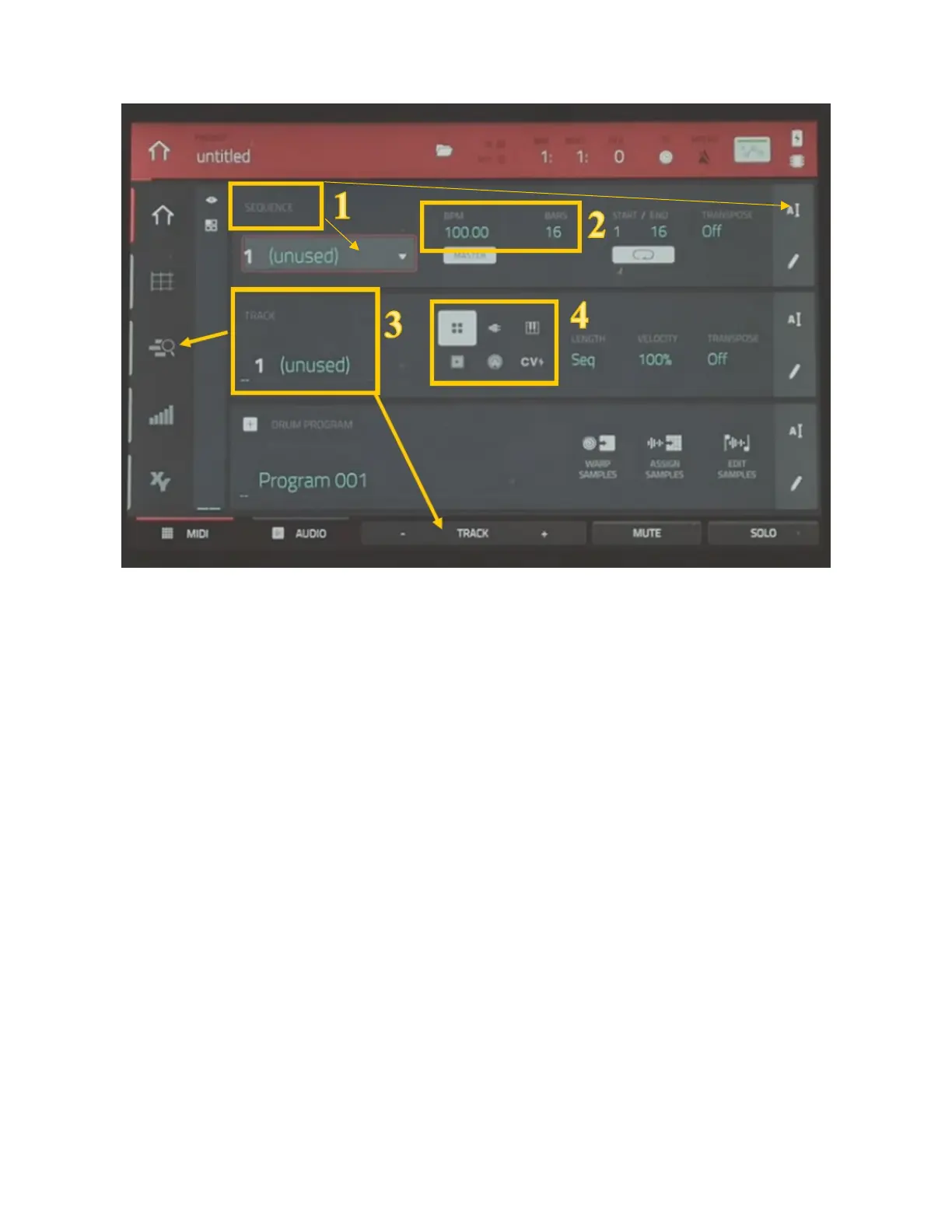
1. Sequence: Sequences make up the building blocks of a song. You could think of sequences as tradional parts of a
song (i.e., verse, chorus, and outro). You can change the name of the sequence to the right and switch between
sequences in the drop-down menu.
2. Tempo and Bars:
a. Change the tempo by lowering or raising beats per minute. BPR is sequence specific, meaning that 2
sequences can have different tempos. You can also use the
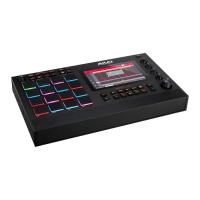
tap buon on the MPC to “tap” out the tempo
of a sequence
. Press the buon 3 mes at your desired tempo, and it will set the BPM to match.
b. Bars are the number of measures in a sequence. These are also sequence specific.
3. Tracks: Use this menu to move between tracks. Tracks with nothing recorded on them will be marked as unused.
You can rename a track just like a sequence. Use the buon at the boom of the page to
add new tracks. For
more details on your recorded tracks select the
track menu to the le.
4. Programs: Each track you create within a sequence is routed through a program. There are six types of programs,
each of which determines how the track sounds or what it is used for. A single project can hold up to 128
programs. Check out the secon on programs in the manual for more informaon.


 To Next Page