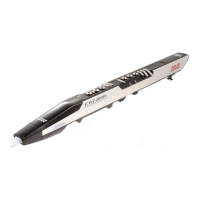
Recording Vocals with the Mic:
Checking the MPC audio sengs:
• Make sure the Focusrite interface
is plugged into input 1 or 2 on the
back of the MPC and that the
sengs specified in secon 1 are
applied.
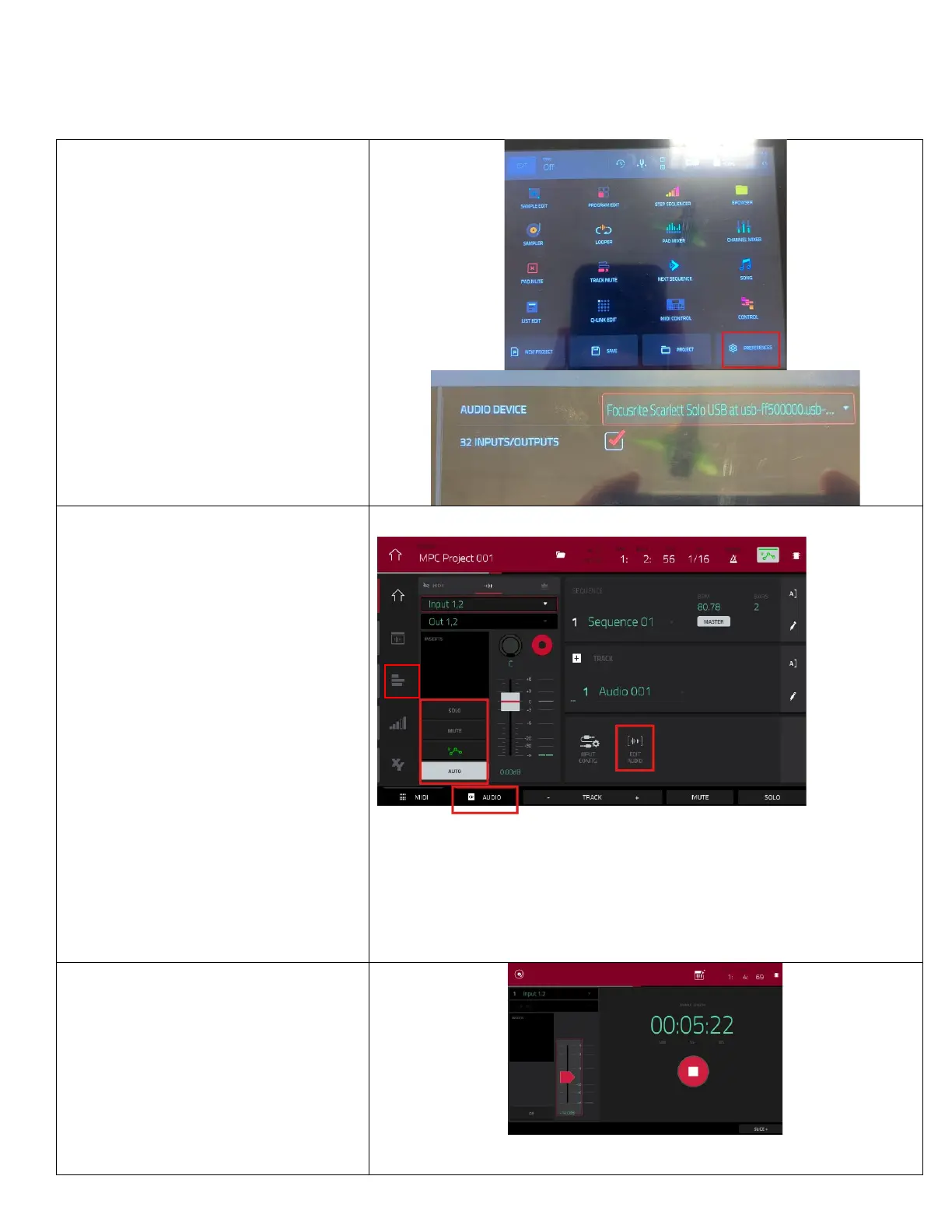
• Go to
Menu > preferences > audio
device.
• Change the audio device from
internal to the Focusrite Scarle
Solo.
•
At this point, sound will run
through the interface so make
sure that your headphones are
plugged into the Focusrite
interface not the MPC.
Hit
to return to the main
view.
• Create a
and select the
buon at the boom of the
page.
• Make sure the sengs below the
inserts box match the picture.
• Record the audio track with
just like the previous tracks.
• Use the
page to trim by
changing when the recording
starts and ends.
• Press the
at the top
le to hide this menu.
• Press
in the boom le to
switch back to the drum and
keyboard tracks.
• Use the
on the le side
to see all your tracks listed side by
side.
Recording with the sampler (oponal):
• Go to
.
• Click the
arm buon and then
record
to start recording.
• When you stop the recording, you
will have the opon to assign the
sample to the drum pad by picking
and a
to
assign that sample to.


 To Next Page