SP2/SP8/SP8-X20 Manual
Updated until firmware 413 - 14 -
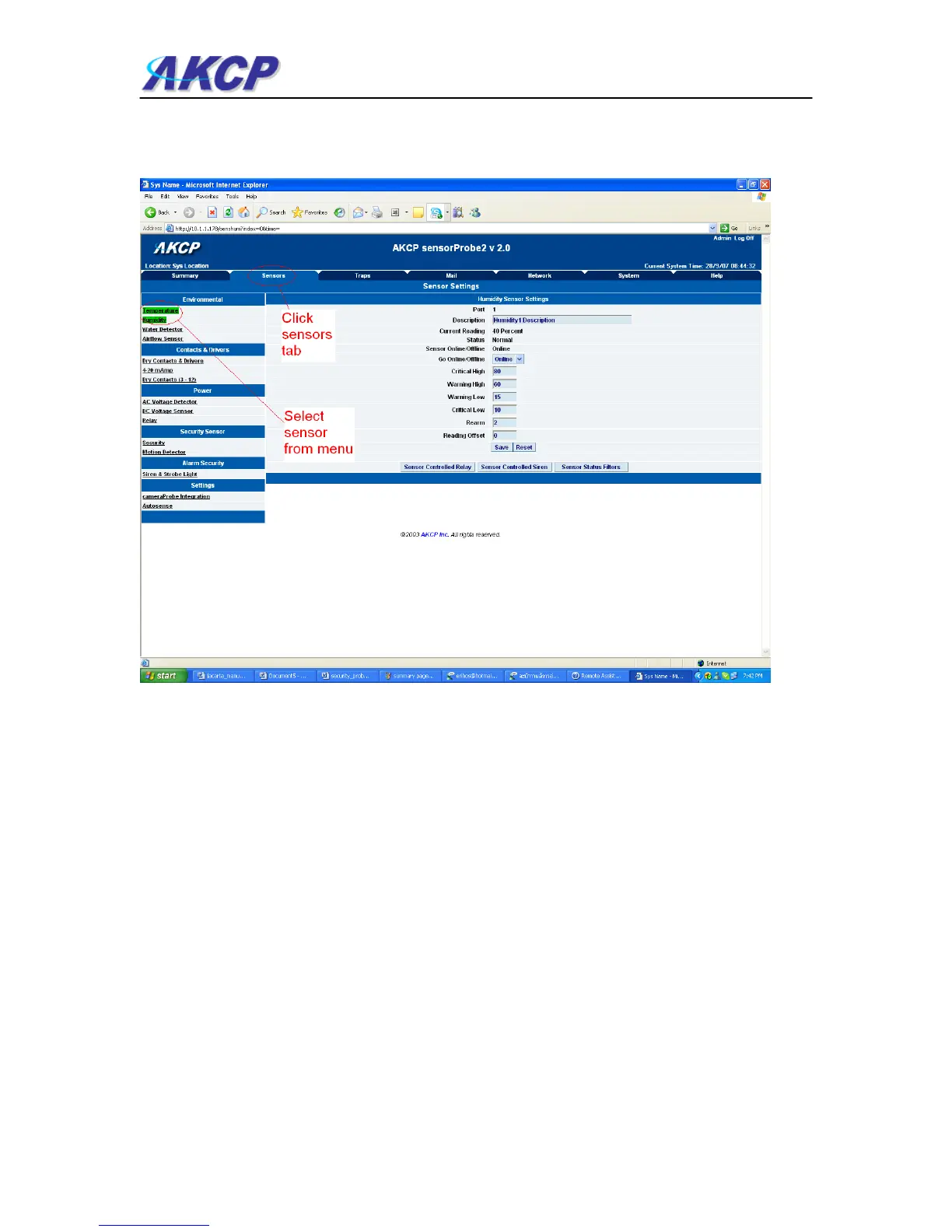
d) From this page select the “Sensors” tab. This will bring you to the following page:-
In this example we have selected the humidity sensor from the sensor menu on the left. The
sensors highlighted in green indicate that they are currently connected to the unit. In this case
you can see there is a temp and humidity sensor connected (dual sensor) and so they are
highlighted in green in the menu.



 To Next Page