SP2/SP8/SP8-X20 Manual
Updated until firmware 413 - 10 -
3. Upgrading the firmware
As we are constantly releasing new firmware with added capabilities it is recommended you
upgrade to the latest firmware. To do this you need to go to our website
http://www.akcp.com/company/firmwareupdate.htm and log in using your MAC address. This can
be found on a sticker on the base of your unit.
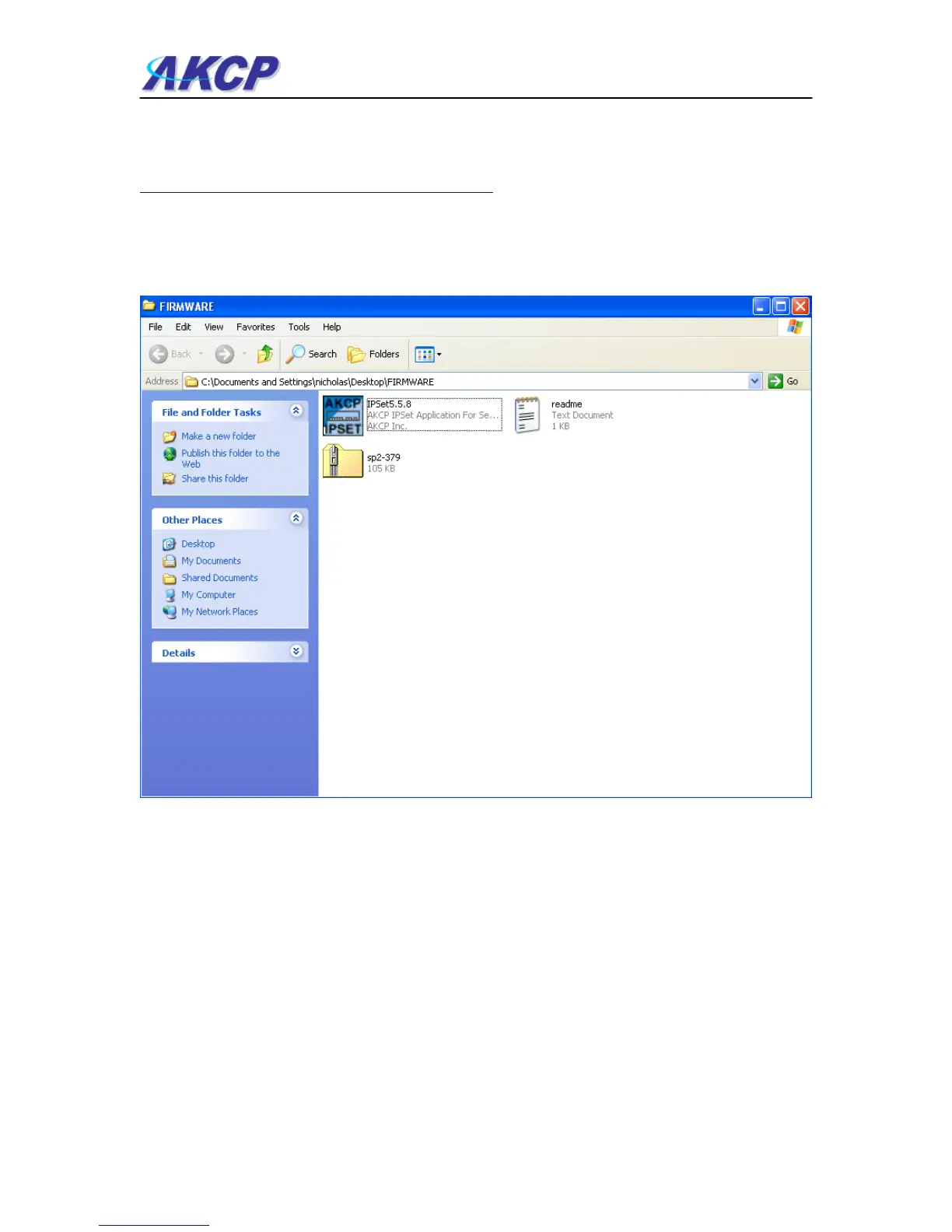
1) When you download your firmware it will come in a zip package. Extract this to your desktop
into a folder named firmware. When you open this folder you will see something like the
following:-
You can see one of these files is a program named IPSet. This utility will upload the firmware to
your unit. Double click the program to boot it.



 To Next Page