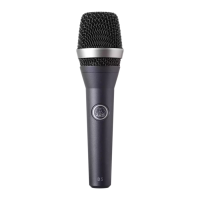
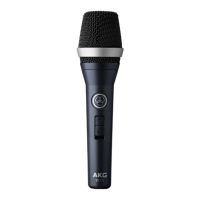
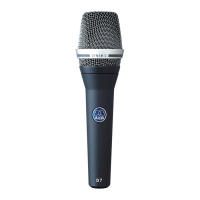
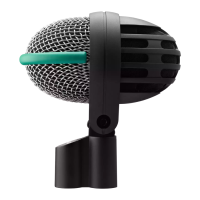
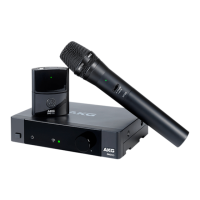
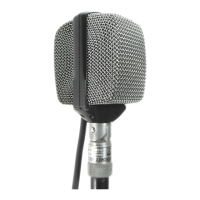
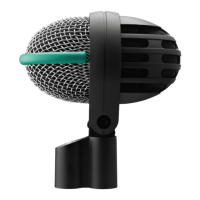
The microphone provides a balanced output on a 3-pin male
XLR connector:
Pin 1: ground
Pin 2: hot
Pin 3: return
You can connect the microphone either to a balanced or an un-
balanced microphone input.
• To connect the microphone to a balanced input (XLR con-
nector), use a commercial XLR cable.
• To connect the microphone to an unbalanced microphone
input (1/4" jack), use a cable with a female XLR connector
and a 1/4" TS jack plug.
Please note that unbalanced cables may pick up interfer-
ence from stray magnetic fields near power or lighting ca-
bles, electric motors, etc. like an antenna. This may cause
hum or similar noise when you use a cable that is longer
than 16 feet (5 m).
2 Interfacing
16
D40



 To Next Page