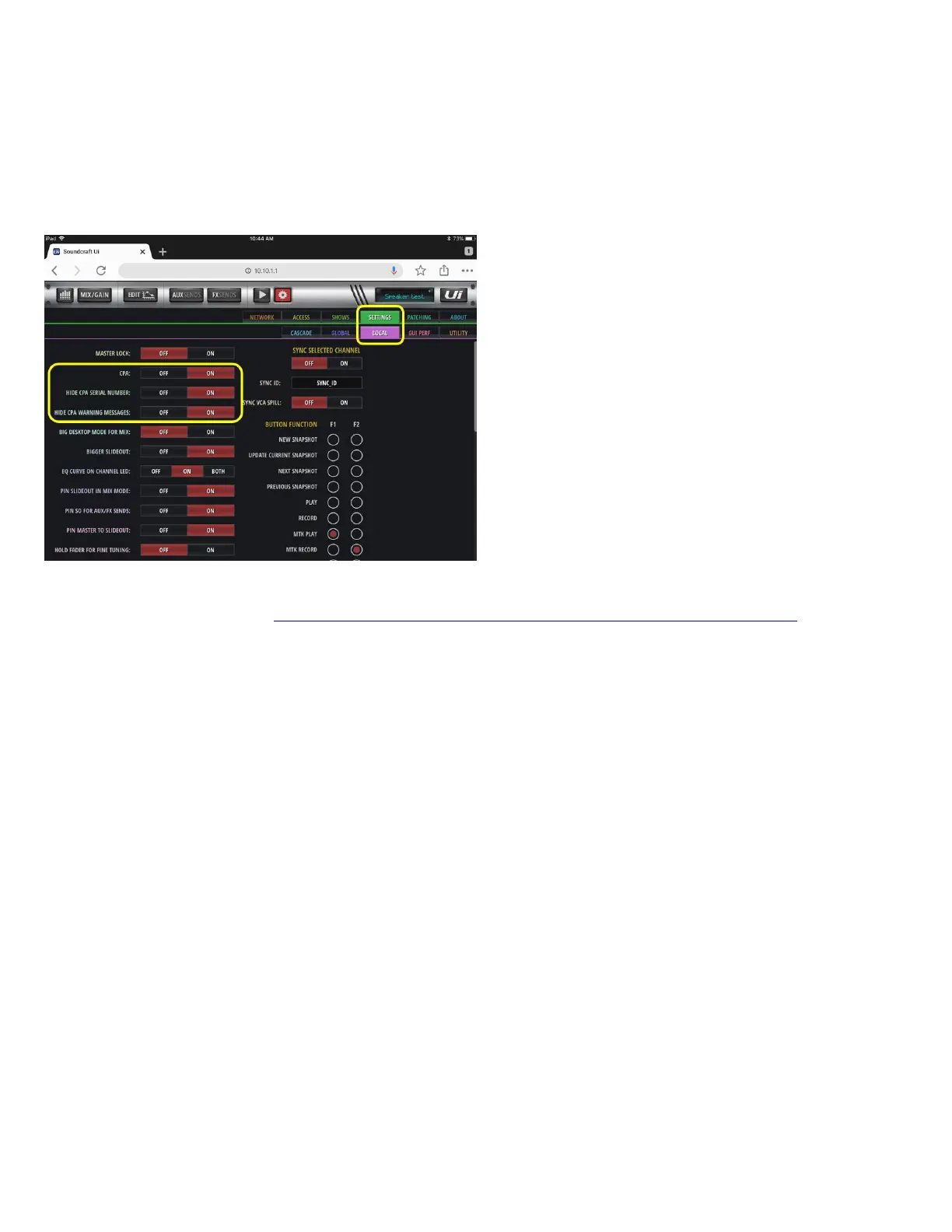
In the Ui24R SETTINGS / LOCAL page, the default settings for CPA, Hide CPA Serial Number and Hide CPA Message are “ON”.
These settings can be changed as follows if desired:
If you change “CPA” to OFF, then no IOSYS channel messages will be displayed.
If you change “Hide CPA Serial Number”, then the product serial number will be displayed in between the model
number and channel ID number at the bottom of the input channel strip.
If you change “Hide CPA Warning Message”, then an “IOSYS” message will flash very briefly across the mixing
window and then disappear.
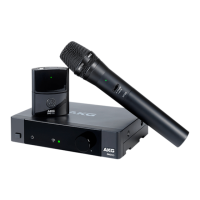
For more information regarding Soundcraft Ui24 integration with DMS100-300 digital wireless microphone and instrument
systems, refer to the user guide: https://www.soundcraft.com/en-US/products/ui24r#downloads_and_docs


 To Next Page