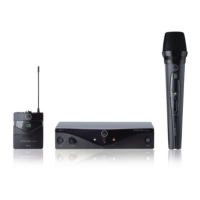
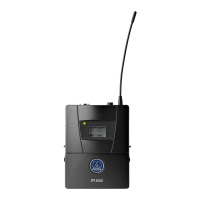
You can use the PT 45 bodypack transmitter with both dynamic microphones and condenser
microphones operating on a supply voltage of approx. 4 V. Naturally you may also connect an
electric guitar, electric bass or keytar.
The PT 45 operates within a switching bandwidth of up to 30 MHz in the 500 to 865 MHz UHF
carrier frequency range and offers up to 8 selectable carrier frequencies.
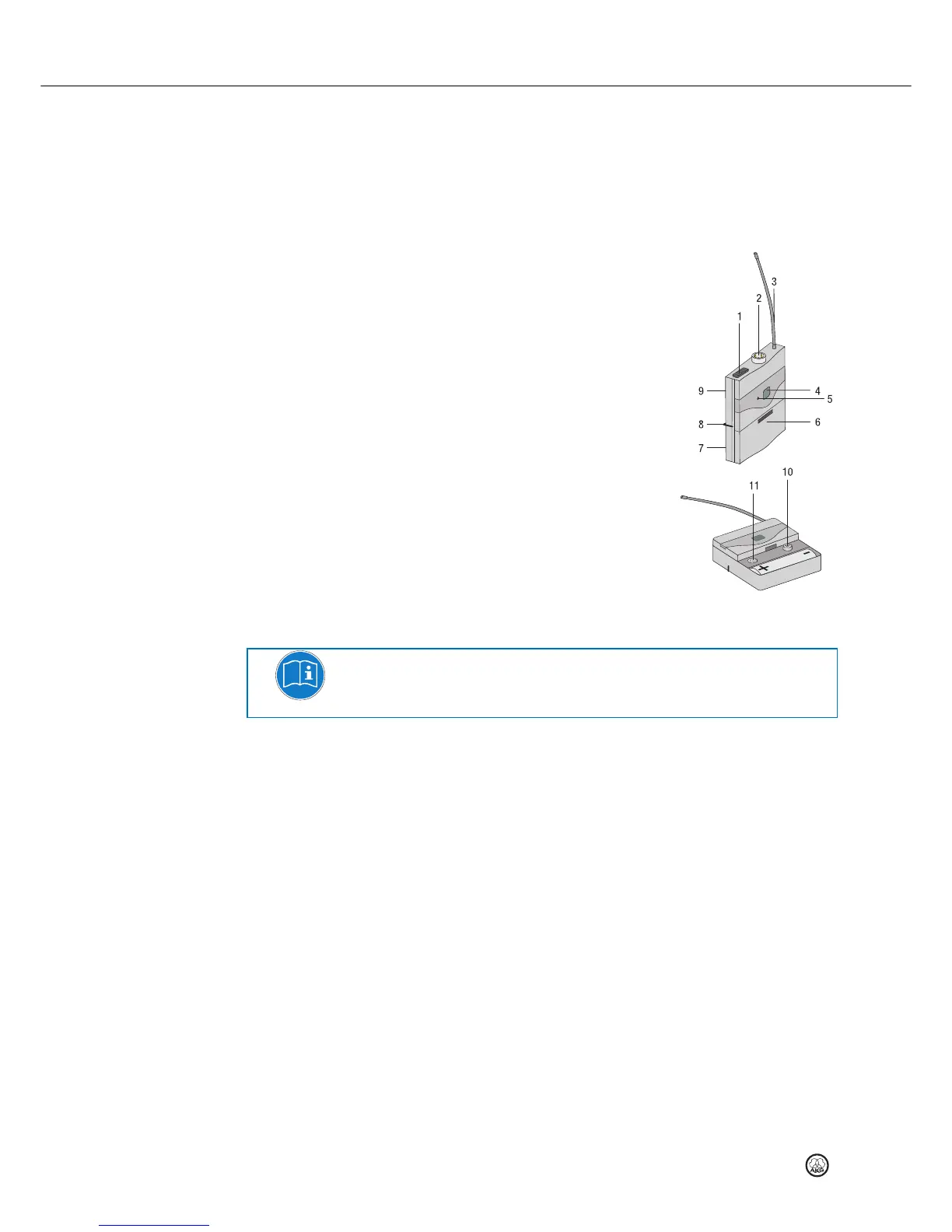
Controls
1 On/off switch: This slide switch has three positions:
ON: Power to the transmitter is on.
MUTE: The audio signal delivered by the microphone or
instrument is muted while power and the RF carrier
frequency remain on.
OFF: Power to the transmitter is off.
2 Audio input: 3-pin mini XLR connector with both mic
and line level pins that automatically match the connector
pinout of the recommended AKG microphones or optional
MKG L guitar cable.
3 Antenna: Permanently connected, flexible antenna.
4 Display: Shows the selected transmitting channel.
5 Status LED: Indicates the transmitter's operating status.
LED lit green: Battery is OK.
LED lit red: From the moment the LED changes to red,
the battery capacity will provide a maximum of one
operating hour. We recommend replacing the battery
with a new one as soon as possible.
NOTE
If you use a rechargeable battery, the LED will change to red approximately 15 minutes before
the battery goes flat.
6 Battery compartment cover with integrated screwdriver.
7 Viewing window: The viewing window lets you check if there is a battery or rechargeable
battery inside the battery compartment.
8 Belt clip for fixing the transmitter to your belt.
9 Carrier frequency label: A label indicating the carrier frequency range and up to 8 carrier
frequencies is affixed to the rear panel of the transmitter.
10 CHANNEL: This button allows you to select one of up to 8 different carrier frequencies
within the transmitter's carrier frequency range.
11 GAIN: This rotary control allows you to match the transmitter input gain to the connected
microphone or instrument.


 To Next Page