EasyManua.ls Logo

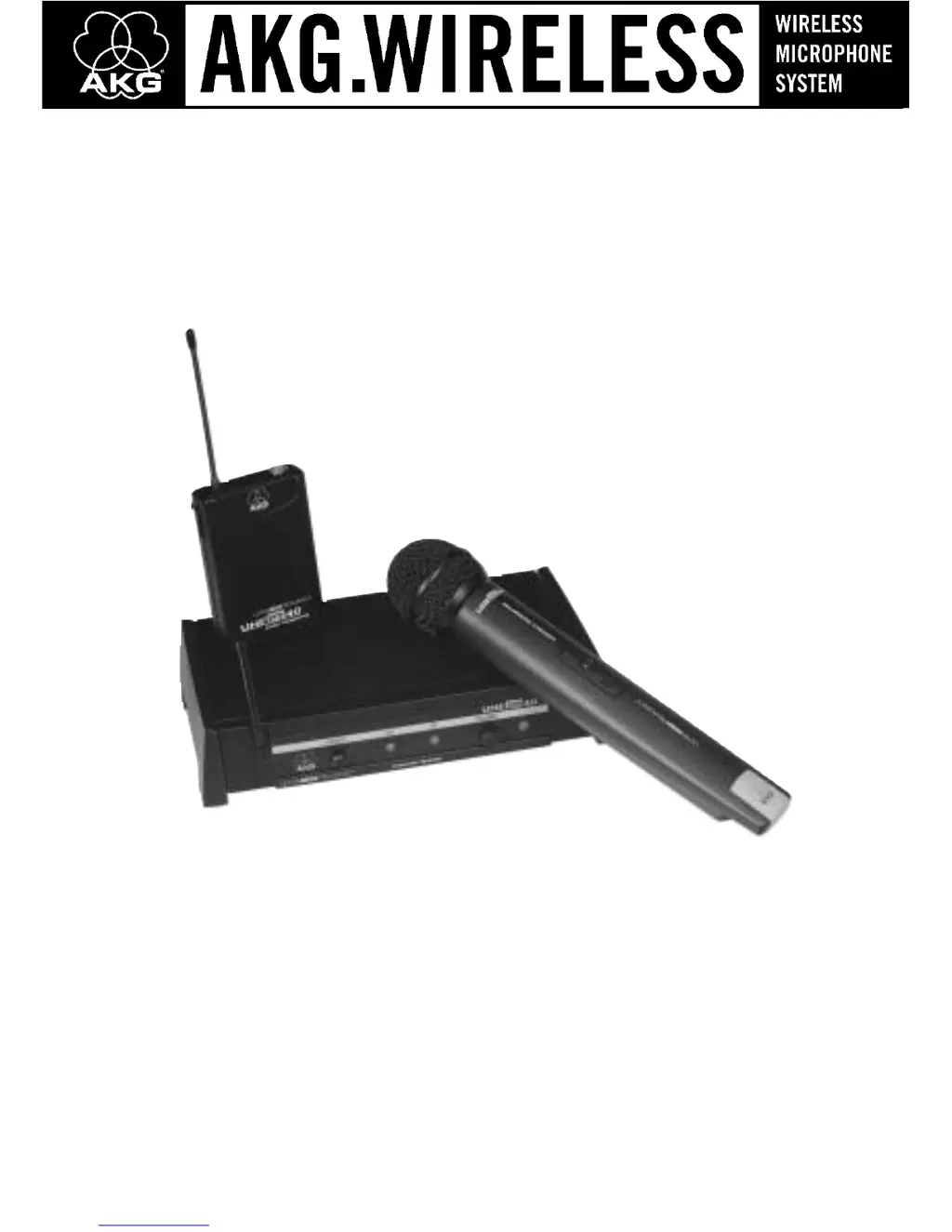
AKG WMS40 - User Manual

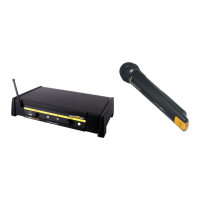
AKG WMS40
14 pages
Print Icon
To Next Page IconTo Next Page
Loading...
User Instructions
Please read the manual before using the equipment!
WMS40

Questions and Answers

  • A
    avasquezAug 6, 2025
    Why does my AKG Microphone system have noise and crackling?
    • R
      Robyn HamiltonAug 6, 2025
      Noise, crackling, and unwanted signals in your AKG Microphone system can stem from: * Antenna location issues: Relocate the receiver. * Interference: This could be from other wireless systems, TV, radio, CB radios, or defective electrical appliances or installations. Try switching off potential interference sources or defective appliances. You might also need to use a WMS 40 tuned to a different frequency or have your electrical installation checked.
  • T
    tstewartAug 14, 2025
    What to do if my AKG Microphone system has distortion?
    • B
      bleeAug 14, 2025
      If you're experiencing distortion with your AKG Microphone system, here are a couple of things to check: 1. For bodypack transmitters, adjust the GAIN control. If it's too high or too low, turn the GAIN control either down or up until the distortion stops. 2. Interference can cause distortion. Sources include other wireless systems, TV, radio, CB radios, or even defective electrical appliances. Try switching off any potential sources of interference, or use a WMS 40 tuned to a different frequency. If the problem persists, have your electrical installation checked.
  • E
    Elizabeth WeaverAug 21, 2025
    How to prevent dropouts in AKG WMS40?
    • S
      Sharon ShieldsAug 21, 2025
      Momentary sound loss, or dropouts, in your AKG Microphone system can often be attributed to the antenna location. Try relocating the receiver. If certain spots consistently cause dropouts, mark them and avoid those areas during performance.
  • B
    bridgetoconnorOct 29, 2025
    How to fix AKG WMS40 Microphone system when there is no sound?
    • B
      bushjessicaOct 29, 2025
      If your AKG Microphone system isn't producing sound, consider these potential causes: 1. Ensure the AC adapter is properly connected to both the receiver and the power outlet. 2. Verify the receiver is switched ON using the POWER switch. 3. Check that the receiver is correctly connected to the mixer or amplifier. 4. Increase the VOLUME control on the receiver. 5. Confirm the microphone or instrument is connected to the bodypack transmitter. 6. Make sure the transmitter and receiver have matching color codes. 7. Set the transmitter's on/off switch to the “ON” position. 8. Ensure the batteries are correctly inserted into the transmitter, matching the “+” and “-” markings. 9. Replace dead batteries in the transmitter. 10. Reduce the distance between the transmitter and receiver, or ...

Summary

Safety and Environment

1.1 Safety

General safety precautions and handling guidelines for the equipment.

Description

2.4.1 Front Panel Controls

Explains the functions of the front panel controls on the SR 40 receiver.

2.4.2 Rear Panel Controls

Explains the functions of the rear panel controls on the SR 40 receiver.

2.5 HT 40 Handheld Transmitter

Details the AKG HT 40 handheld wireless microphone transmitter.

2.5.1 Controls

Describes the controls and indicators on the HT 40 transmitter.

2.6 PT 40 Bodypack Transmitter

Details the AKG PT 40 bodypack wireless microphone transmitter.

Setting Up

3.5 Connecting the Receiver to a Mixer

Explains how to connect the receiver audio output to a mixer.

3.6 Connecting the Receiver to an Amplifier

Instructions for connecting the receiver audio output to an amplifier.

3.7 Connecting the Receiver to Power

Details on how to connect the receiver to a power source using the AC adapter.

3.8 Inserting Batteries into the Handheld;Bodypack Transmitter and Testing

Guide for inserting batteries and testing transmitters.

3.9 Setting Up the Handheld Transmitter

Instructions for setting up and operating the HT 40 handheld transmitter.

3.10 Setting Up the Bodypack Transmitter

Guide for setting up the PT 40 bodypack transmitter.

Microphone Technique

Troubleshooting

Specifications

AKG WMS40 Specifications

General IconGeneral
BrandAKG
ModelWMS40
CategoryMicrophone system
LanguageEnglish

Related product manuals