EasyManua.ls Logo

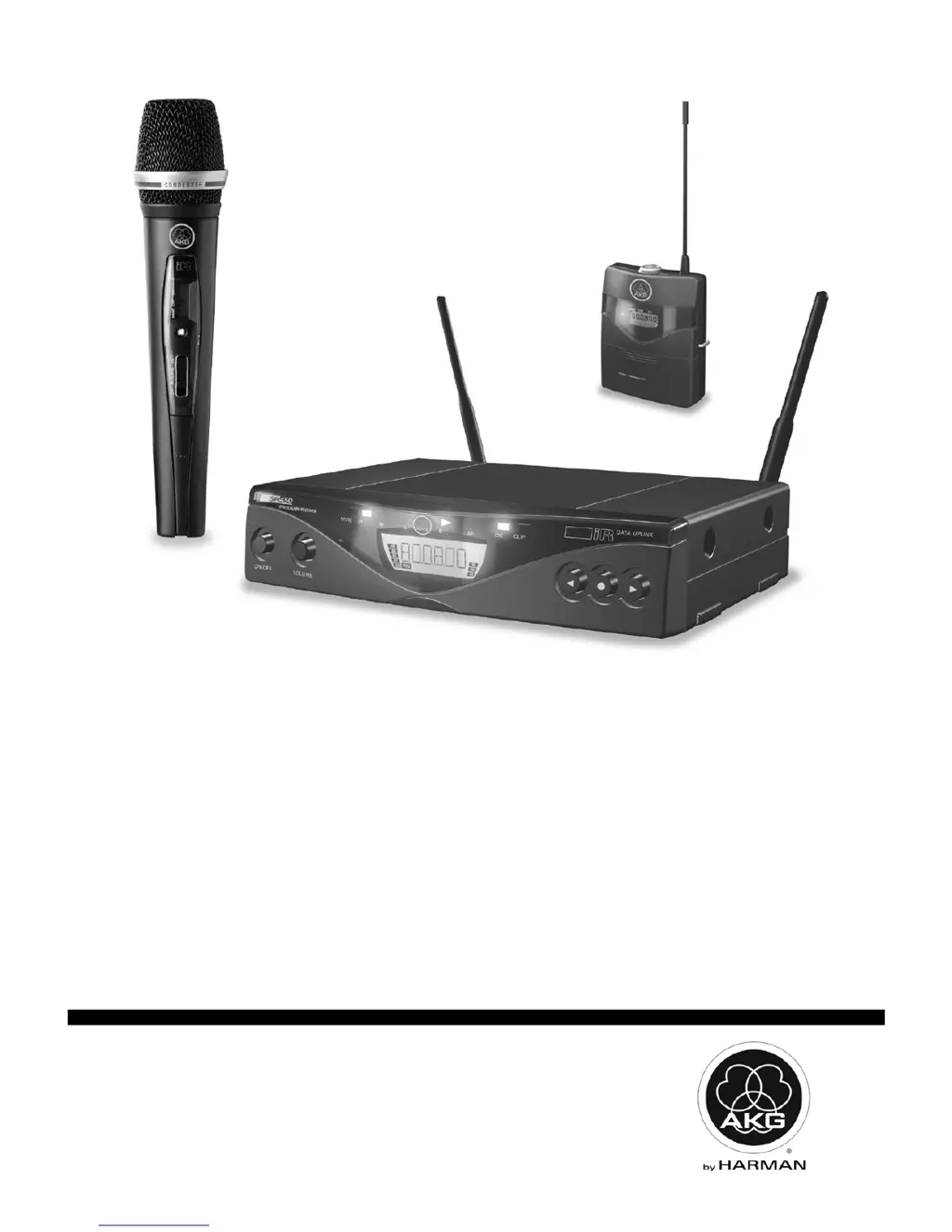
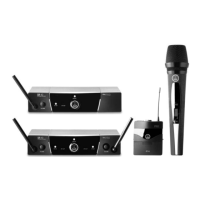
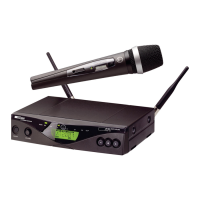
AKG WMS 450 - User Manual

AKG WMS 450
24 pages
Print Icon
To Next Page IconTo Next Page
Loading...
WMS450
BEDIENUNGSANLEITUNG (V 1.10) S. 2
Bitte vor Inbetriebnahme des Gerätes lesen!
USER MANUAL (V 1.10) p. 18
Please read the manual before using the equipment!
MODE D’EMPLOI (V 1.10) p. 34
Veuillez lire cette notice avant d’utiliser le système!
ISTRUZIONI PER L’USO (V 1.10) p. 50
Prima di utilizzare l’apparecchio, leggere il manuale!
MODO DE EMPLEO (V 1.10) p. 66
¡Sirvase leer el manual antes de utilizar el equipo!
INSTRUÇÕES DE USO (V 1.10) p. 82
Favor leia este manual antes de usar o equipamento!

Questions and Answers

  • R
    rkellyAug 18, 2025
    Why is my AKG Microphone system producing noise and crackling sounds?
    • D
      Daniel WoodsAug 18, 2025
      If you are experiencing noise, crackling, or unwanted signals with your AKG Microphone system, try relocating the receiver or antennas. Also, identify and switch off any nearby interference sources such as other wireless systems, TVs, radios, CB radios, or defective electrical appliances. If the problem persists, have your electrical installation checked or tune transmitter and receiver to a different frequency.
  • G
    Gilbert WeissAug 21, 2025
    What to do if my AKG Microphone system has distortion?
    • D
      Danielle HarrisonAug 21, 2025
      If you are getting distortion with your AKG Microphone system, the GAIN control on the transmitter might be set too high or too low; adjust it until the distortion stops. Also, check for interference from other wireless systems, TVs, radios, CB radios, or defective electrical appliances. Try switching off these sources or tuning the transmitter and receiver to a different frequency. If the problem persists, have your electrical installation checked.
  • J
    Joshua SmithAug 25, 2025
    How to fix dropouts with AKG WMS 450 Microphone system in certain areas?
    • N
      Nicole DuncanAug 25, 2025
      If you experience momentary sound loss ('dropouts') at certain spots within the performance area using your AKG Microphone system, relocate the receiver or antennas. If these 'dead spots' persist, mark them and avoid those areas during performance.
  • E
    Ernest RiceAug 27, 2025
    How to resolve AKG WMS 450 Microphone system error message ERR.>SYS
    • J
      Judy HerreraAug 27, 2025
      If your AKG Microphone system receiver displays 'ERR.>SYS
  • C
    Catherine RobertsAug 31, 2025
    How do I fix 'R TXBand' error on my AKG WMS 450 Microphone system?
    • T
      Thomas DoughertyAug 31, 2025
      If your AKG Microphone system displays 'R TXBand' error messages, use a transmitter with the same frequency band as the receiver. If the issue continues, use a transmitter with lower or higher RF output.
  • J
    Jennifer WestSep 2, 2025
    How to fix AKG WMS 450 Microphone system error ERR.>USR
    • A
      andersonaustinSep 2, 2025
      If your AKG Microphone system displays 'nsmitter ERR.>USR
  • R
    russellmichaelSep 5, 2025
    What to do for AKG WMS 450 Microphone system error ERR.>RF
    • B
      Beth WallaceSep 5, 2025
      If your AKG Microphone system displays 'r and tra ERR.>RF
  • R
    Rebecca KirbySep 8, 2025
    How to fix AKG WMS 450 error Receive Err.>IR
    • J
      Joseph PetersSep 8, 2025
      If your AKG Microphone system displays 'Receive Err.>IR
  • R
    rebeccasweeneySep 12, 2025
    How do I resolve the AKG WMS 450 Microphone system error '>-h
    • T
      Timothy HernandezSep 12, 2025
      If your AKG Microphone system displays 'tter only >-h
  • J
    John LiNov 14, 2025
    How to troubleshoot no sound issue with my AKG WMS 450?
    • E
      Erin MorrisNov 14, 2025
      If your AKG Microphone system produces no sound, several factors could be at play. First, ensure the AC adapter is correctly connected to both the receiver and the power outlet. Next, check that the receiver is switched on. Verify the connections between the receiver and your mixer or amplifier, and between the microphone/instrument and the bodypack transmitter. Also, confirm that the transmitter and receiver are tuned to the same frequency. Ensure the transmitter is switched on and not muted, and that the batteries are correctly inserted and charged. If the issue persists, try moving closer to the receiver, removing any obstructions, ensuring the receiver is visible from the transmitter, and keeping the receiver away from metal objects. Finally, ensure the Preset versions on the transmitt...

Summary

Safety and Environmental Precautions

General Safety Guidelines

Lists specific safety instructions regarding liquids, environment, servicing, power, and placement.

Setting Up the Wireless System

Transmitter Battery Installation

Step-by-step guide to opening the compartment and inserting the battery correctly.

Receiver Audio Connections

Explains how to connect the receiver's balanced and unbalanced audio outputs to a mixer.

Receiver Power Connection

Details checking AC voltage and connecting the power supply to the receiver and outlet.

Powering On the Receiver

Procedure for switching on the receiver, noting the initial display and LOCK mode activation.

Receiver SETUP Mode Configuration

Details how to adjust and save all receiver parameters in SETUP mode.

Frequency Setup Options

Covers Auto Group, Preset Screen, and Manual MHz frequency selection methods.

Transmitter Frequency Synchronization

Details the process of programming the transmitter's carrier frequency using the receiver's infrared link.

PT 450 Input Gain and Connection

Guide to connecting microphones/instruments and setting input gain for the PT 450 bodypack transmitter.

Operating the Wireless System

Troubleshooting Common Issues

Troubleshooting Guide

Lists common problems like no sound, noise, distortion, and error messages with causes and remedies.

Technical Specifications

AKG WMS 450 Specifications

General IconGeneral
BrandAKG
ModelWMS 450
CategoryMicrophone system
LanguageEnglish

Related product manuals