EasyManua.ls Logo

AKG PR 81 - User Manual

AKG PR 81
114 pages
Go to English
Print Icon
To Next Page IconTo Next Page
Loading...
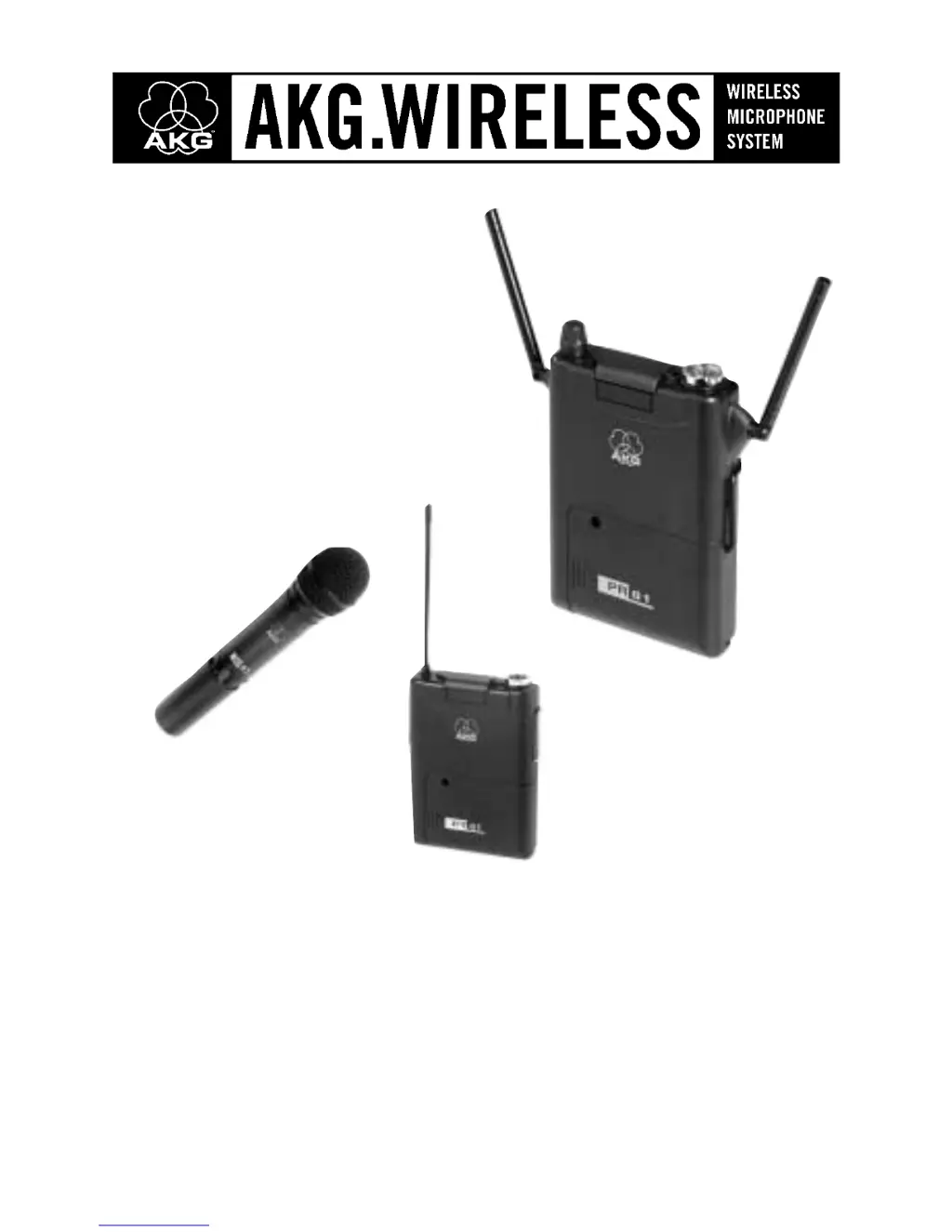
PR 81
HT 81
PT 81
Bedienungsanleitung
Bitte vor Inbetriebnahme des Gerätes lesen!

Table of Contents

Questions and Answers

  • E
    Eric AdamsAug 18, 2025
    What to do if my AKG PR 81 Microphone system has noise and crackling?
    • H
      harrisnatalieAug 18, 2025
      If you are experiencing noise, crackling, or unwanted signals with your AKG Microphone system, try relocating the receiver. Additionally, the issue may be due to interference from other wireless systems, TV, radio, CB radios, or defective electrical appliances or installations. In this case, set the transmitter and receiver to a different frequency. You might also try switching off any interfering or defective appliances, or have your electrical installation checked. The cause could be antenna location or interference from other devices.
  • D
    Danielle RobertsAug 27, 2025
    How to fix distortion on AKG PR 81 Microphone system?
    • H
      Haley WoodsAug 27, 2025
      If your AKG Microphone system is experiencing distortion, adjust the GAIN control. Turn the GAIN control down or up just enough to stop the distortion. The distortion could also be caused by interference from other wireless systems, TV, radio, CB radios, or defective electrical appliances or installations. Try setting the transmitter and receiver to a different frequency, switching off interfering appliances, or having your electrical installation checked.
  • A
    Amanda AndersonSep 2, 2025
    What to do if AKG PR 81 has drop-outs?
    • A
      Adam RogersSep 2, 2025
      If you experience momentary loss of sound (drop-outs) at some locations within the performance area using your AKG Microphone system, try relocating the receiver. If dead spots persist, mark and avoid them. The cause of this problem might be antenna location.
  • Z
    Zachary DavisNov 10, 2025
    Why is there no sound coming from my AKG PR 81?
    • C
      cliffordeatonNov 10, 2025
      If your AKG Microphone system has no sound, first ensure the receiver's POWER switch is set to "I". Then, check if batteries are properly inserted into both the transmitter and receiver. Verify the receiver is correctly connected to the mixer or camcorder input. Also, make sure the audio level control on the camcorder or the channel fader on the mixer isn't set to zero. Check that the microphone is connected to the bodypack transmitter and that the transmitter and receiver are on the same frequency. Ensure the transmitter's on/off switch is set to "ON" and that the batteries are correctly inserted, matching the "+" and "-" marks. Replace dead batteries if needed. If the transmitter is too far, move closer to the receiver or adjust the SQUELCH control. Remove any obstructions and ensure the...

AKG PR 81 Specifications

General IconGeneral
BrandAKG
ModelPR 81
CategoryMicrophone system
LanguageEnglish

Related product manuals