EasyManua.ls Logo

Akura APLDVD2YR1968 - User Manual

Akura APLDVD2YR1968
26 pages
Print Icon
To Next Page IconTo Next Page
Loading...
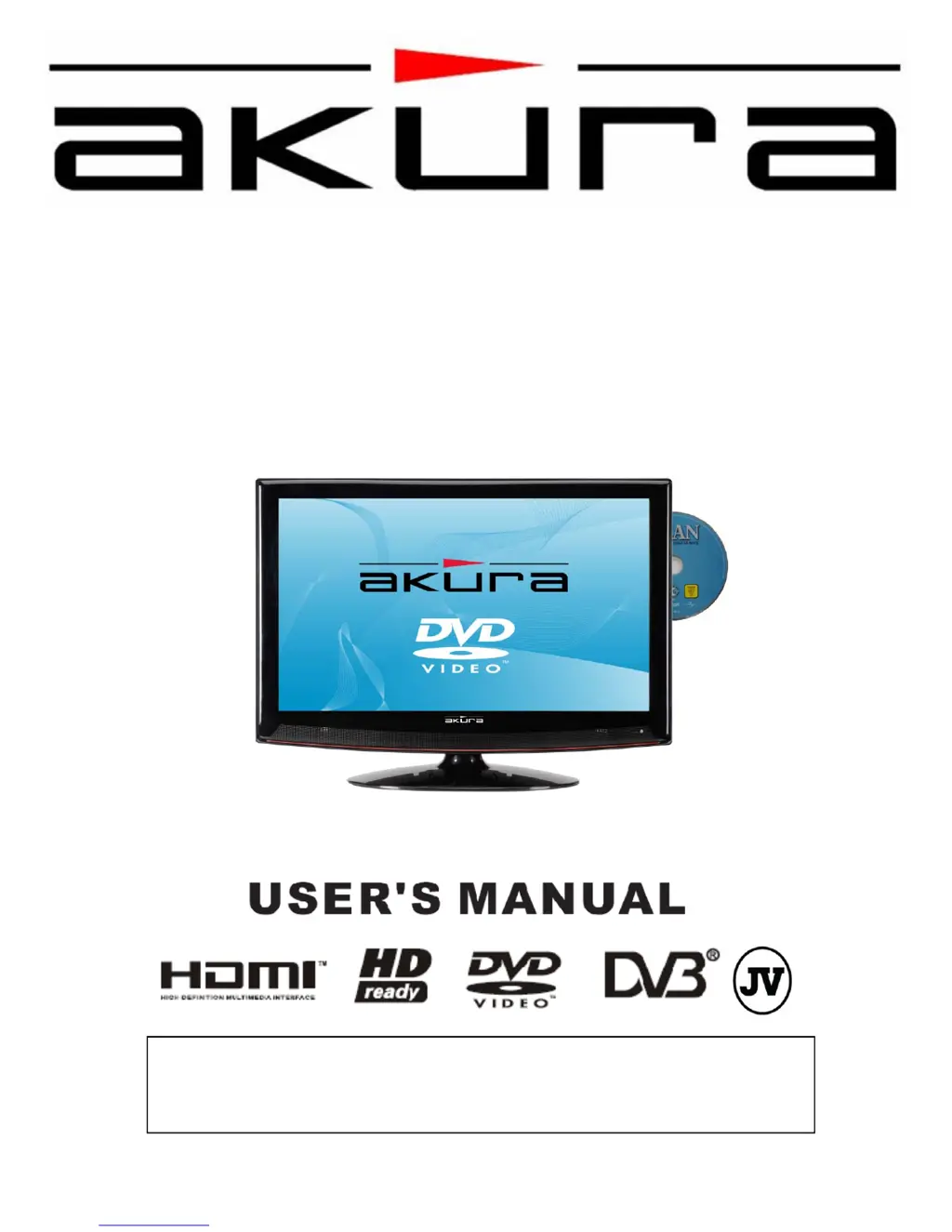
APLDVD2YR1968
Digital LCD TV
with DVD DVBt “Freeview” HDMI
Customer Help Line : 0845 293 7698
Website : www.ekey.co.uk

Other manuals for Akura APLDVD2YR1968

Questions and Answers

  • H
    hessjeromeSep 12, 2025
    What does it mean when my Akura APLDVD2YR1968 TV DVD Combo has no picture but the LED is red?
    • A
      Abigail TorresSep 12, 2025
      If there is no picture on your Akura TV DVD Combo and the LED is lit red, the TV is likely in standby mode. Press the Power button on the TV or the Standby button on the remote control.
  • H
    harrisonnicoleSep 13, 2025
    Why is my Akura APLDVD2YR1968 operating intermittently?
    • T
      Timothy ManningSep 13, 2025
      If you are experiencing no or intermittent operation of the Akura TV DVD Combo, it is likely due to exhausted batteries. Replace the batteries every six months.
  • R
    Rhonda VargasSep 15, 2025
    What causes bright or dark dots on my Akura APLDVD2YR1968 screen?
    • J
      James PerkinsSep 15, 2025
      The bright or dark dots on your Akura TV DVD Combo screen are due to pixel damage, which is not uncommon and is not covered by the warranty.

Summary

1. Safety Information

2. Safety Instructions

4. User Controls

TV and DVD Player Controls

Details on the physical buttons on the TV and integrated DVD player for operation.

5. Remote Control

Remote Control Button Functions

Explanation of each button's function on the remote control for device operation.

6. Connections

7. Menu Operation

Initial TV Setup and Tuning

Guide to the initial setup process, including country selection and automatic channel tuning.

Basic Tuning Procedure

Step-by-step instructions for performing the initial automatic channel scan.

Picture Settings Adjustment

How to adjust picture parameters like brightness, contrast, color, and sharpness.

PC Mode Picture Adjustments

Specific picture settings for connecting and optimizing the display from a PC.

Sound Settings and OSD Functions

How to configure audio modes, language, sleep timer, and other system functions.

8. Menu Operation. Digital

Digital Installation and Auto Tuning

Process for installing and automatically searching for digital TV channels.

9. Menu Operation. Analog

Analog TV Tuning and Setup

Guide for tuning analog TV channels and setting up analog reception.

Analog Manual Tuning and Channel Editing

Performing manual tuning and editing analog channels (favorites, skipping, locking).

15. DVD Operation

16. DVD Setup Menus

17. Trouble shooting guide.

Troubleshooting Common TV and DVD Issues

A guide to diagnosing and resolving common problems encountered with the TV and DVD player.

Akura APLDVD2YR1968 Specifications

General IconGeneral
BrandAkura
ModelAPLDVD2YR1968
CategoryTV DVD Combo
LanguageEnglish

Related product manuals