EasyManua.ls Logo

Alarm Lock DL6100 - User Manual

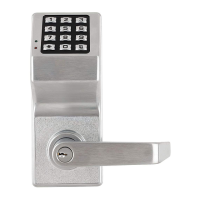
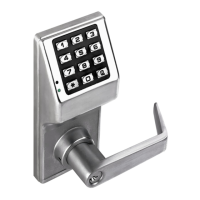
Alarm Lock DL6100
60 pages
Print Icon
To Next Page IconTo Next Page
Loading...
DL-WINDOWSfor Networx V5 USER'S GUIDE 1
© ALARM LOCK 2016
PDL6100
PDL6500
&
ETPDLN
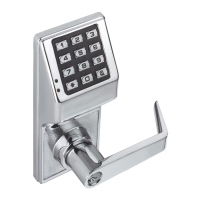
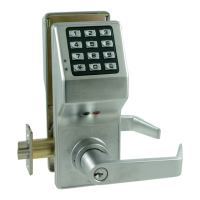
DL6100
DL6500
&
ETDLN
PL6100
PL6500
& ETPLN
Communication Software for the
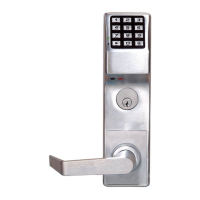
Trilogy
®
Networx
Locks
DL-WINDOWS
for Networx
V5 USER'S GUIDE
345 Bayview Avenue
Amityville, New York 11701
For Sales and Repairs 1-800-ALA-LOCK
For Technical Service 1-800-645-9440
or visit us at http://tech.napcosecurity.com/
(Note: Technical Service is for
security professionals only)
Publicly traded on NASDAQ Symbol: NSSC
OI383A 09/16
AL-IME-USB
AL-IME2-EXP
AL-IM2-80211
AL-IME2
AL-IME2-POE
NETWORXPANEL
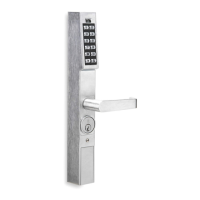
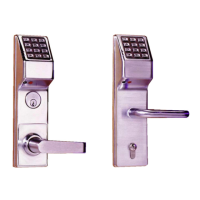
ArchiTech
Series

Table of Contents

Other manuals for Alarm Lock DL6100

Question and Answer IconNeed help?

Do you have a question about the Alarm Lock DL6100 and is the answer not in the manual?

Summary

Radio and Television Interference

About this Manual

Ordering Information

DL-Windows Overview

DL-Windows System Requirements

Lists minimum requirements for installing and running DL-Windows software.

Important Safety and Setup Information

Provides critical warnings and guidance on lock installation and gateway setup.

Gateway Specifications

Expander Specifications

Quick Start Guide

Security Password Setup

Gateway Configuration Screen Overview

Gateway Configuration Color Definitions

Explains the meaning of colors used in the IP Address column for Gateway status.

Discovering and Assigning Wireless Locks

Discovering Locks

Details the methods for initiating the lock discovery search process.

Assigning Discovered Locks

Explains how to select and assign discovered locks to a specific Gateway or Expander.

Manual Lock Assignment Procedure

Describes the procedure for manually adding locks by serial number to the system.

Linking Lock Profiles to Physical Locks

Gateway Management and Configuration

Gateway Network Settings Configuration

Gateway Network Utilities and Groups

Discovering and Managing Locks via Gateway

Discovering and Managing Expanders

Communicating with Wireless Locks

Wireless Screen Functionality

Defines the fields and functions of the Wireless screen for communicating with multiple locks.

Wireless Schedule Configuration

Explains the Wireless Schedule screen for programming automatic lock communications.

Wireless Actions Menu

Emergency Commands Screen Overview

Using Emergency Commands

Explains how to initiate emergency commands and who can initiate them.

Setting Emergency Groups

Details how to assign Gateways to different emergency groups for command distribution.

Networx Lock Operations Menu

View Lock Status

Describes how to view the current status, battery, and communication status of a physical lock.

Link; Unlink Lock Profiles

Explains the process of linking or unlinking a physical lock to its corresponding Lock Profile.

Lock Maintenance and Updates

Covers locating locks, updating date/time, passage mode, and firmware updates.

Troubleshooting Lock Assignment and Discovery

Troubleshooting Communication and Gateway Issues

Troubleshooting Computer Crash Recovery

Glossary of Terms

Alarm Lock Limited Warranty

Alarm Lock DL6100 Specifications

General IconGeneral
Access MethodKeypad, Key Override
User Codes2000
Audit TrailYes
PowerBattery
Operation Temperature-31°F to 151°F (-35°C to 66°C)
Weather ResistantYes
TypeElectronic
ProgrammingKeypad
Backset2-3/4"
Backup Power9V Battery
FinishOil Rubbed Bronze
Locking MechanismMortise

Related product manuals