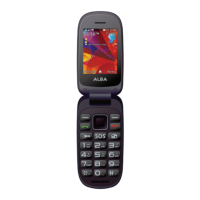
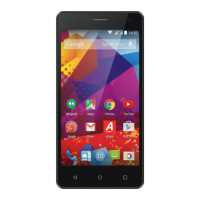
Getting to know your Alba 5" Phone
You’ll be up and running in no time
Assembling
After you have unpacked your mobile phone box:
1. Remove the device’s back cover using the notch.
2. Insert your SIM card or Memory card in the corresponding slot.
3. Insert the device’s battery.
4. Replace the back cover.
3G/2G slot 1 When inserting your SIM card or micro-SD card, make
sure to follow the illustration, otherwise you may
damage the slot or the card.
3G/2G slot 2
Micro-SD card slot 3
Please note that you must turn the phone o before removing or inserting a SIM.
Failure to do so may result in damage to the SIM.
Getting to know your phone
28
If you require any technical guidance or find that your product is not operating as intended, a simple solution can often be found in the


 To Next Page