38
If you require any technical guidance or find that your product is not operating as intended, a simple solution can often be found in the
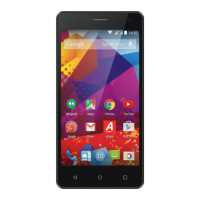
Using your Alba 5" Phone
You’ll be up and running in no time
Hints and tips for Android
Moving a home screen item: Touch and hold your finger onto it, then slide it to the
desired location, and release your finger.
Removing a home screen item: Touch and hold it, slide your finger towards the top
of the screen and drop it over the “Remove” icon.
Uninstalling an item: From the “All apps” screens, touch and hold it, slide your finger
towards the top of the screen and drop it over “Uninstall” bin.
Creating application folders: Drop one app icon over another on a home screen
and the two icons will be combined.
Using your phone


 To Next Page