English 23
Changing the Country Code
• Turn the device off.
• Turn the device on again while pressing the MEMORY key. The programmed
country code is displayed.
• Select the desired country code with the channel selector.
• Turn the device off and on again.
The device now works with the new country code.
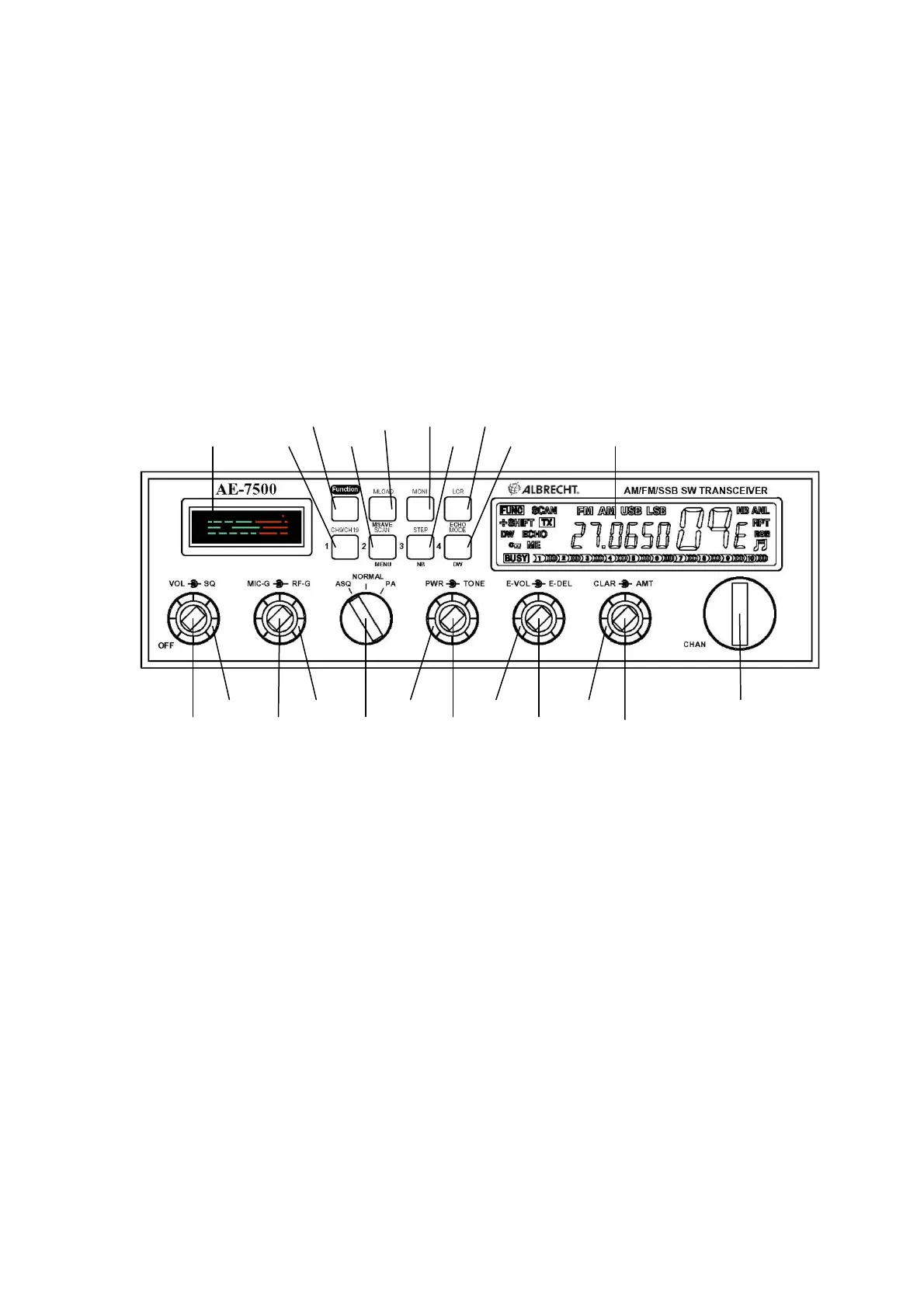
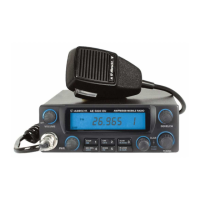
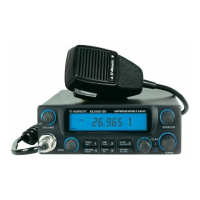
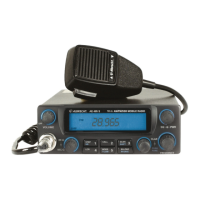
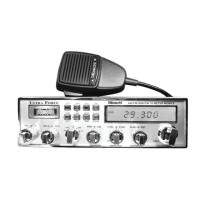
5 Location of Controls
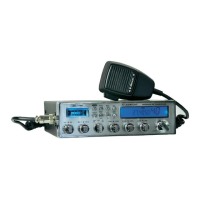
Reference Front Panel Diagram
15 17 18 20
13 14 16 19 21 22
2 4 6 8 10 12
1 3 5 7 9 11
(1) Power ON/OFF and Volume Control
(2) Squelch Control
(3) Microphone Gain Control (recommended setting: full clockwise)
(4) RF Gain Control (recommended setting: full clockwise)
(5) ASQ ON/OFF, PA (recommended setting: ASQ ON)
(6) RF Output Power Control (recommended setting: full clockwise)
(7) Tone Control (recommended setting: center)
(8) Echo Volume Control (recommended setting: full counter clockwise)
(9) Echo Delay Control (recommended setting: center)
(10) CLARIFIER (recommended setting: center)
(11) All Mode Talk Back Control (recommended setting: full counter clockwise)


 To Next Page