32 English
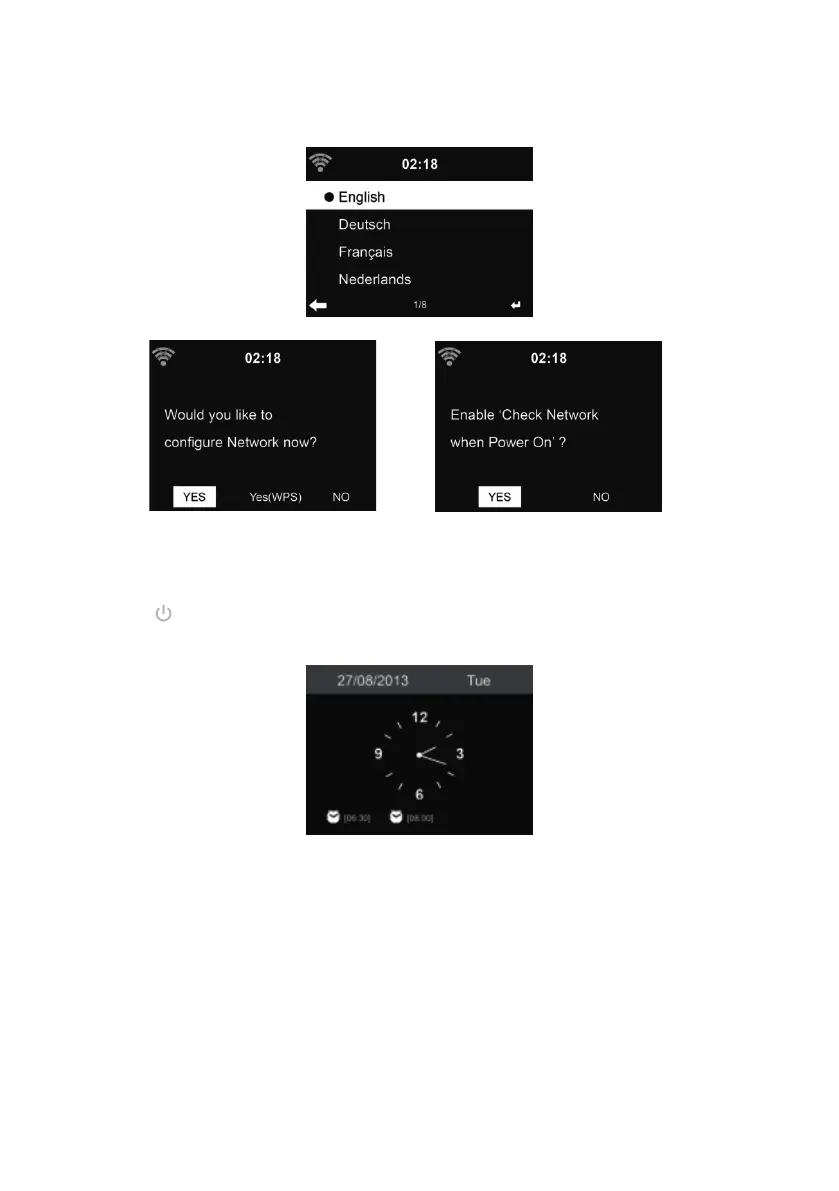
When it is the rst time running the device, the system will ask you to set Language and Network
Con gurations.
See 13.3 for detailed network con gurations.
You may setup the network connection immediately, or set it later.
• Press (STANDBY) to enter standby mode. The time, date and any active alarm times dis-
play on the screen.
• If you have setup a network connection, and use DR 471 again within the network, it will auto-
matically establish the connection. In case you desire to change the network, enter con gu-
ration to setup the corresponding connection.
• Enter the characters from the keypad of the remote control or ▲ and ▼.Once you are on the
letter you want, press ► to move to the next entry. When you are at the end the input, press
OK to con rm. You may press ◄ to move to the previous entry



 To Next Page