40 English
13.2. Manage my mediaU
When it is enabled, My mediaU will be shown on the main menu.
If various mediaU accounts exist in the DR 471, Select the default login account in here. Refer to 7
below for more information of mediaU account setup.
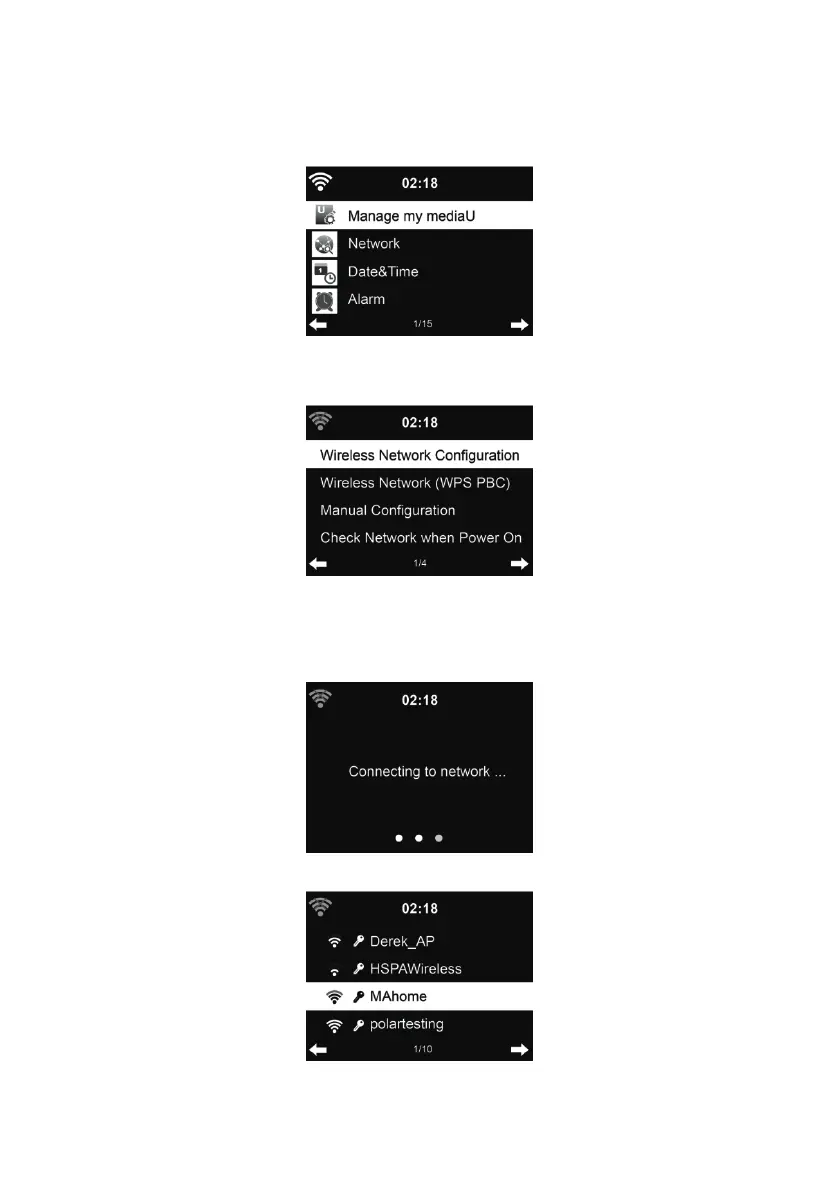
13.3. Network
13.3.1. Wireless Network Confi guration
Enable / disable WiFi network. When you enable the WiFi network, the system will automatically
connect to the network.
Select your required AP.



 To Next Page