3
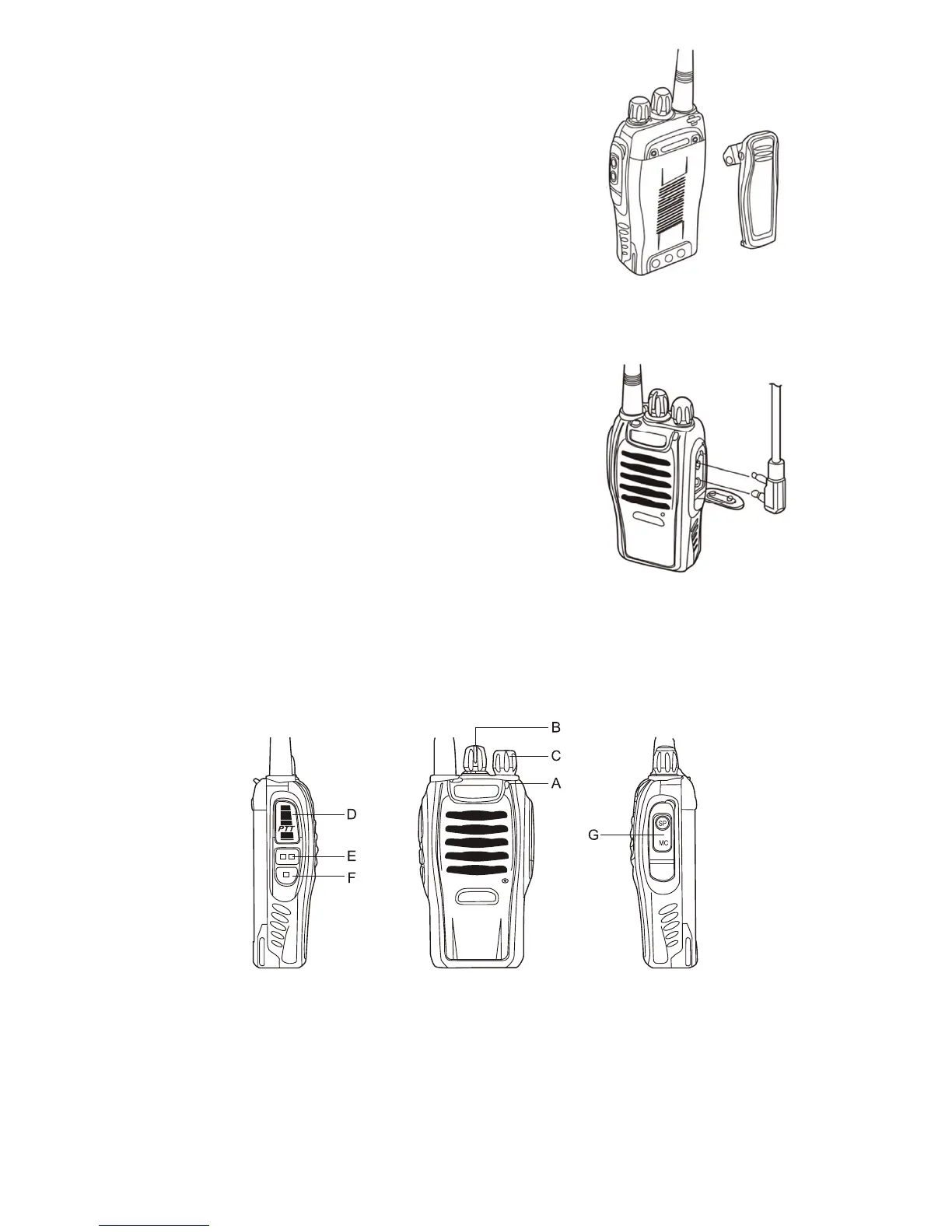
INSTALLING THE BELT CLIP
If the belt clip is not installed, its mounting location may get hot
during continuous transmission or under heated environment.
INSTALLING THE SUPPLIED
SPEAKER/MICROPHONE
Insert the speaker/microphone plugs into the speaker/ mic
sockets of the transceiver.
NOTE:
The transceiver is not fully water resistant when using external
speaker/microphone. Insert rubber cover to the sockets if the
external headset is not used. Other microphones may be used
as well, please make sure to use only accessory items with
“Kenwood”-style wiring.
BUTTONS, KNOBS and FUNCTIONS
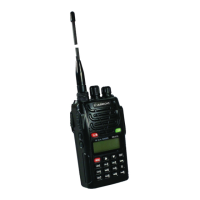
A. Led Indicator — The LED lights continuously red while transmitting. The LED will be green
while in reception mode.
B. Channel Switch — Rotate to select the channel between CH 1 and 16. Channels are factory
pre-programmed and can be modified by PC programmer (ask service engineer or distributor)




 To Next Page