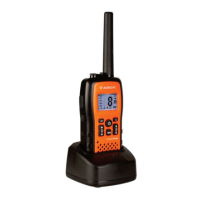
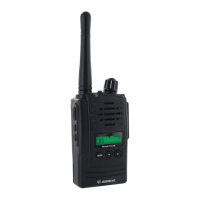
1) Battery Door
2) Monitor Button
3) Detachable Belt Clip
4) Push-To-Talk (PTT) Button
5) Antenna
6) External Mic / Speaker
7) Built-in Speaker
8) LCD Panel
9) Built-in Microphone
10) Up Button & Volume Control
11) Down Button & Volume Control
12) Function Button
13) Power On/Off & Enter Button
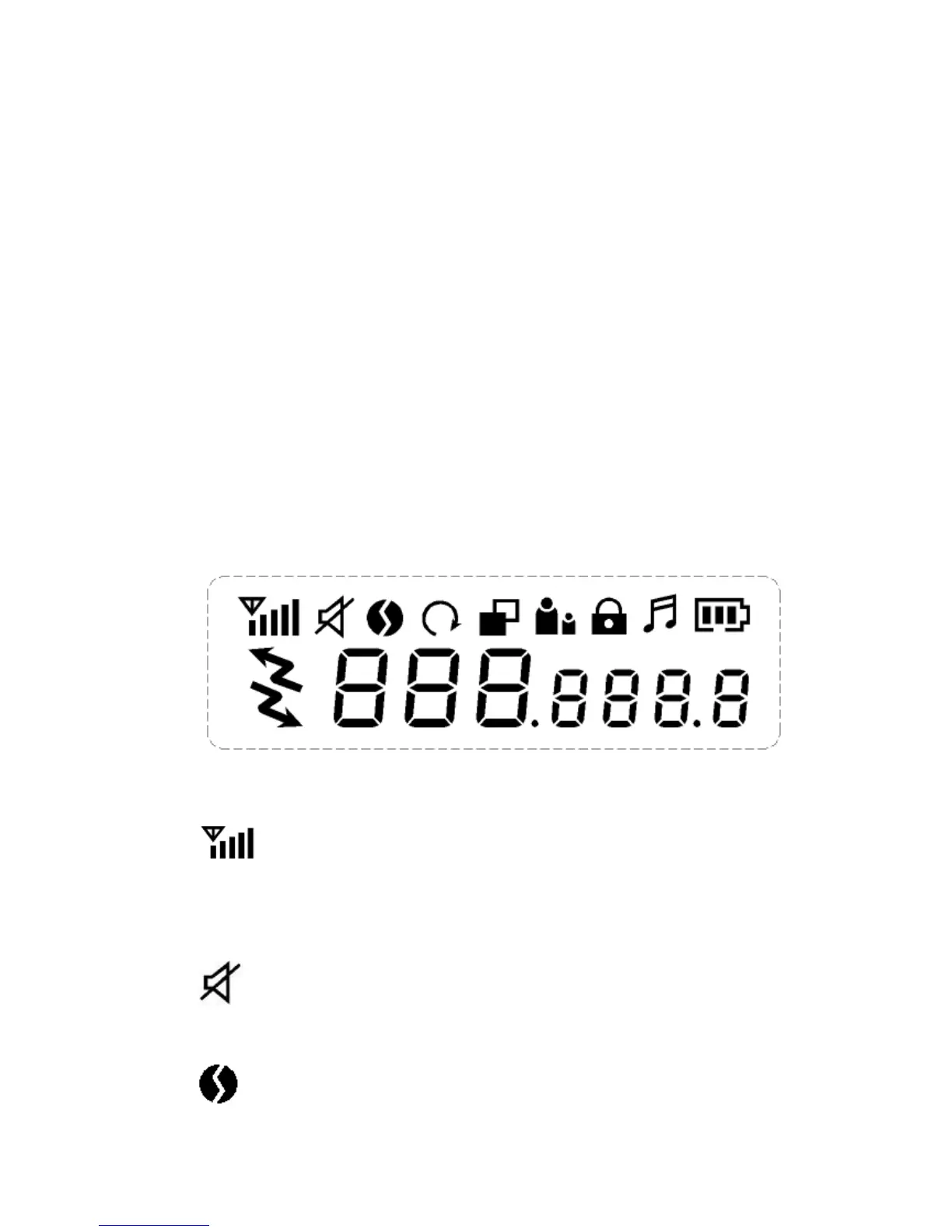
3.2 ICONS on LCD
1) RSSI (Receiving Signal Strength Indicator) or TX Bar Icon
Indicates the receiving signal strength and blinks during
transmission.
2) Monitor Indicator
Appears when the monitor button is used.
3) CTCSS Indicator
Blinks when the correct CTCSS tone is entered.
4) Auto Channel Scan Indicator









 To Next Page