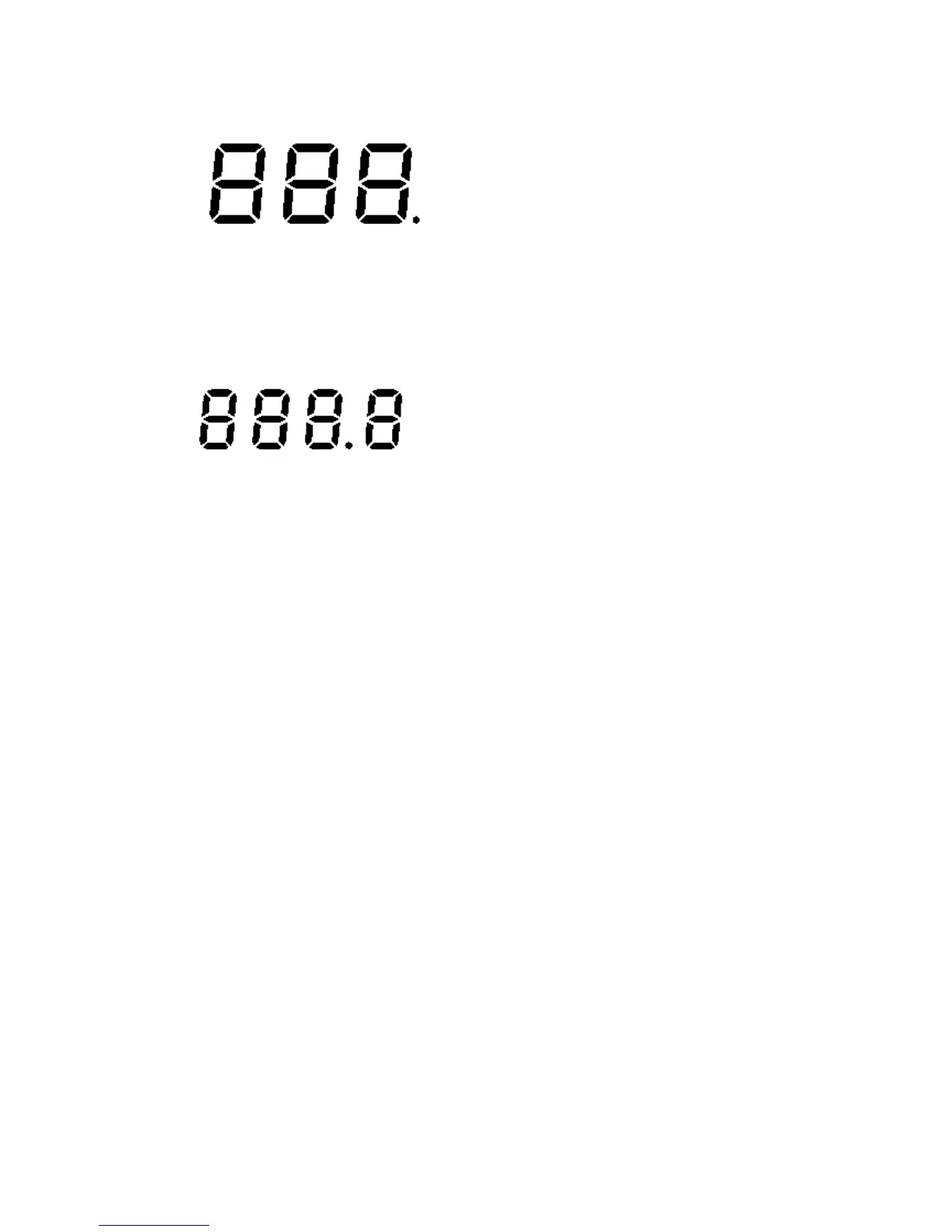
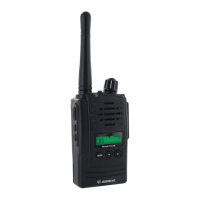
12) Large Segment Display
Indicates the channel number in use at the normal mode.
When the Function Button is pressed, it displays the function menu
in sequence: CH / SC / dW / UO / Udt / ALo / CAL / ton
13) Small Segment Display
Displays the CTCSS tone option at the normal mode.
CTCSS option is displayed in Hz.
Displays the SUBMENU of each MENU in the function mode.
(e.g. CH 1~69 / SC: up, dn / dW: channel number /
UO: high, off,low / Udt: 5sec, 3sec, 2sec, 1sec / ALo: off, auto /
CAL number:1-7 / ton:no-Freq) 3.3 Key Function
3.3 Key Functions
3.3.1 ENTER BUTTON (#13)
1) Short Touch - Power On
Press this button (#13) briefly to turn the unit on.
A short confirming melody will play.
2) Long Touch - Power Off
Press this button (#13) for longer than 1.5 seconds to turn the unit off.
Note: Press it to confirm the required option for respective functions during
function edit mode.
3.3-2 FUNCTION BUTTON (#12)
1) Short Touch
Press this button briefly to enter function edit mode in standby mode.
2) Long Touch
Press for longer than 1.5 seconds to activate the KEY LOCK in the
standby mode.
Please note all buttons will be disabled except the Monitor Button (#2)
and PTT Button (#4) will remain fully operational.
3.3.3 UP BUTTON (#10)









 To Next Page