— 12 —
GETTING STARTED
Pairing the Control Hub
y
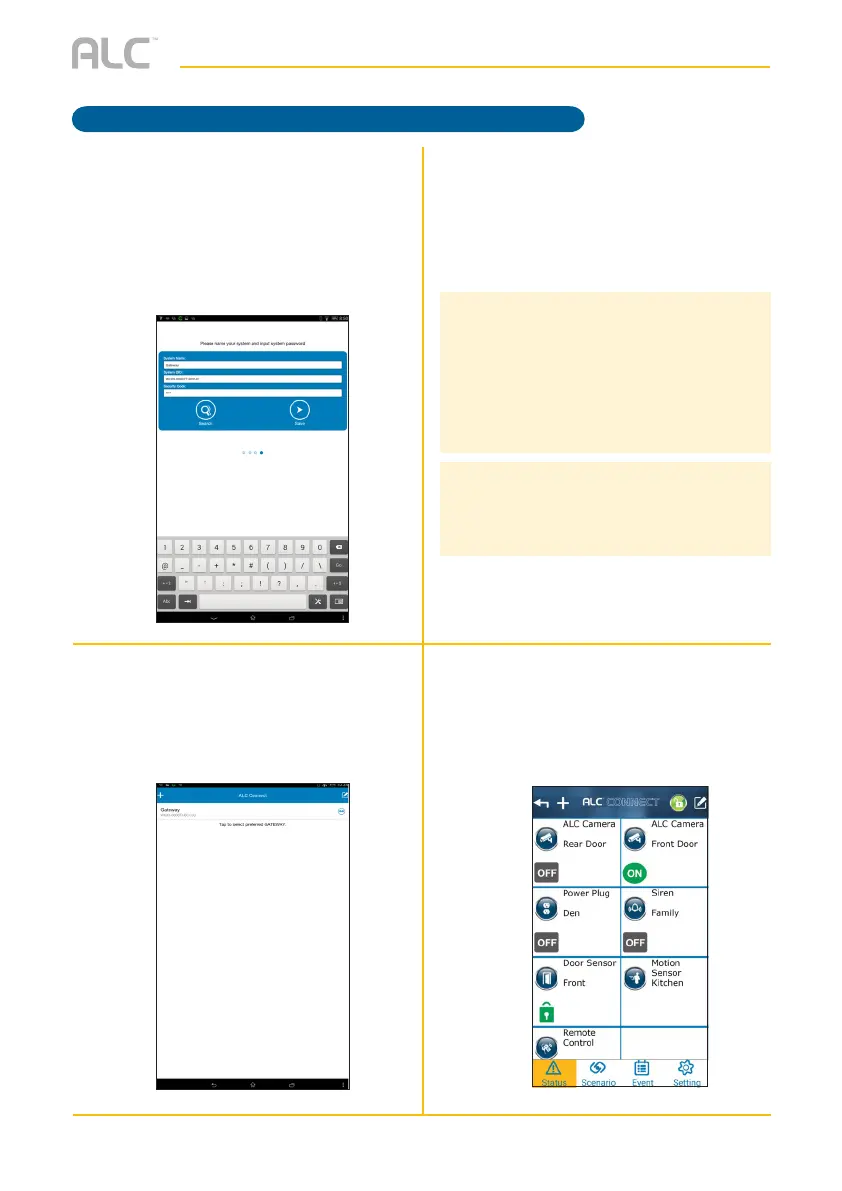
The following screen will appear; enter
the desired System name and the
security code, if not in already. The
default security code is 123456.
U
The newly added Control Hub is now
added.
V
If not on the Control Hub screen
already, tap the Control Hub System
Name you gave to enter the main
Status screen.
W
The Status screen will appear.
Continue with Pairing the camera(s),
sensor(s), switch(es) and remote
control as shown in the following
sections.
NOTES:
• If the Control Hub DID/Security Code cannot
be retrieved, please check to make sure the
Control Hub is powered on and the Ethernet
cable is securely connected to the Wi-Fi router.
• The Control Hub should be powered on and
connected to the Wi-Fi router at all times.
UPDATING THE FIRMWARE:
• For best performance, please apply system
update by going to Setting -> System Update
on your app.



 To Next Page