— 35 —— 34 —
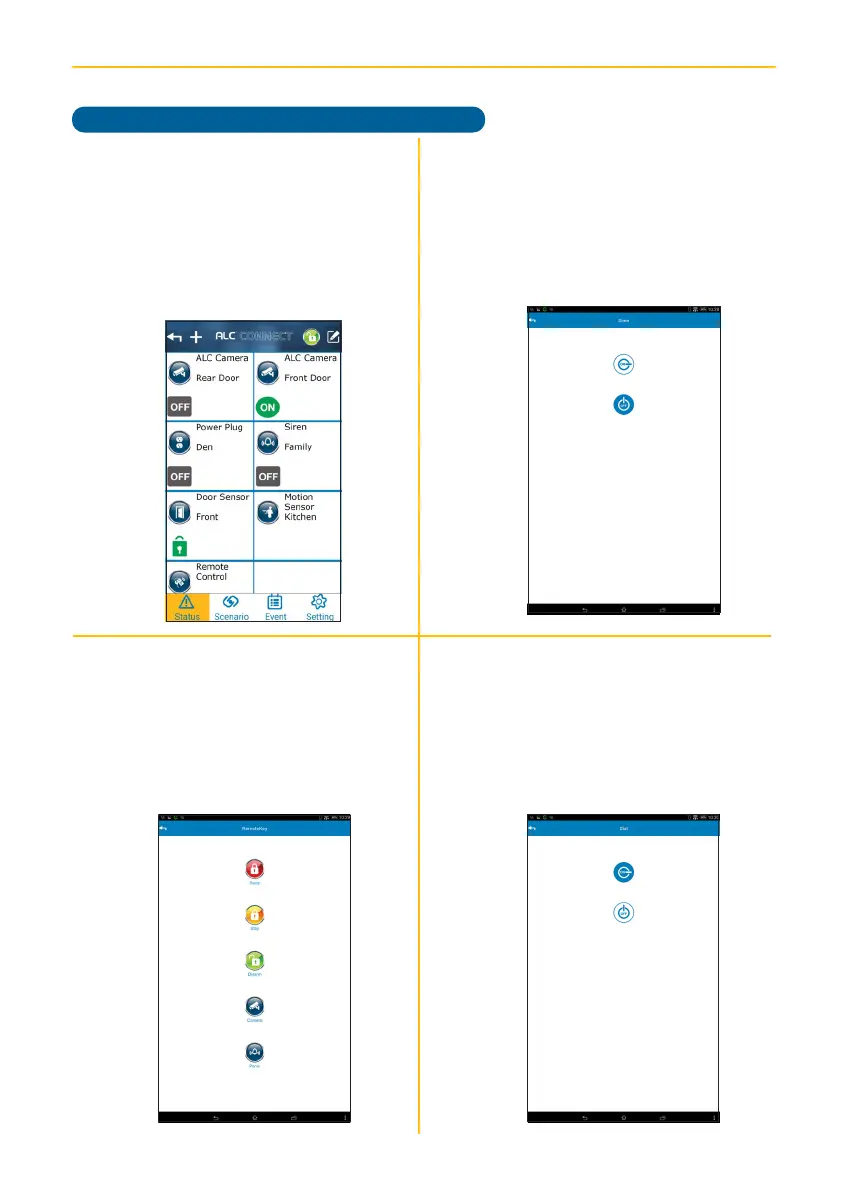
ALC CONNECT APP STATUS SCREEN
Device Control
v
Siren: Tap the Siren icon, then turn
the Siren On or Off. Tapping On will
sound the Siren.
x
Power Switch (Slot): Tap the Power
Switch (Slot) icon, then turn the
Power Switch On or Off. Note that
when the On option is selected, the
LED on the Power Switch will turn off.
u
On the Status window, tap a Device’s
icon to turn the device on or off, or
many various functions as described
in this section.
The Door/Window
Sensor and Motion Detector do not
have any control screens.
w
Remote Control: Tap the Remote
Control icon and then an icon below
to activate the respective function
corresponding to the buttons on the
remote control. Note that the button
operation can be changed (see
page 37).



 To Next Page