— 41 —— 40 —
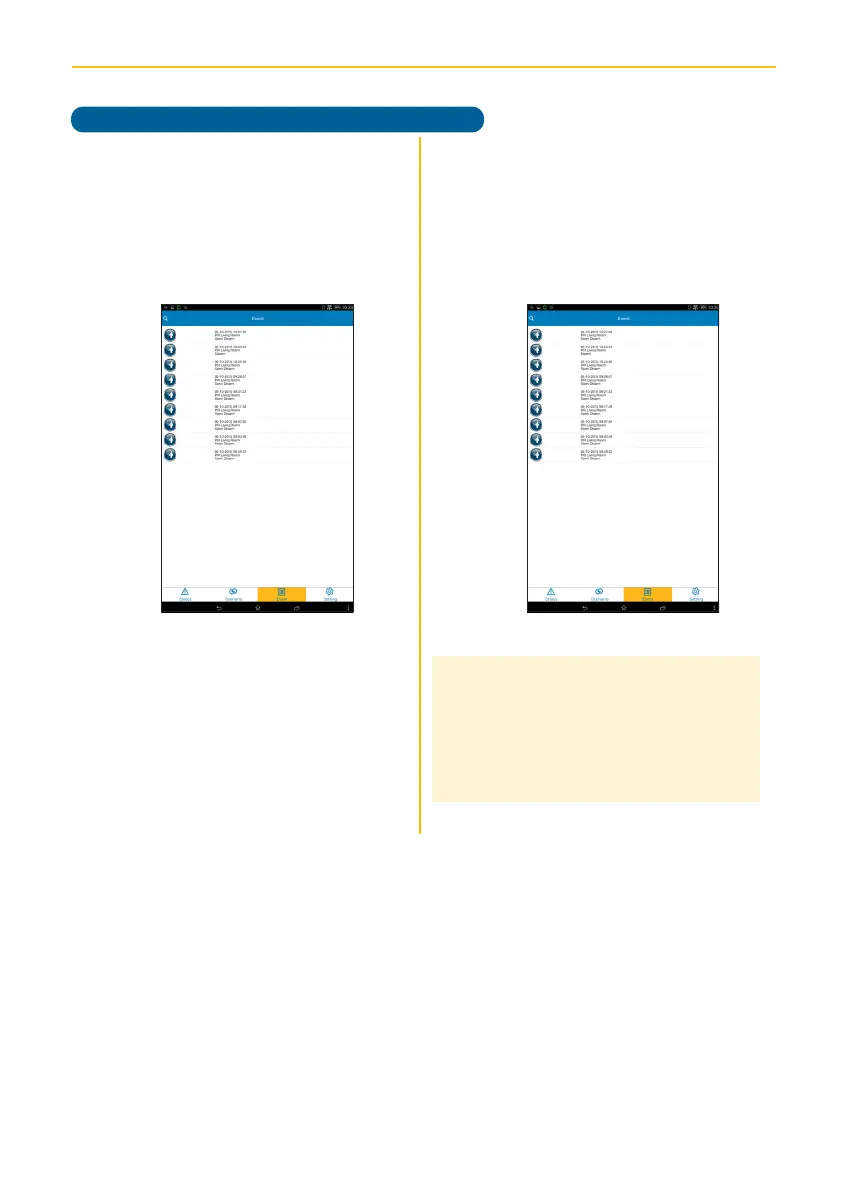
ALC CONNECT APP EVENT SCREEN
v
The list of triggered events will
appear. If a video has been recorded,
you can tap it to play it on the mobile
device. Use the Play, Pause, Mute,
and Unmute buttons during video
playback.
u
Tap the Event icon to enter the Event
screen.
Operation
Notes:
• Model AHS613 does not include a Camera.
Video viewing is not available if there is no
camera connected.
• Video records for one minute when an alert
has been triggered.



 To Next Page