— 40 —
ALC CONNECT APP SCENARIO SCREEN
U
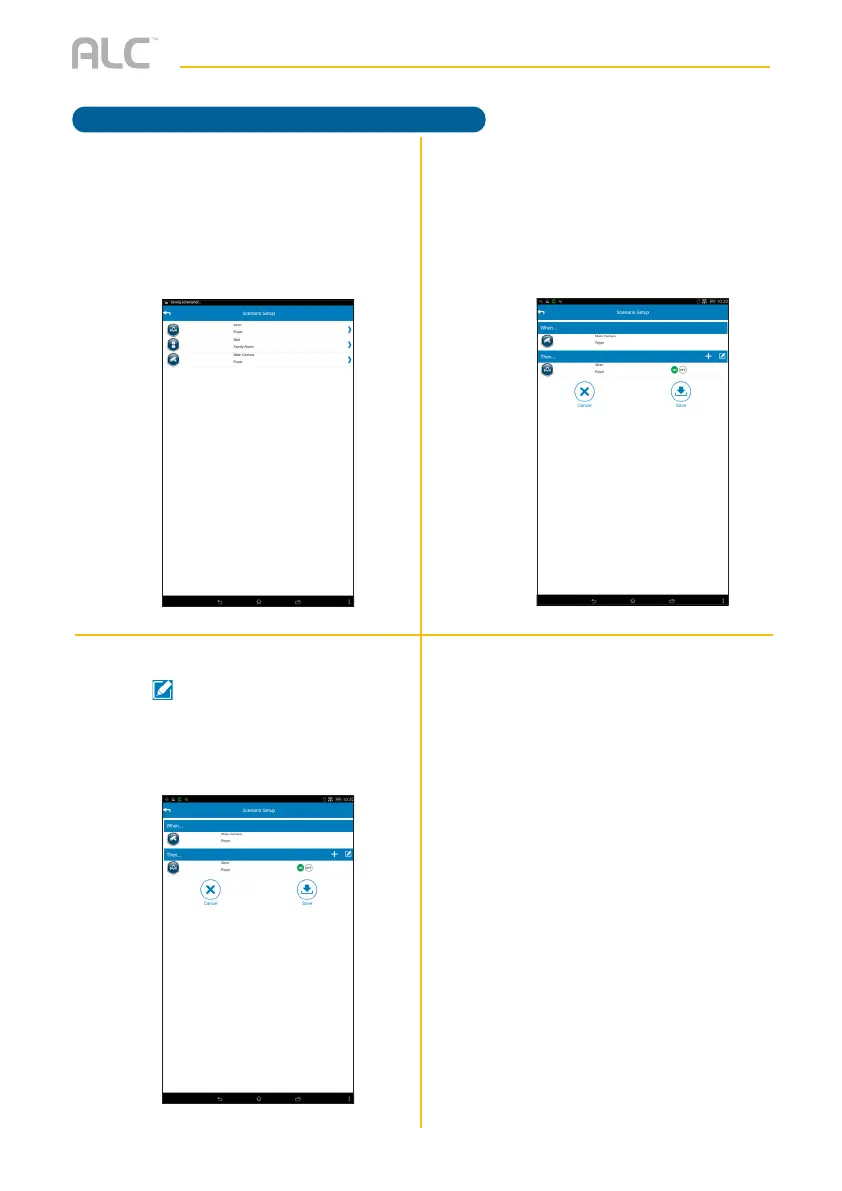
Tap On or Off to set what status the
selected device will be set to upon
activation. Select Record or View if
the Camera is added.
Repeat steps 4 to 6 until the desired
devices have been set.
y
Select the desired device to activate
by tapping it. Note that adding a
device will automatically activate it.
V
To delete a device under “Then...”,
tap to enter the Edit mode and
then delete devices as desired.
Tap Save when done.
Sequence Scenario



 To Next Page