— 36 —
ALC CONNECT APP STATUS SCREEN
v
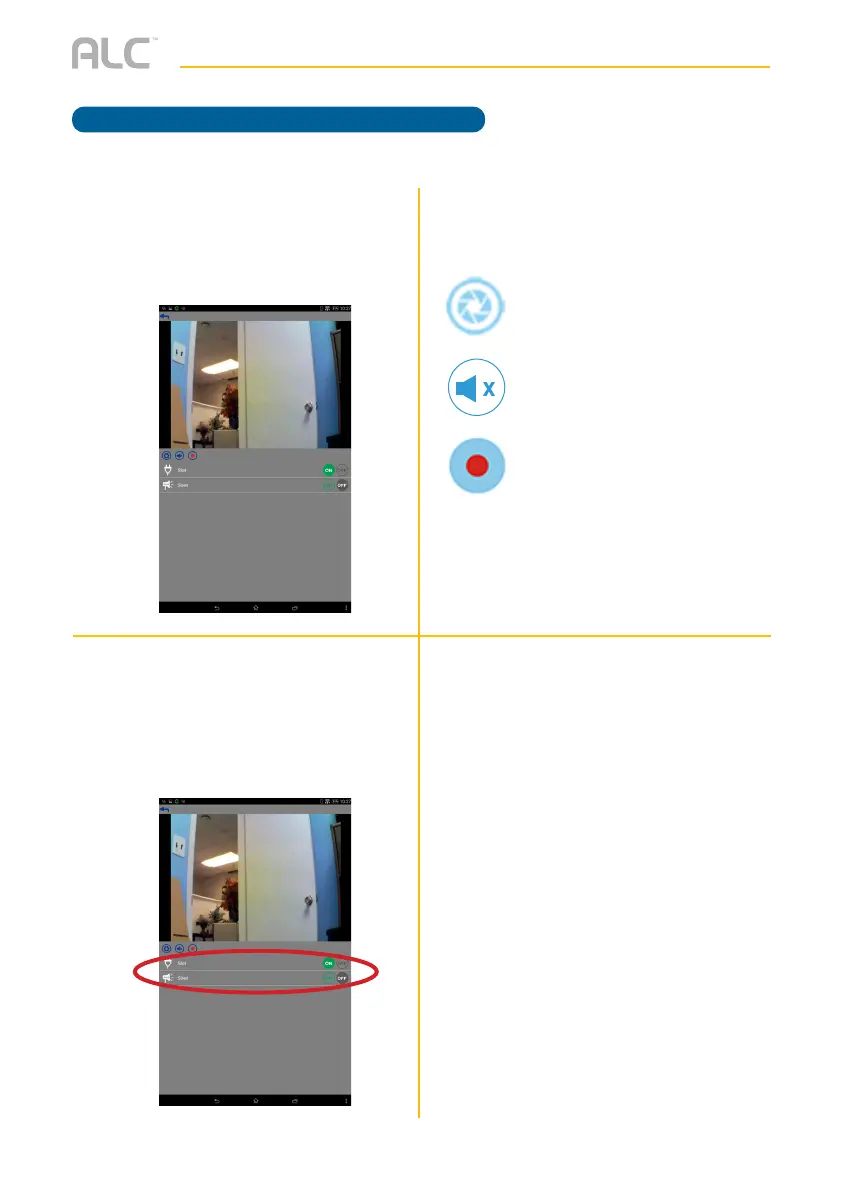
Tap the icons under the image to
perform the following:
w
Bottom Icons: The bottom two icons
are used to turn an item On or Off.
Shown on this screen are the Power
Switch and the Siren devices.
Device Control
u
On the Status window, tap the
Camera. At this screen you can view
the camera.
Snapshot: Tap to capture screen
images. The snapshots will be saved
into the camera roll of your mobile
device.
Mute/Un-mute: Press to hear the
sound of the camera’s microphone
through the App. Tap again to mute
the sound.
Record: Tap to record. Video
records for about two minutes. Note
that a Micro SD Card (not included)
is required to use the recording
function on the camera. Insert on the
side of the camera.
Model AHS613 does not include a Camera.



 To Next Page