— 14 —
GETTING STARTED
Pairing the Camera
y
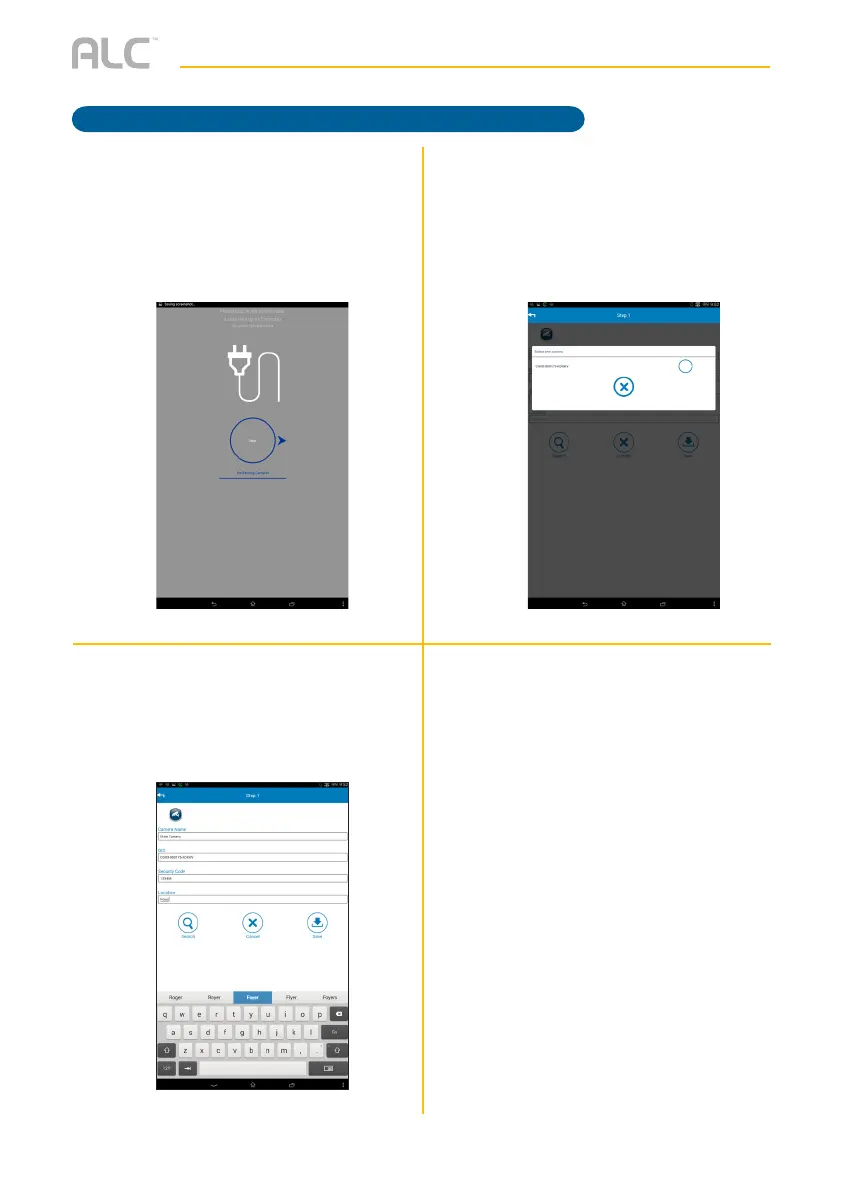
Tap Next; the App will then search for
the camera (this could take up to two
minutes). If it does not detect, then
manually enter the DID code located
on the camera.
U
At the next screen, select the
Camera.
You may be asked to change the
password and to select a Wi-Fi
Network.
V
The following screen will appear;
enter the desired Camera name, the
Security Code and the Location.
The default security code is 123456.
Tap Save.



 To Next Page