— 18 —
GETTING STARTED
Pairing the Motion Detector
y
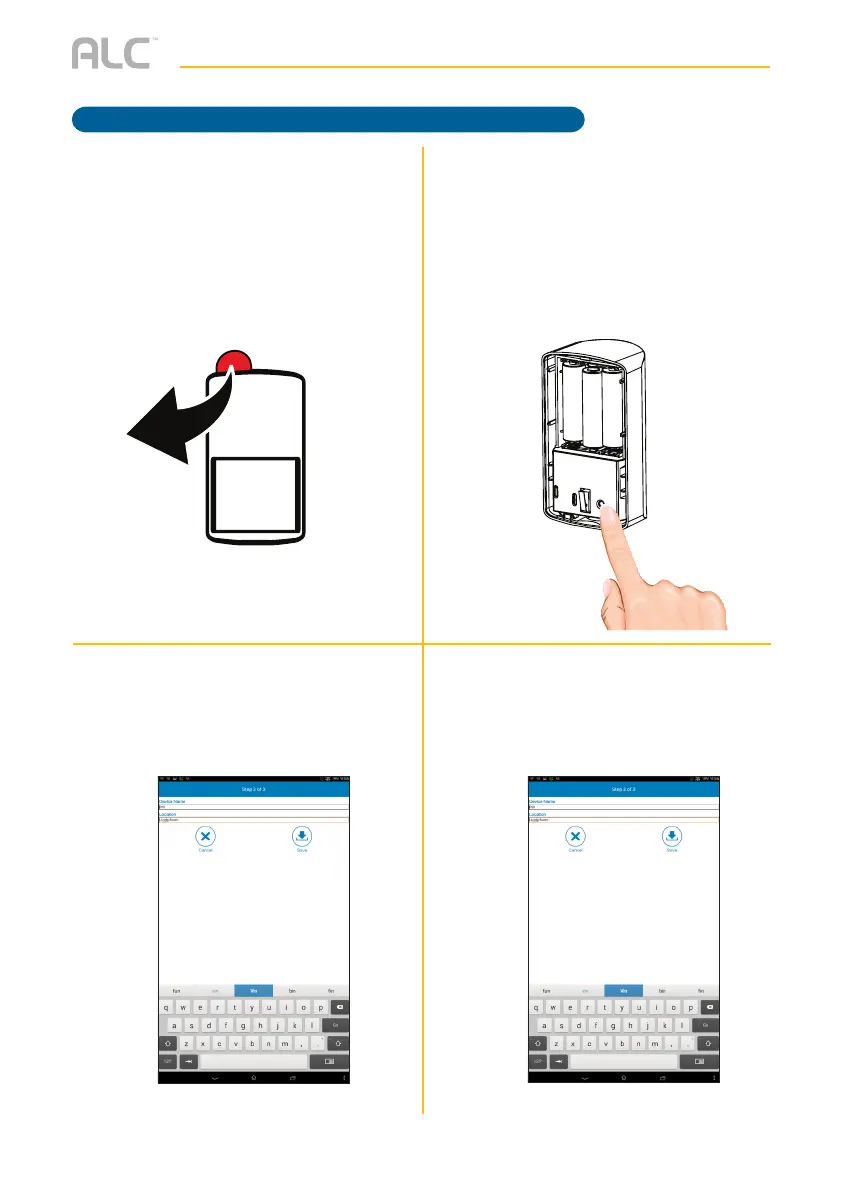
For initial setup, remove the insulating
plastic tab; the App will then search
for the sensor. If it does not detect,
see step 6; if detected, skip step 6
and continue with step 7.
U
If it did not detect the sensor, pair
manually by removing the battery
cover and then press the Pair button.
V
The following screen will appear; enter
the desired Sensor’s name and the
location.
W
Tap Save.



 To Next Page