— 38 —
ALC CONNECT APP SCENARIO SCREEN
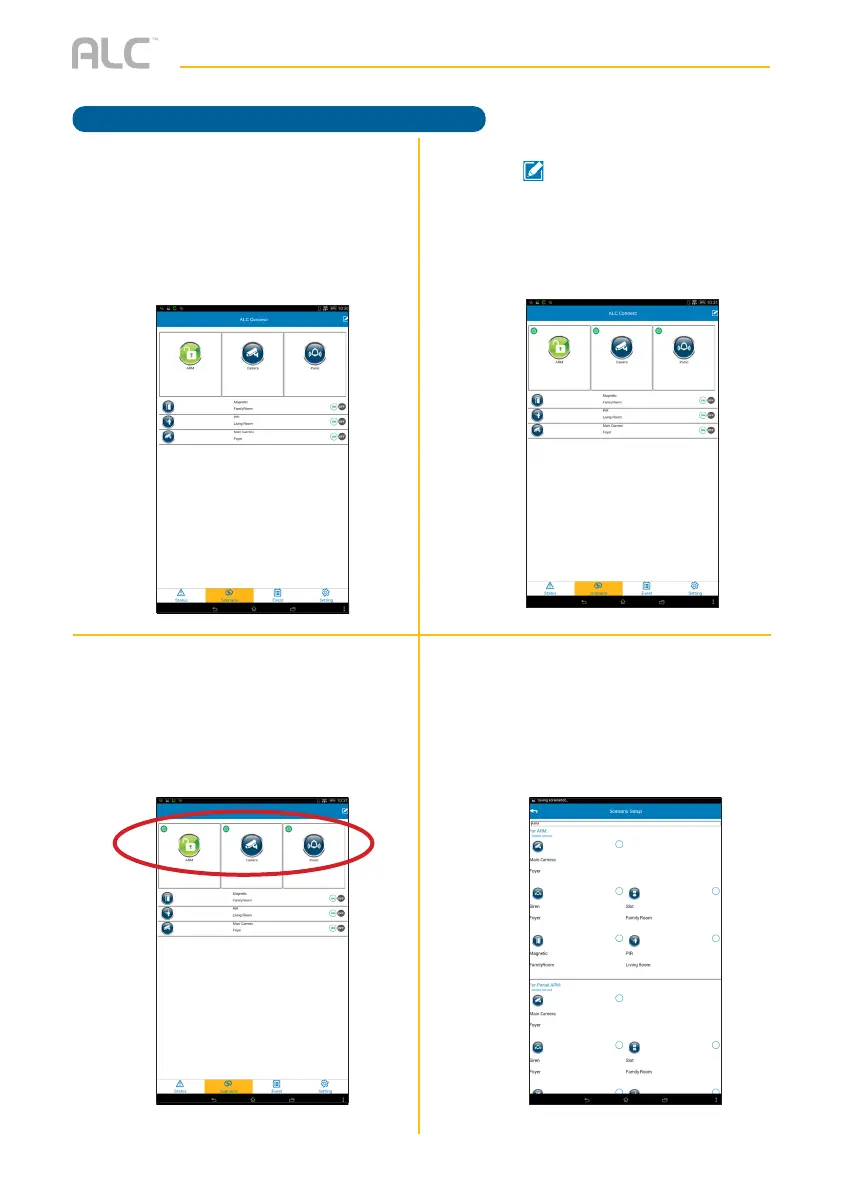
One-Touch Scenario
v
Tap to enter the Edit mode.
u
Tap the Scenario icon to enter the
Scenario screen.
x
You can now rename the one-touch
scenario and check the desired
device to activate upon pressing/
tapping; i.e. on ARM’s setup, you can
set up the Camera for Arm Away or
Arm Stay. Tap Save when done.
w
Tap one of the three one-touch
scenarios you wish to edit.



 To Next Page