— 44 —
ALC CONNECT APP SETTING SCREEN
X
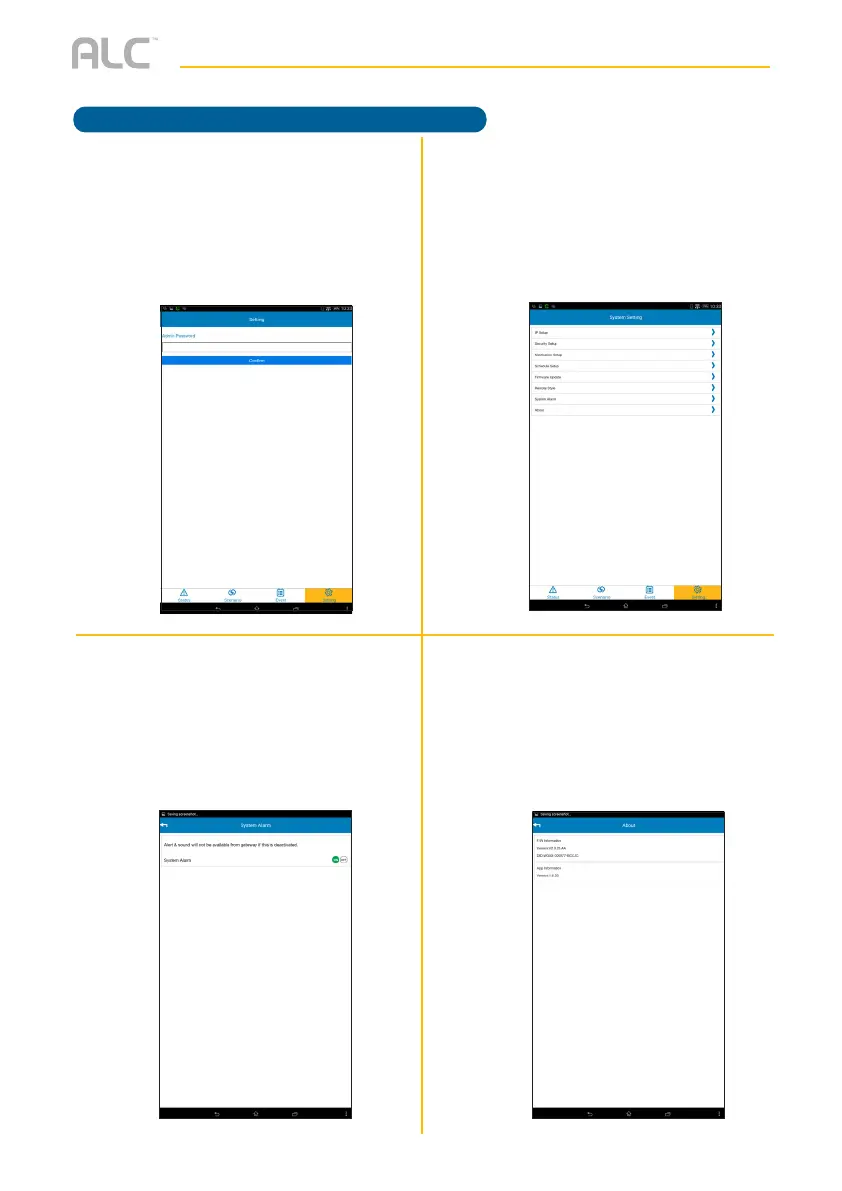
Tap Remote Style. Tap to turn
On or Off. If you turn on, next time
you startup the app the screen will
only display the Remote Control
and Settings. To deactivate, go to
Settings and tap Off in this option.
W
Tap Firmware Update then tap
Update to check for firmware
updates. If one is available, tap Yes
and install the new firmware. The App
may restart.
ak
Tap About. At this screen you can
view the Firmware Information and
App Information.
at
Tap System Alarm. Tap On or Off
to activate or deactivate the Alert &
Sounds from the Control Hub Device.
Operation



 To Next Page