120
RCP-2001 Description
BPM Studio
[19] Time Button
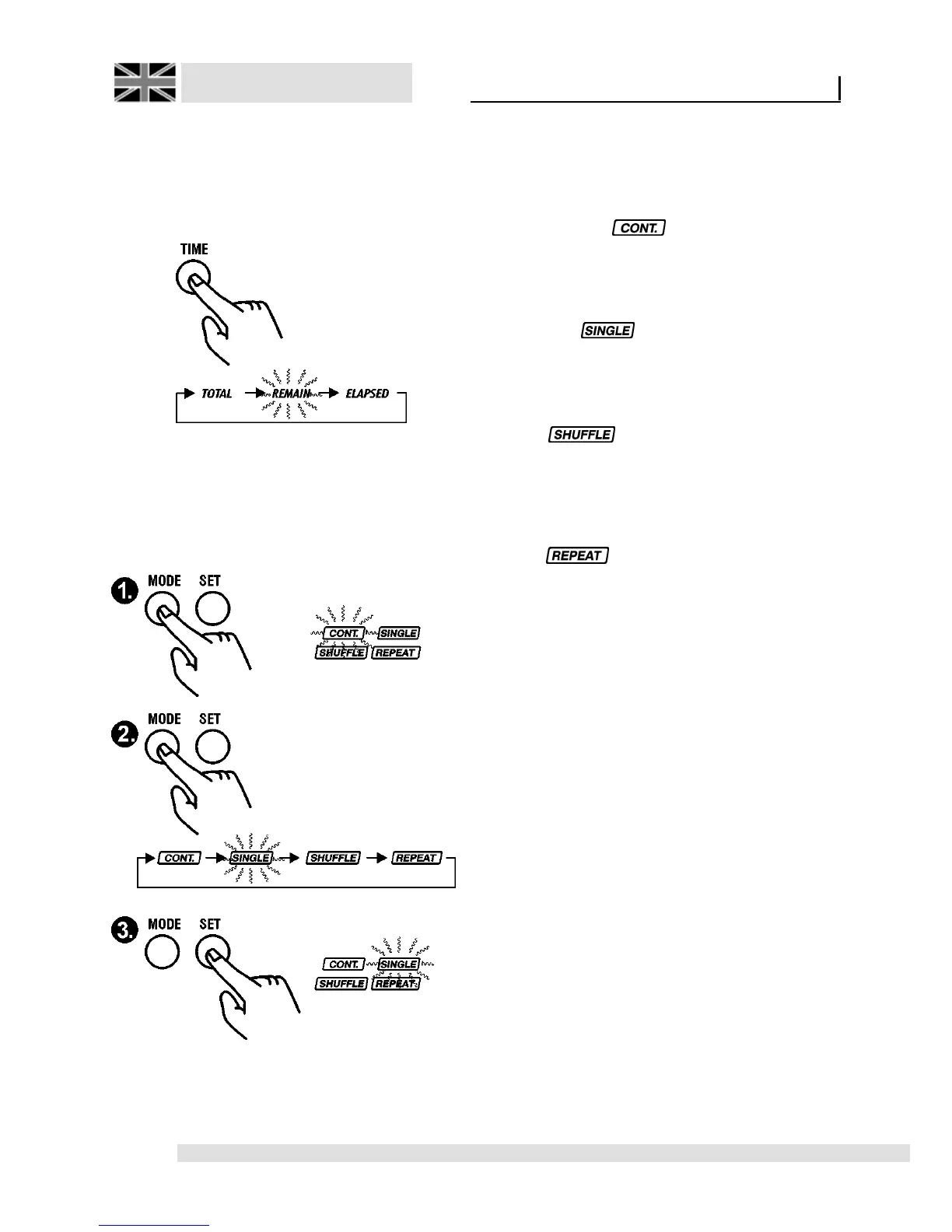
Using this button you can switch the play time
indicator in display [14] between total play time
(ELAPSED) and remaining time of title (REMAIN).
(TOTAL is not supported at present)
[20] MODE Button
By this button you can program four additional
functions: Single-/Continous-Play, Shuffle and
Repeat.
By pressing this
[MODE]
button multiply you can
select one of the modes. Corresponding indicator
will blink in display [14]. Now, using the
[SET]
-
key [21] function, you can switch it on/off.
Continous Play :
If this mode is activated, then next title in the
Playlist will be automatically loaded and played
at the end of the current title.
Single Play :
If this mode is activated, then next title in the
Playlist will be automatically loaded but not started
at the end of the current title.
Shuffle :
The titles in the Playlist will be played in random
order. Each change of the Playlist will cause a
random new title order of list as long as this mode
is enabled.
Repeat :
If this function is active, then the loaded title is
played continuously. If this function is turned off,
then the next title of the list will be loaded.
[21] SET Button
(Also BPM Match key) The current BPM value of
respective (Master) Player will be taken over by
pressing the SET key in Standard Mode. Read
also chapter ‘Beat-Matching using BPM Studio’.
Please read in this chapter the exact description
of the function of the SET button. If the
Programming Mode is active (
[MODE]
-key [19]
pressed), pressing the SET key will then switch
that function on or off.



 To Next Page