58
BPM Print Designer
BPM Studio
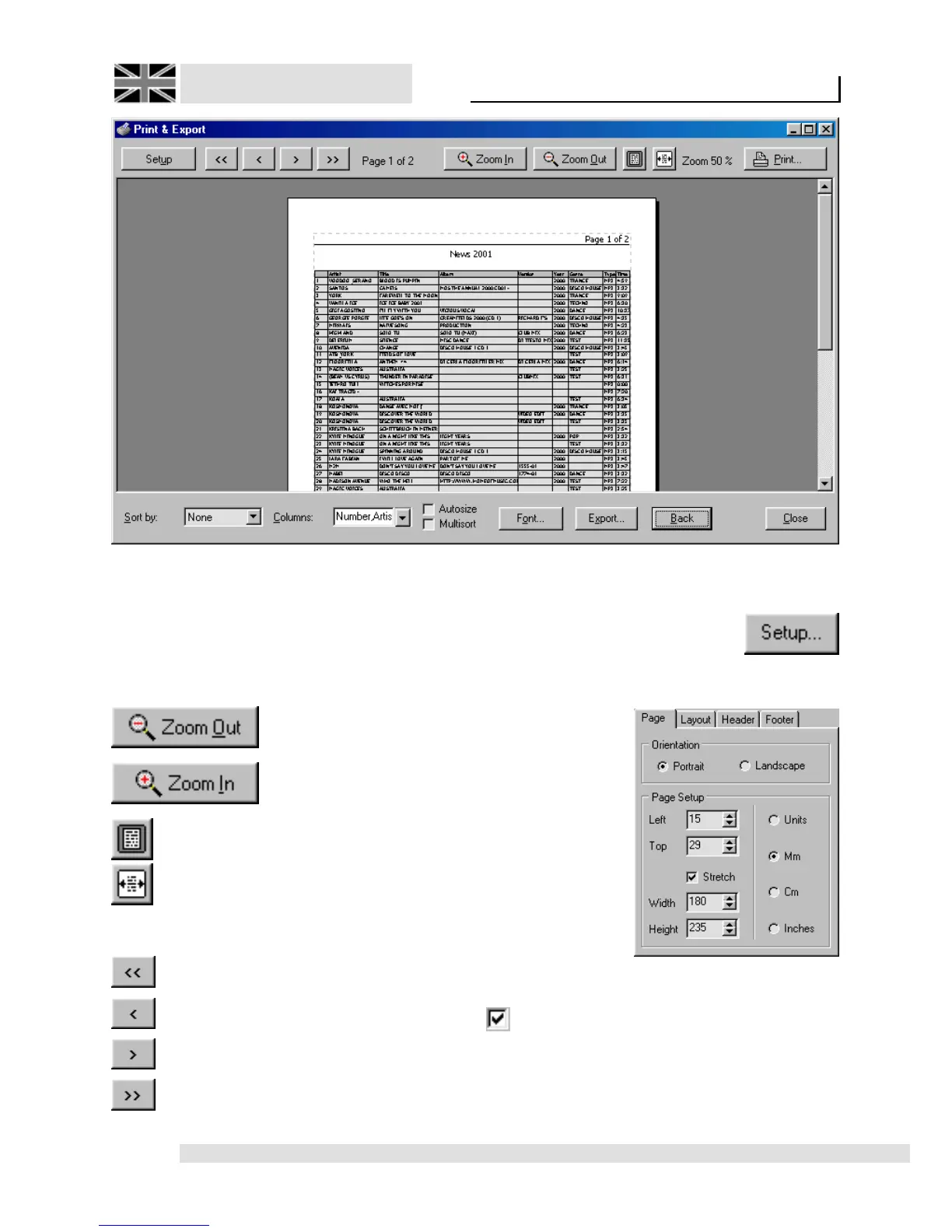
3.16.3. Print preview window:
The print preview is used to manipulate the overall
layout, and additional, useful information can be
added to the list.
Zoom functions:
Downsize the view in
steps
Enlarge the view in steps
Zooms on whole Page
Zooms to fit page width
Navigating within several print pages:
Jumps to first Page
Jumps to previous page
Jumps to next page
Jumps to last page
Page layout adjustment, and additional
functions:
The “Settings” button opens a
fourfold toolbox. Here, the
following settings can be
adjusted:
Register tab
“Page”:
Direction: Define
if page is to be
printed on as
landscape or
portray.
Page setup: Here
the margins are
defined. You have
the possibility to
choose a measurement unit of your choice.
Stretch: List will be adjusted to the overall
page width.



 To Next Page