............................................................................................................................................................................................................................................................
Remote ConfigurationConfiguring 8950 AAA Remotely
7-2
365-360-001R6.0
Issue 1, December 2008
............................................................................................................................................................................................................................................................
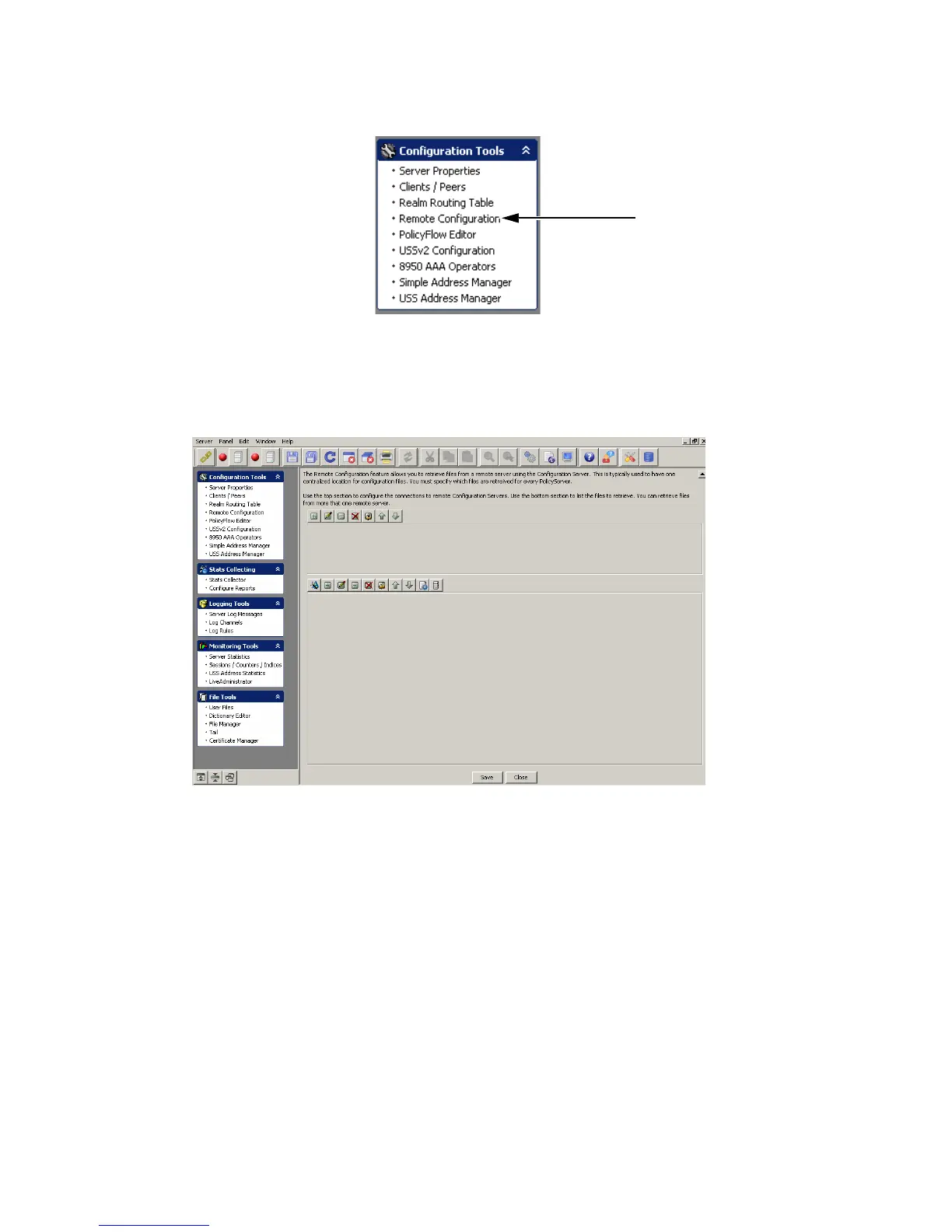
Figure 7-1 Navigation Pane–Remote Configuration option
Result: The 8950 AAA Remote Configuration panel is displayed as shown in
Figure 7-2.
Figure 7-2 The 8950 AAA SMT–Remote Configuration panel
Action buttons–Top Section
The Remote Configuration panel (Figure 7-2) contains two sections that consists of 2
sets of Action buttons that appear in the 8950 AAA Remote Configuration panel, as shown
in Figure 7-2.
The action buttons that are in the top section are used to configure the connections to
remote configuration servers. The action buttons that are in the bottom section are used to
list the files to retrieve. You can retrieve files from more than one remote server.
The Top set of action buttons are as shown in Figure 7-3.
The Remote Configuration
option in the Navigation
pane



 To Next Page