............................................................................................................................................................................................................................................................
Using the Policy WizardUsing the 8950 AAA Policy Assistant in Server
Management Tool
9-4
365-360-001R6.0
Issue 1, December 2008
............................................................................................................................................................................................................................................................
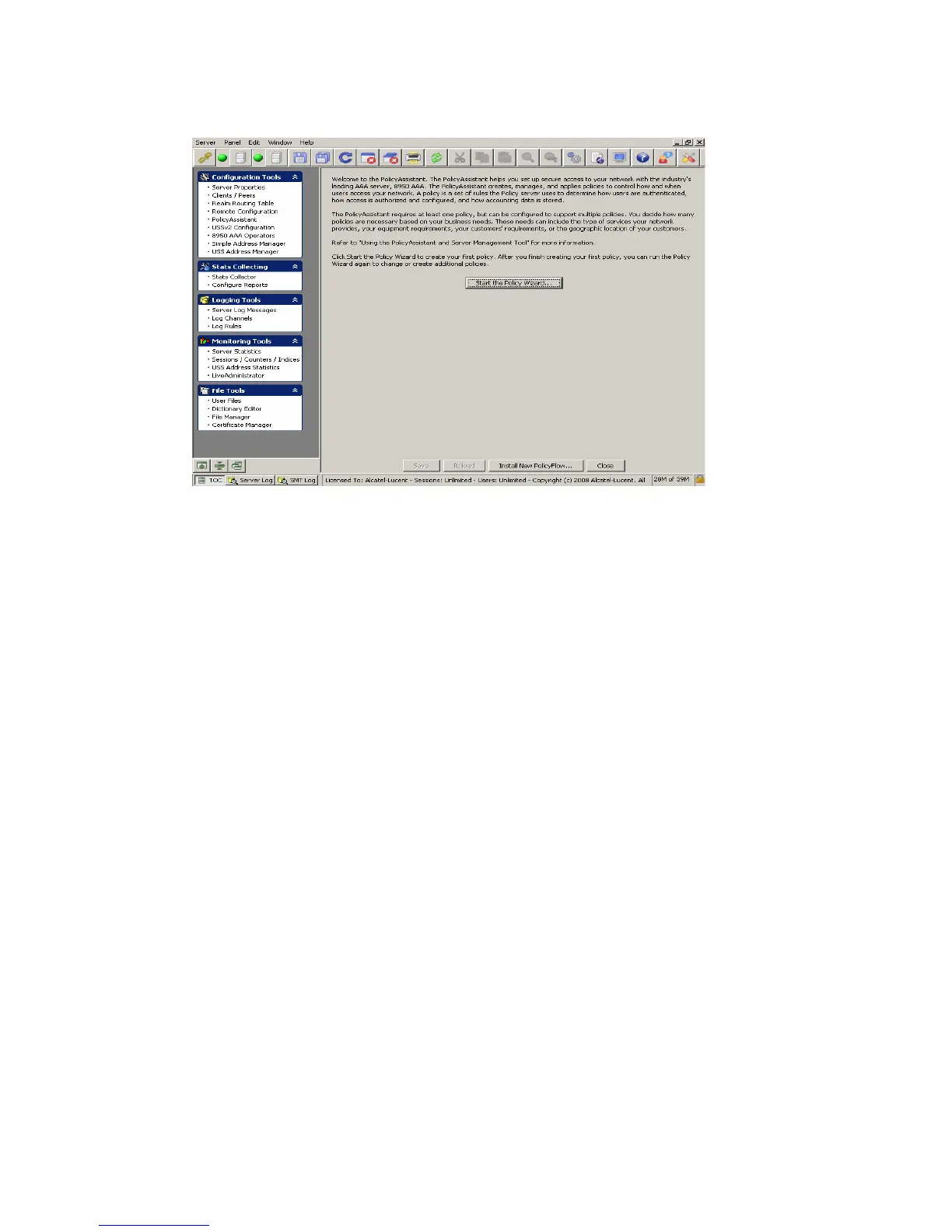
Figure 9-2 PolicyAssistant Welcome Panel
Using the Policy Wizard
About Policy Wizard
The following sections walk you through the primary functions addressed by the Policy
Wizard.
Your first objective as a 8950 AAA administrator is to determine the components of your
policy: how your network stores user profiles (user source), authenticates users
(authentication source), applies access rules, set session parameters and processes
accounting data. You must create a policy for each unique set these components. If you
have multiple sets of these components, you must run the Policy Wizard multiple times to
create a policy for each combination.
Naming Your Policies
When you click on the PolicyAssistant in the SMT Navigation pane, Figure 9-1, the
PolicyAssistant Welcome panel appears as shown in Figure 9-2. Click on the Start the
Policy Wizard button. The Policy Configuration - MyPolicy panel is displayed, as
shown in Figure 9-3.



 To Next Page