............................................................................................................................................................................................................................................................
Procedures for Creating Certificates8950 AAA Certificate Manager
22-18
365-360-001R6.0
Issue 1, December 2008
............................................................................................................................................................................................................................................................
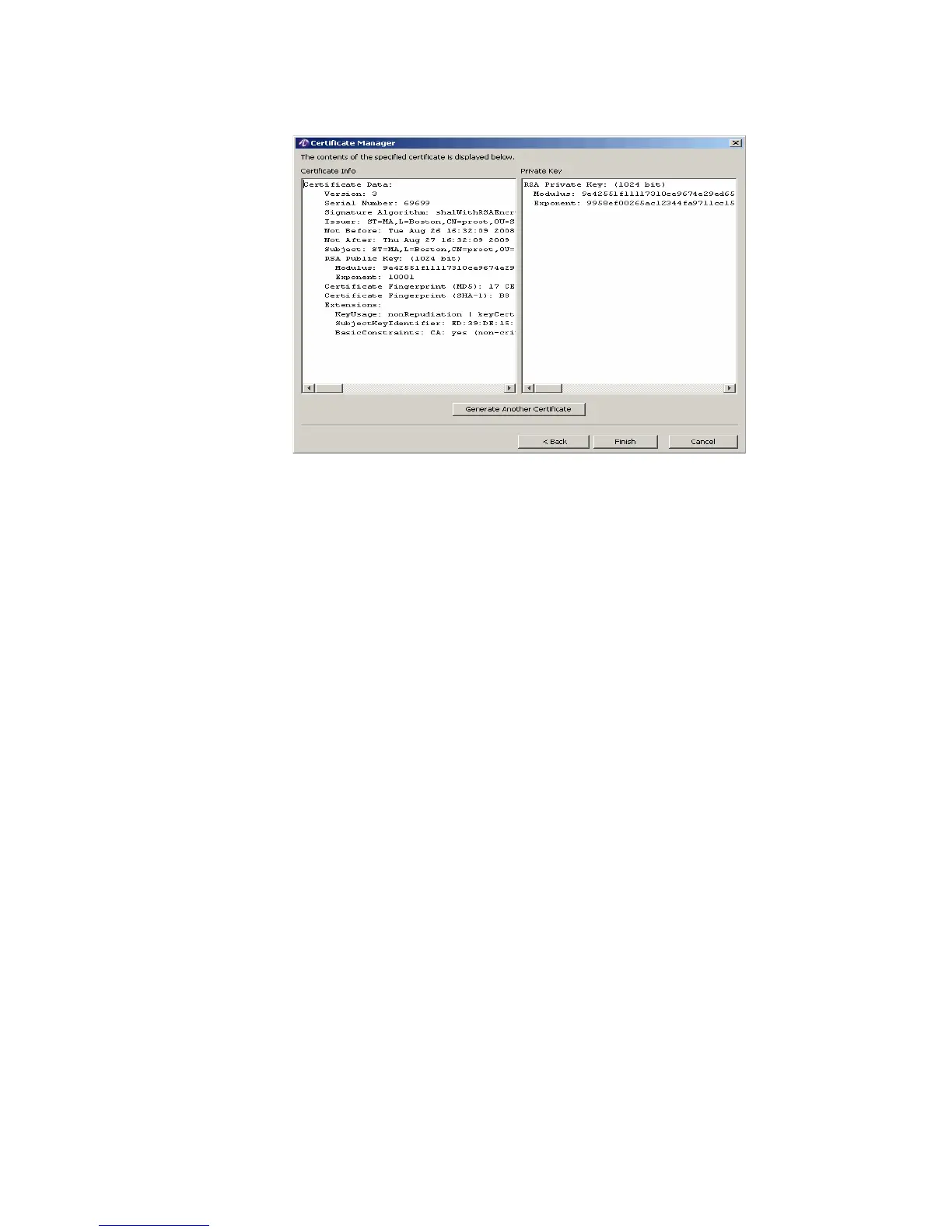
Figure 22-21 Certificate Information
4. Click Finish to go back to the File Manager panel as shown in Figure 22-2.
Procedures for Creating Certificates
Generating a Root Certificate
Important!
Do not run this procedure if you already have a self-signed root
certificate.
1. From the 8950 AAA bin directory enter the following: ./aaa-cert -gui
2. From the GUI select Root Certificate and click Next >
3. Enter a Common Name for your Root certificate, for example, MyRootCert.
4. Enter your country if it is other than the US.
5. Add any additional information and click Next >
6. Enter the password for encrypting the root certificate private key and click Next >
7. Enter the names of the certificate and trusted files, or accept the defaults, and click
Next >
8. Result: The contents of the certificate are displayed for your review. It is not necessary
to record this information; it will be included in the file.
9. Click Generate Another Certificate to create a server certificate or a client certificate
OR
click Close to terminate the aaa-cert application.



 To Next Page