Displaying the Configuration Server Administration
Interface
Supplementary Information
............................................................................................................................................................................................................................................................
365-360-001 R6.0
Issue 1, December 2008
A-3
............................................................................................................................................................................................................................................................
Figure A-2 Telnet Session Using RADIUS Server Administration Address
Displaying the Configuration Server Administration Interface
About Configuration Server Administration Interface
Use the following procedure to display the configuration server administration interface:
1. Using the IP address of the 8950 AAA server, open a Telnet window by executing the
following command:
telnet IP address 9020
Result:
A Telnet screen appears.
2. Using the administrator username and password, enter the following command:
login username password
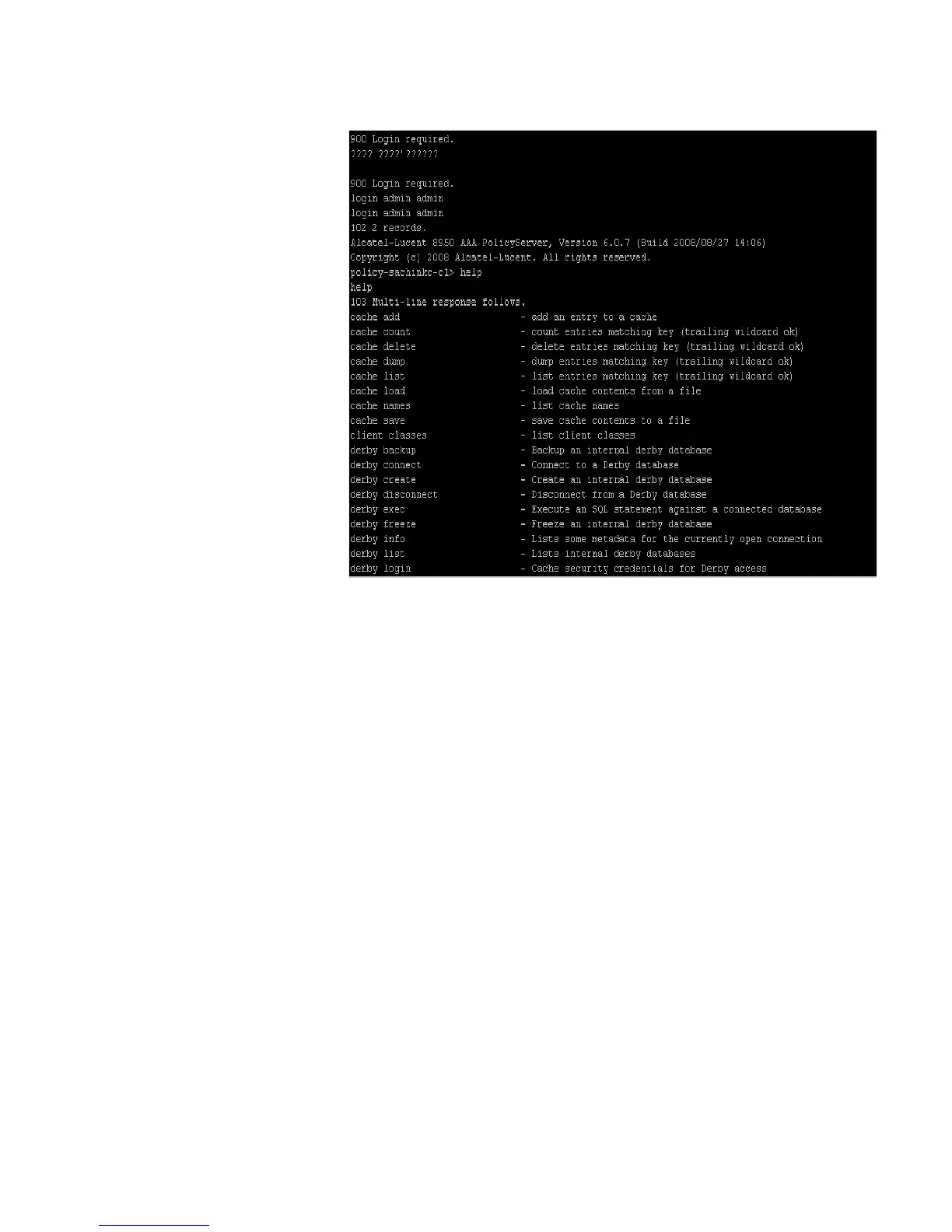
3. At the prompt, enter help to display a list of commands for the configuration server
that may be used through this interface.
Figure A-3 shows such a telnet session.



 To Next Page