............................................................................................................................................................................................................................................................
Adding an Access RuleConfiguring 8950 AAA Operators
11-14
365-360-001R6.0
Issue 1, December 2008
............................................................................................................................................................................................................................................................
Result: The selected Access Type determines the Pattern and Access Level fields.
9. Enter a value for the Pattern.
When the Access Type is FILE, then File Pattern appears as the second field, as
shown in Figure 11-9, above.
In the File Pattern text field, type a name or a limited wildcard pattern. For example,
the File Pattern *_methods would match auth_methods and acct_methods.
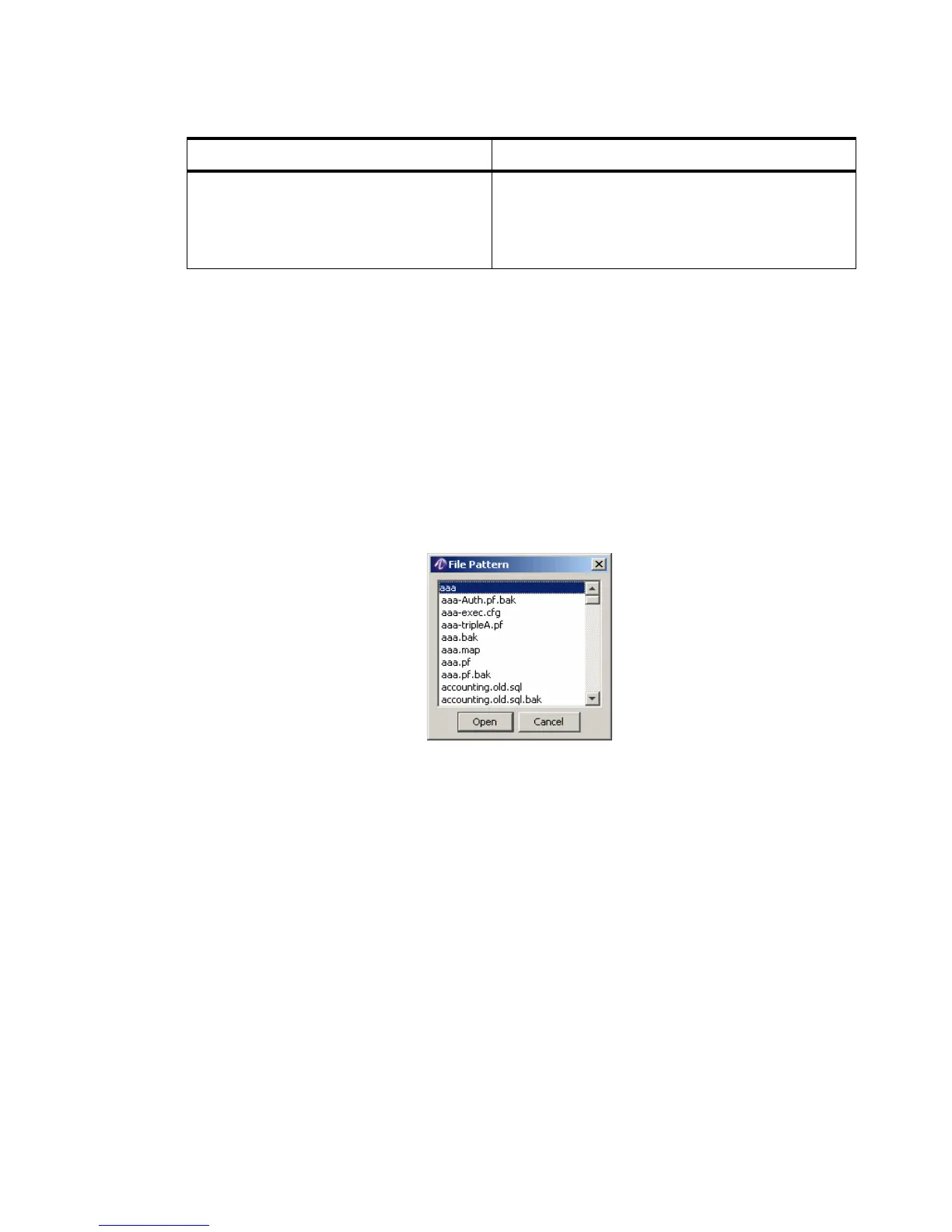
You may also click the File Pattern button, at the right of the field, to select a
commonly used name for the selected Access Type. Select from the File Pattern dialog
as shown in Figure 11-10.
Figure 11-10 File Pattern Dialog
If the selected Access Type is Command, then Command Pattern appears as the
following field, as shown in Figure 11-11.
Role Access Type Controls access to Remote Method Invocation
(RMI). Generally applies to SMT access
permissions to RADIUS and state servers and by
the HAUSS during replication.
Table 11-7 Access Rules–Access Type Component
Access Type Description



 To Next Page