............................................................................................................................................................................................................................................................
Simple Address Manager ConfigurationConfiguring Simple Address Manager
12-2
365-360-001R6.0
Issue 1, December 2008
............................................................................................................................................................................................................................................................
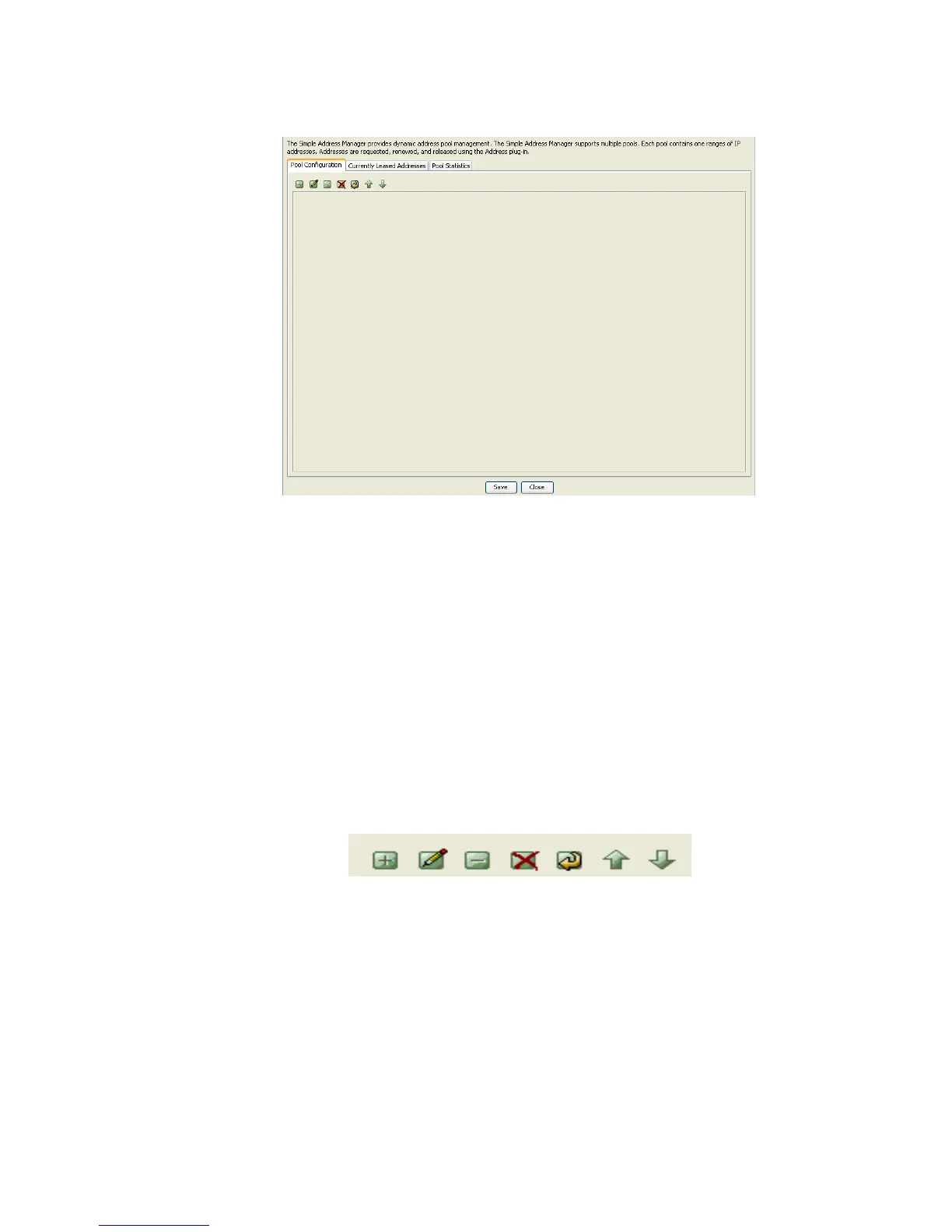
Figure 12-2 Simple Address Manager Panel
The Simple Address Manager contains three tabs:
• Pool Configuration
• Currently Leased Addresses
• Pool Statistics
Pool Configuration tab
The Simple Address Manager panel with the Pool configuration tab selected is shown in
Figure 12-4 selected.
A set of action buttons, as shown in the Figure 12-4 are also present in the Pool
Configuration tab.
Figure 12-3 Simple Address Manager–Action Buttons
The action buttons allow you to perform the following actions:
• Insert a record
• Edit a record
• Delete a record
• Delete all records
• Make a copy of selected records
• Move selected record up



 To Next Page